← Browse tech deals
TECH DEAL COMPASS

Best 1440p Monitors: Top 27", 32" & Ultrawide QHD Displays (Updated Daily)

1440p (2560x1440 QHD) remains the undisputed sweet spot in PC gaming and productivity—offering 77% more screen workspace than 1080p without crushing mid-range GPUs. We test Fast IPS vs. QD-OLED vs. Curved VA panels, 165Hz to 360Hz refresh rates, ergonomic stands, and verified daily price drops across Best Buy, Amazon, and Newegg.

Deals checked daily across Amazon, Best Buy & Newegg (Updated October 19, 2026)
Browse All Monitor Deals in Our Catalog→Jump to Curated 1440p Deals↓27" vs 32" & Panel Breakdown↓

⚡ The Quick Verdict: Why 1440p (QHD) is the Visual Sweet Spot

For 85% of PC gamers and desk workers, 1440p (2560 x 1440) is the undisputed sweet spot in 2026. It delivers 78% more pixels than dated 1080p displays without placing the brutal graphical rendering burden of 4K (8.29 million pixels) on your graphics card.

  • 109 PPI Pixel Density on 27 Inches: Text is razor sharp, UI elements fit perfectly without squinting, and Windows works natively at 100% display scaling (no fuzzy application scaling bugs).
  • High Framerates on Mid-Range GPUs: Popular graphics cards like the RTX 4070, RTX 5060 Ti / 5070, and Radeon RX 7800 XT achieve 120–180+ FPS at 1440p high settings, unlocking the full benefit of 165Hz+ panels.
  • Price-to-Performance Reality: A top-tier 27-inch 165Hz–180Hz Fast IPS monitor now costs just $140 to $200. QD-OLED models have plunged into the $300 to $400 range, making OLED black levels accessible to mainstream desk setups.
💡 Console Tip: PlayStation 5 and Xbox Series X both support native 1440p output at up to 120Hz with Variable Refresh Rate (VRR) over HDMI 2.0/2.1.

Today's Best 1440p Monitor Deals by Category

Our automated deal monitor scans verified listings across Amazon, Best Buy, and Newegg every morning. Below are the top-rated 1440p displays for each specific budget and workflow:

Best Overall 1440p Gaming Sweet SpotSave 32%
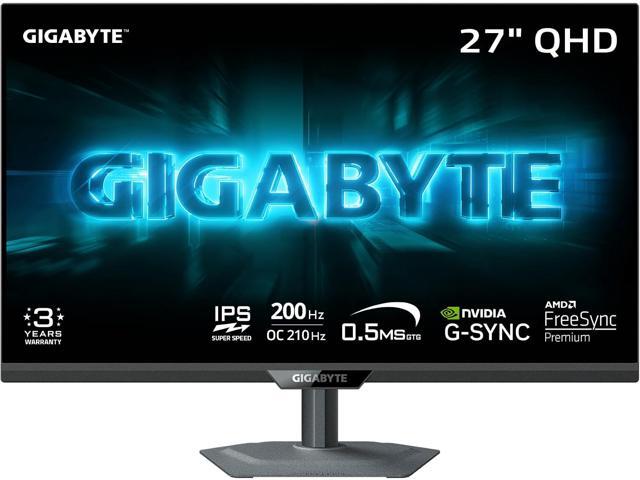
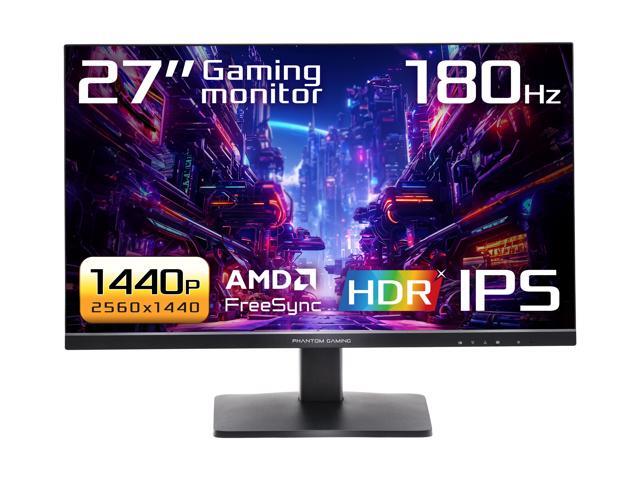
GIGABYTE - G27Q20 - 27" SuperSpeed IPS Gaming Monitor - QHD 2560 x 1440 - 200 Hz/OC 210 Hz - 0.5ms GTG - AMD FreeSync Premium, G-SYNC Compatible - HDMI, DP - Height and Tilt Adjustable - Black

GIGABYTE - G27Q20 - 27" SuperSpeed IPS Gaming Monitor - QHD 2560 x 1440 - 200 Hz/OC 210 Hz - 0.5ms GTG - AMD FreeSync Premium, G-SYNC Compatible - HDMI, DP - Height and Tilt Adjustable - Black

Key Specs: 27-Inch Flat Fast IPS · 165Hz–200Hz · 1ms GTG · G-Sync Compatible · Full Ergonomic Stand

Best For: The gold standard for mainstream PC gaming and esports. Exceptional motion clarity, vibrant sRGB color accuracy, and zero black smearing.

$149.99$219.99Verified live offer at Newegg
View Deal ↗
Best 1440p for Remote Work & Dual-UseSave 27%
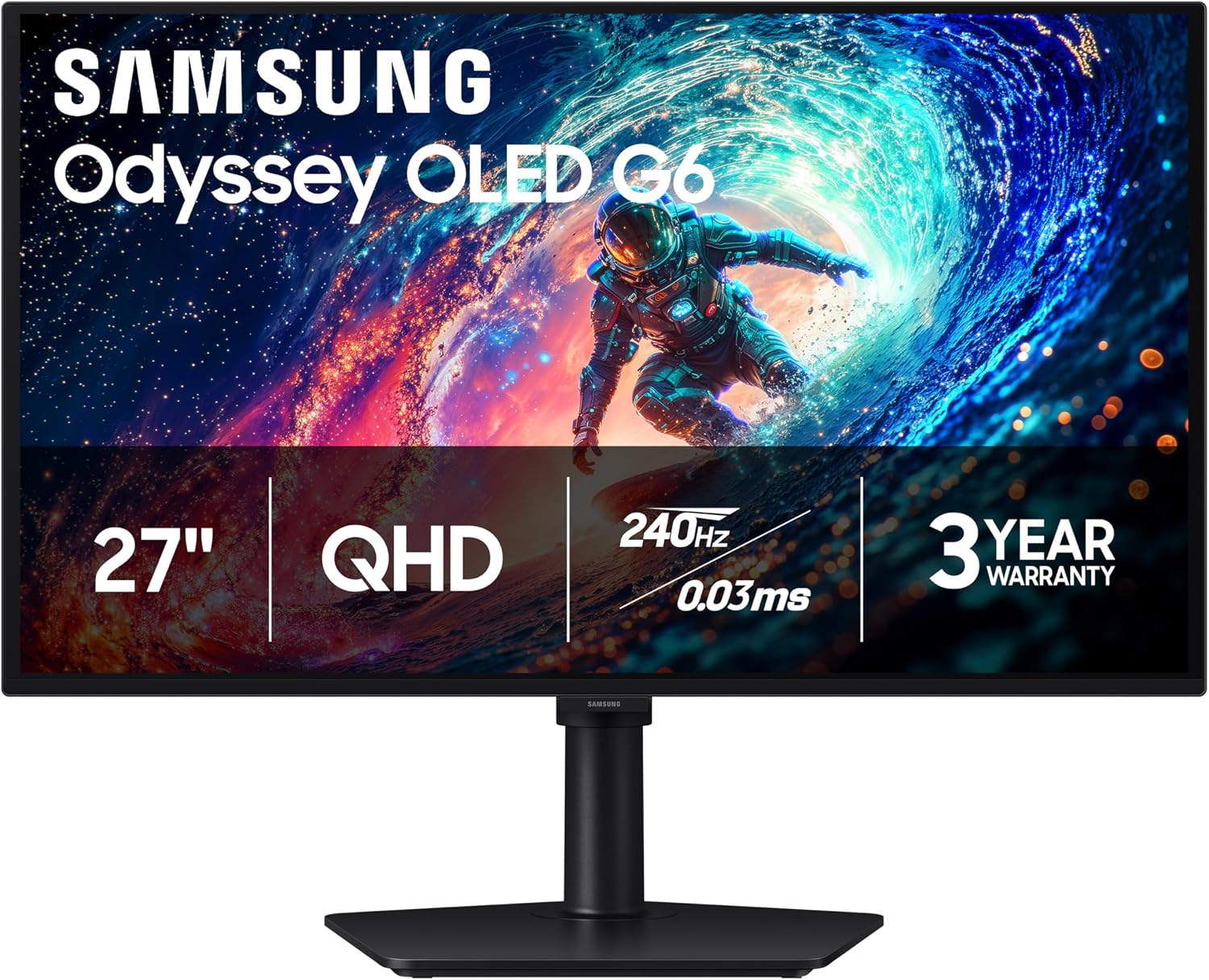
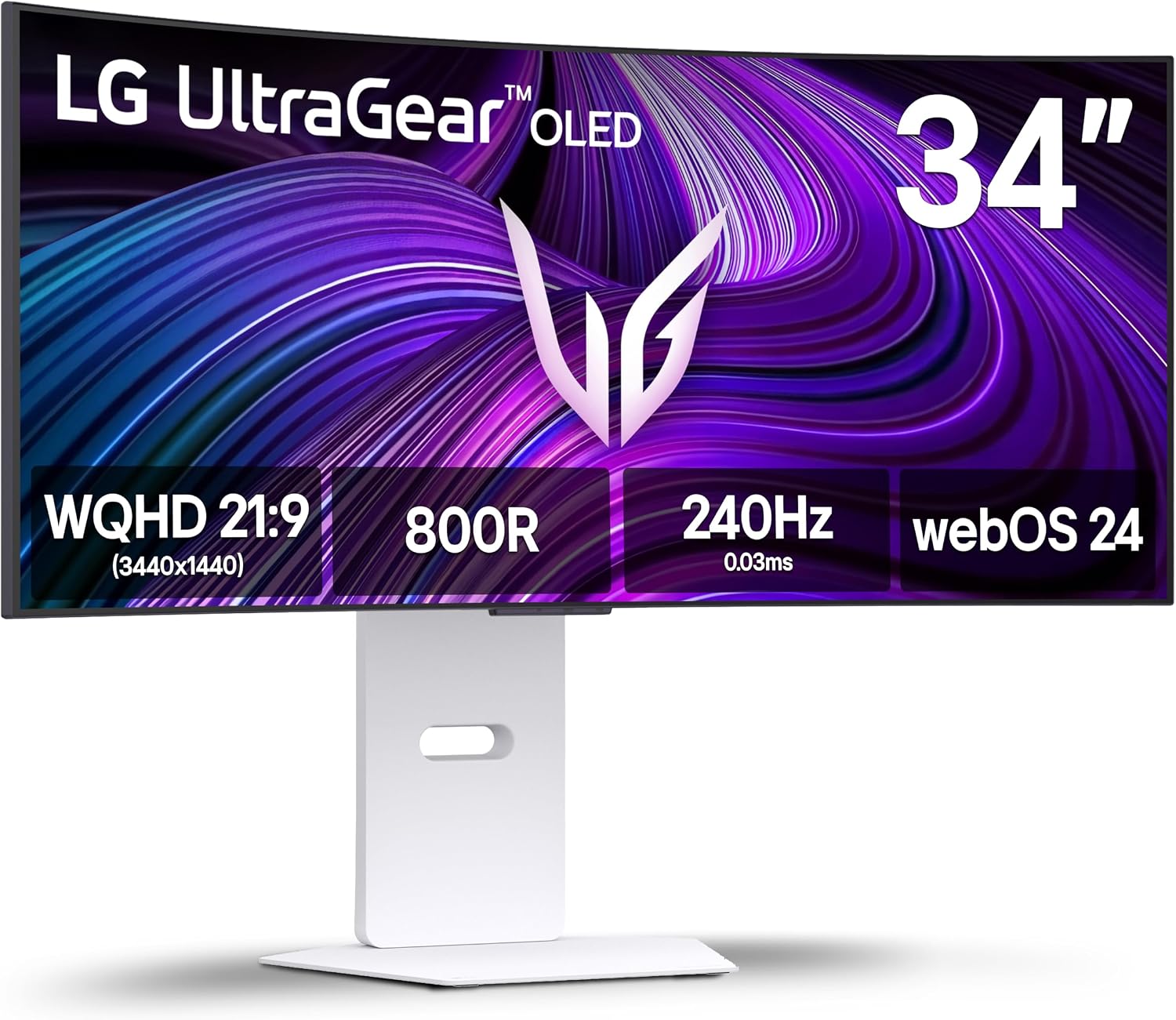
LG 34GX90SA-W 34-inch Ultragear WQHD (3440 x 1440) OLED Curved Gaming Monitor 240Hz, 1ms, NVIDIA G-Sync Compatible, AMD FreeSync Premium, VESA DisplayHDR True Black 400, webOS, USB Type-C, White

LG 34GX90SA-W 34-inch Ultragear WQHD (3440 x 1440) OLED Curved Gaming Monitor 240Hz, 1ms, NVIDIA G-Sync Compatible, AMD FreeSync Premium, VESA DisplayHDR True Black 400, webOS, USB Type-C, White

Key Specs: 27-Inch IPS · Built-in Hardware KVM Switch · USB-C Alt Mode · 170Hz–180Hz · Height Adjustable

Best For: Home office professionals switching between a work laptop and personal desktop PC with a single keyboard, mouse, and monitor.

$799.00$1,099.99Verified live offer at Amazon
View Deal ↗
Best 32-Inch Immersive Curved 1440pSave 22%
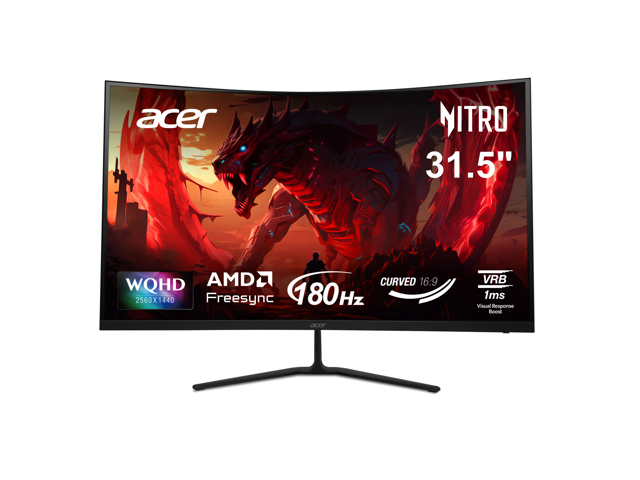
Acer Nitro 32 inch (31.5" viewable) WQHD 2K 1440P 180hz with AMD FreeSync 1ms 1000R Curved Gaming Computer Monitor ED323QU P1bmiipx

Acer Nitro 32 inch (31.5" viewable) WQHD 2K 1440P 180hz with AMD FreeSync 1ms 1000R Curved Gaming Computer Monitor ED323QU P1bmiipx

Key Specs: 31.5-Inch 1000R Curved VA · 165Hz–180Hz · 3,000:1 High Contrast Ratio · HDR10

Best For: Sim racing, flight simulators, and RPG gamers sitting 30+ inches away who prioritize deep contrast and wrapped visual immersion.

$179.99$229.99Verified live offer at Newegg
View Deal ↗
Best 34-Inch Ultrawide 1440p (UWQHD)Save 18%
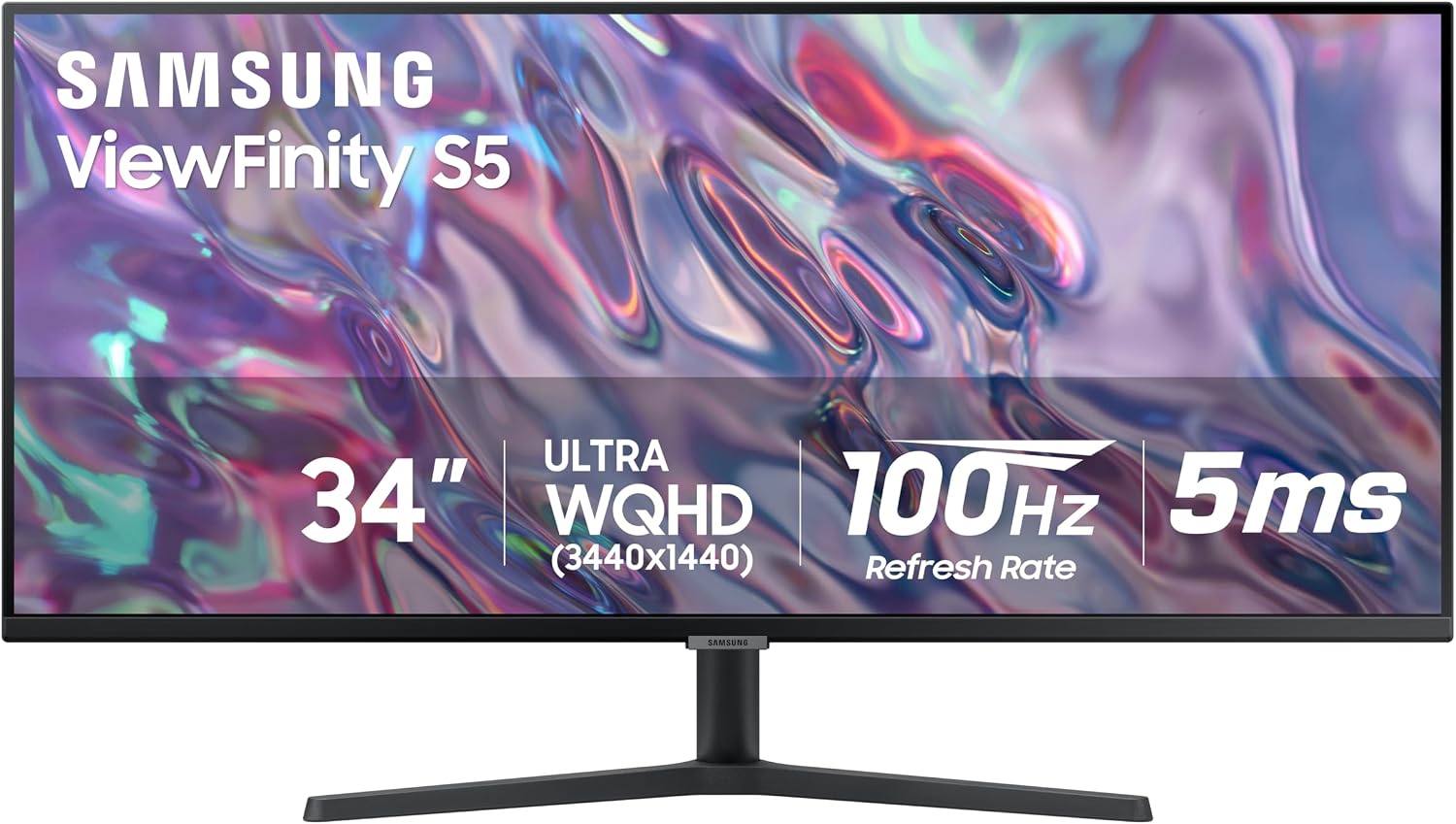
SAMSUNG 34" ViewFinity S50GC Series Ultra-WQHD Monitor, 100Hz, 5ms, HDR10, AMD FreeSync, Eye Care, Borderless Design, PIP, PBP, LS34C502GANXZA, 2023, Black

SAMSUNG 34" ViewFinity S50GC Series Ultra-WQHD Monitor, 100Hz, 5ms, HDR10, AMD FreeSync, Eye Care, Borderless Design, PIP, PBP, LS34C502GANXZA, 2023, Black

Key Specs: 34-Inch 21:9 Ultrawide (3440 x 1440) · 100Hz–160Hz · Dual-Window Multitasking · Picture-by-Picture

Best For: Spreadsheets, timeline video editing, and immersive ultrawide gaming equivalent to two seamless side-by-side screens without center bezels.

$269.00$329.99Verified live offer at Amazon
View Deal ↗

Screen Size Matters: 27" vs. 32" vs. 34" Ultrawide

Resolution only tells half the story. The physical screen size determines your Pixel Density (Pixels Per Inch - PPI) and how far back you need to sit:

27-Inch 1440p (109 PPI)

Ideal Distance: 20–28 inches (50–70 cm)
Visual Sharpness: Flawless. Individual pixels disappear at normal desk distance.
Verdict: The universal recommendation for 85% of users. Fits standard 24–30" desk depths and works at 100% UI scaling.

32-Inch 1440p (93 PPI)

Ideal Distance: 30–36 inches (75–90 cm)
Visual Sharpness: Same pixel density as a 24" 1080p monitor.
Verdict: Huge immersive canvas for sim racing, RPGs, and media. Requires a deep desk (at least 30 inches) to prevent visible pixel grain.

34-Inch Ultrawide (110 PPI)

Ideal Distance: 24–32 inches (60–80 cm)
Resolution: 3440 x 1440 (21:9 Aspect Ratio)
Verdict: Exactly the same vertical height and razor-sharp pixel density as a 27" 1440p monitor, but with 33% more horizontal screen estate.

5 Critical Checkpoints Before Buying a 1440p Monitor

1. Panel Tech: Fast IPS vs. QD-OLED vs. Curved VA

Fast IPS is the safest all-around pick: wide 178° viewing angles, crisp text for desktop work, and zero risk of burn-in. QD-OLED delivers unmatched 0.03ms pixel response times, infinite contrast, and spectacular HDR highlights, but carries a higher price tag and requires burn-in mitigation habits. Curved VA offers deep 3,000:1 contrast for high immersion in dark rooms, but can suffer from dark-level motion smearing in competitive fast-paced FPS shooters.

2. Refresh Rate: 165Hz vs. 240Hz vs. 360Hz

The jump from 60Hz to 144Hz/165Hz is massive (reducing frame rendering time from 16.6ms to 6.0ms). Beyond 165Hz, the law of diminishing returns sets in. A 240Hz monitor drops frame time to 4.1ms (a 1.9ms gain), while 360Hz drops it to 2.7ms. For 90% of gamers, a 165Hz–180Hz 1440p monitor provides the optimal balance of smoothness and cost. Only competitive esports players (Valorant, Apex, CS2) need to pay the premium for 240Hz+.

3. Port Bandwidth: DisplayPort 1.4 vs. HDMI 2.0 / 2.1

To run 1440p at 165Hz–240Hz with full 10-bit color without chroma subsampling, PC users should always use DisplayPort 1.4 with Display Stream Compression (DSC). For console gamers on PS5 or Xbox Series X, verify that the monitor's HDMI ports support 1440p @ 120Hz with HDMI-VRR. Some budget monitors limit their HDMI ports to 1440p @ 60Hz or 1080p @ 120Hz.

4. Stand Adjustability (Height, Tilt, Swivel, Pivot)

Many budget 1440p monitors cut manufacturing costs by including a cheap tilt-only plastic stand that cannot be raised or lowered. Ergonomically, the top third of your screen should sit directly at eye level to prevent neck strain. Look for models with full 4-way ergonomic adjustability (height, tilt, swivel, 90° pivot) or ensure the monitor includes standard VESA 100x100mm mounting holes so you can attach a desktop monitor arm.

5. Hardware KVM & USB-C Single-Cable Connectivity

If you work from home with a corporate laptop and have a personal gaming PC at the same desk, a monitor with a built-in KVM switch (like the Gigabyte M27Q) and USB-C DisplayPort Alt Mode with Power Delivery is life-changing. Plug your mouse and keyboard into the monitor; switching between your work laptop and gaming PC requires just a single button press without swapping messy cables.

Popular 1440p Monitor Spec & Price Benchmark Matrix

Compare the most popular 1440p monitors side-by-side to understand panel technologies, motion performance, and fair deal price targets:

Monitor ModelScreen SizePanel TypeRefresh RateResponse TimeStand AdjustSpecial FeatureTarget Deal Price
Dell G2724D27-InchFast IPS165 Hz1ms GTG4-Way Full ErgonomicG-Sync / VRR Certified$180 – $210
MSI G274QPF27-InchRapid IPS170 Hz1ms GTG4-Way Full ErgonomicQuantum Dot Color (DCI-P3 95%)$170 – $200
Samsung OLED G50SF27-InchQD-OLED180 Hz0.03ms GTGTilt OnlyInfinite Contrast / Anti-Glare$280 – $340
Gigabyte M27Q27-InchSuperSpeed IPS170 Hz0.5ms MPRTHeight & TiltHardware KVM + USB-C$210 – $240
ASRock PG27QFT1B27-InchFast IPS180 Hz1ms GTGTilt OnlyIntegrated Wi-Fi Antenna Base$125 – $145
Samsung Odyssey G55C32-InchCurved VA (1000R)165 Hz1ms MPRTTilt Only3,000:1 Deep Contrast / Curve$180 – $220
Samsung ViewFinity S50GC34-Inch UltrawideVA Flat100 Hz5ms GTGTilt Only21:9 Aspect Ratio / PBP & PIP$199 – $230

Frequently Asked Questions: 1440p Monitors

Can my graphics card handle 1440p gaming?

Modern GPUs starting from the NVIDIA GeForce RTX 3060 Ti / RTX 4060 Ti / RTX 5060, or AMD Radeon RX 6700 XT / RX 7700 XT and higher easily handle 1440p at 60–120+ FPS in modern titles with high settings. Utilizing DLSS or FSR Quality mode allows even modest GPUs to hit 144+ FPS in demanding games without noticeable loss in image clarity.

Does the PlayStation 5 support native 1440p?

Yes! Sony added native 1440p output support to the PS5. You can output 1440p at 60Hz and 120Hz with Variable Refresh Rate (VRR) enabled, provided the monitor supports HDMI 2.0 or 2.1 with HDMI Forum VRR. Games will render cleanly at native resolution rather than supersampling down to 1080p.

Is 32 inches too big for a 1440p monitor?

At 32 inches, 1440p yields 93 PPI—the same pixel density as a 24-inch 1080p screen. If you sit close (under 24 inches), you will notice individual pixels in text. However, if your desk is deep (30+ inches) and you sit 3 feet away, 32-inch 1440p looks great and provides massive immersion without straining your eyesight.

Do I need to enable Windows scaling on a 27" 1440p monitor?

No. At 109 PPI, 100% native scaling in Windows 11 is the default and looks perfect for almost everyone. This avoids all legacy application blurriness and UI scaling artifacts that frequently plague 4K monitors running at 150% scaling.

Explore Related Display Guides & Comparisons