
MSI G274QPF vs. Dell G2724D: Best Budget 1440p Gaming Monitor?
Choosing between the MSI G274QPF and Dell G2724D represents the ultimate budget 1440p gaming monitor showdown. We compare deep AUO Fast IPS contrast (~1,350:1) versus Quantum Dot color vibrancy, 165Hz vs 170Hz motion response, USB-C connectivity, audio jacks, PlayStation 5 120Hz VRR support, and live daily pricing across Amazon, Best Buy, and Newegg.
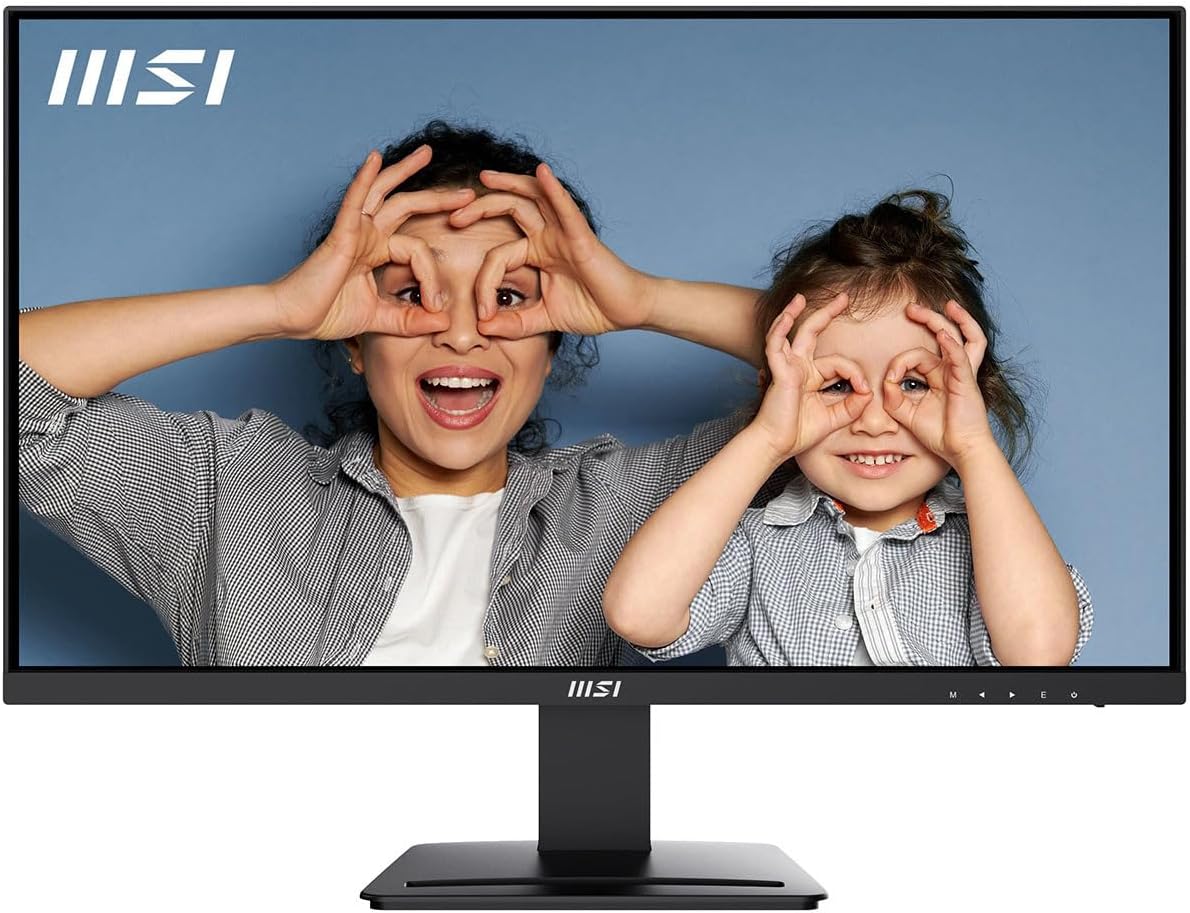
msi PRO MP273U, IPS 3840 x 2160 (UHD) Computer Monitor, 4K, 60 Hz, Adaptive-Synch, HDMI, DisplayPort, 4ms (GTG), Black
MSI's feature-packed 1440p Rapid IPS display featuring an overclocked 170Hz refresh rate, rich Quantum Dot wide color gamut (93% DCI-P3), USB Type-C display input with 15W PD, and integrated headphone audio jack.
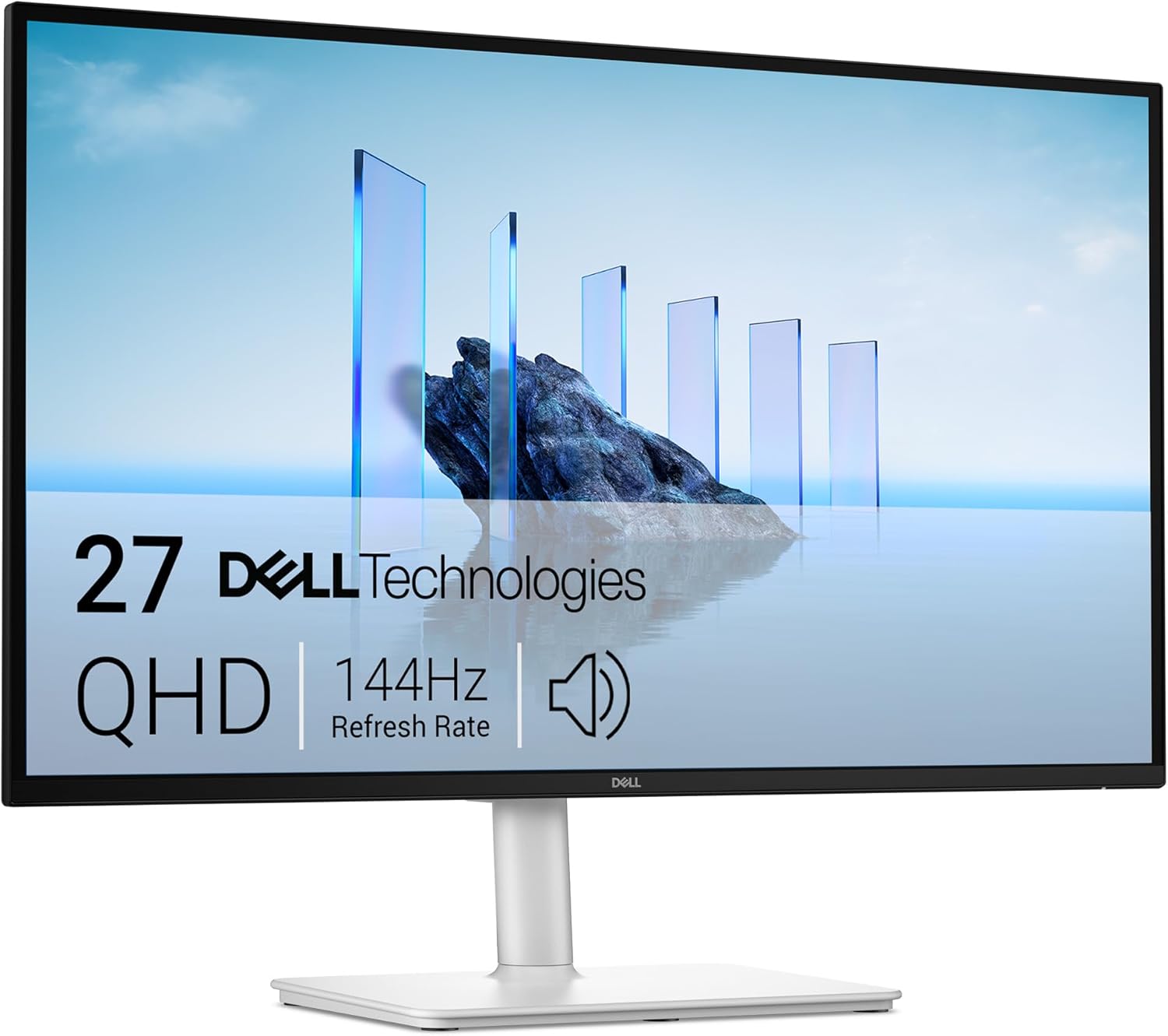
Dell 27 Plus QHD Monitor - S2725DSM - 27-inch QHD (2560x1440) 144Hz 1ms Display, 2 x 3W Speakers, HDMI/DisplayPort 1.4 Connectivity, Height/Tilt/Pivot/Swivel Adjustability, AMD FreeSync - Ash White
The consensus gold standard budget 1440p gaming monitor. Delivers an unmatched ~1,350:1 native contrast ratio, certified NVIDIA G-SYNC / FreeSync Premium, unlocked sRGB clamp mode, and flawless PS5 120Hz VRR support.
⚡ Quick Verdict: Which 27-inch 1440p Monitor Should You Buy?
You want the deepest contrast ratio possible on an IPS panel (~1,350:1), accurate sRGB clamp for content creation, or you play on PS5/Xbox with 120Hz VRR. It produces deeper blacks and cleaner dark-room gaming.
You need a USB Type-C port to connect a laptop with a single cable, require a 3.5mm headphone/speaker jack (which the Dell completely lacks), or crave eye-popping Quantum Dot color saturation.
1. Panel Contrast & Dark-Room Picture Quality: The AUO Advantage
The most significant picture-quality difference between these two displays is their static contrast ratio:
- Dell G2724D (~1,300:1 to 1,400:1 Native Contrast): Dell utilizes an AU Optronics Fast IPS panel that routinely measures around 1,350:1 in independent lab tests. Standard IPS monitors average around 900:1 to 1,000:1. This roughly 35% boost in contrast means shadow details in dark games like Resident Evil 4, Cyberpunk 2077, or Dead Space look noticeably inky rather than hazy gray. In addition, IPS corner glow is considerably less intrusive.
- MSI G274QPF (~1,000:1 Native Contrast): MSI uses a BOE Rapid IPS panel that adheres to the standard ~1,000:1 contrast floor. In a well-lit room or office setting, images look sharp and punchy. However, when playing games in a dim or dark room, black bars in movies and dark dungeon corridors will exhibit characteristic grayish IPS glow.
If contrast and black levels matter to you—and you don't want to step up to expensive OLED or Mini-LED monitors—the Dell G2724D is the undisputed winner in dark-room visual depth.
2. Motion Clarity & Overdrive Tuning: 165Hz vs. 170Hz
Both monitors operate at the sweet spot of modern PC gaming: 2560 x 1440 resolution at high refresh rates.
| Motion Metric | MSI G274QPF | Dell G2724D | Takeaway |
|---|---|---|---|
| Max Refresh Rate | 170 Hz (DP Overclock) | 165 Hz (Native DP 1.4) | Negligible 0.17ms frame time difference |
| HDMI Refresh Rate | 144 Hz (HDMI 2.0b) | 144 Hz (HDMI 2.0) | Identical console cap |
| Optimal Overdrive Setting | “Fast” | “Fast” | Both offer minimal overshoot blur |
| Variable Refresh Rate Certification | FreeSync Premium, G-SYNC Compatible | Official NVIDIA G-SYNC Compatible + VESA AdaptiveSync | Dell has official NVIDIA lab testing stamp |
In fast-paced esports titles like Valorant, Counter-Strike 2, and Apex Legends, motion clarity on both monitors is crisp and ghosting-free. Dell's “Fast” overdrive setting is particularly well-tuned across the entire refresh rate spectrum (from 60Hz up to 165Hz), showing virtually zero reverse-ghosting pixel overshoot.
3. Color Reproduction: Quantum Dot Vibrancy vs. Accurate sRGB Clamp
Color handling represents two opposite design philosophies:
- MSI G274QPF (Vibrant Quantum Dot Wide Gamut): The MSI features an enhanced Quantum Dot layer that covers approximately 93% to 95% of the DCI-P3 color space (and nearly 150% sRGB volume). Greens, reds, and cyans explode off the screen with immense saturation. If you love vivid, saturated visuals in fantasy games like World of Warcraft, Genshin Impact, or animated media, the MSI looks instantly captivating.
- Dell G2724D (Factory-Calibrated sRGB Clamp with Unlocked Brightness): Dell prioritizes color fidelity. It covers 99% of sRGB and includes a dedicated Creator/sRGB emulation mode that clamps the color gamut to prevent oversaturated SDR skin tones. Crucially, Dell leaves brightness and contrast fully adjustable in sRGB mode. (Many competing monitors lock brightness at 100% when sRGB mode is toggled, burning your retinas at night).
For digital artists, photographers, web designers, or gamers who prefer natural colors as creators intended, the Dell G2724D is vastly easier to live with out of the box.
4. Ports, Audio & Connectivity: The Critical Dealmaker
This is where the comparison becomes black-and-white. Your workstation setup may instantly eliminate one of these monitors:
MSI G274QPF Port Versatility
- 1x USB Type-C port: Supports DisplayPort Alt Mode and 15W Power Delivery. Hook up a modern laptop or handheld (Steam Deck, ROG Ally) with a single USB-C cable for video output!
- 1x 3.5mm Headphone Jack: Route audio out directly to desktop powered speakers or headphones.
- 2x HDMI 2.0b + 1x DisplayPort 1.4: Connect your PC plus two consoles simultaneously.
Dell G2724D Spartan I/O
- NO USB-C: Cannot connect modern laptops without an HDMI or DP adapter dongle.
- NO 3.5mm Audio Jack: The monitor has zero audio capabilities. Audio cannot be extracted through HDMI/DP.
- NO Speakers: Built-in audio does not exist.
- Ports: 2x DisplayPort 1.4, 1x HDMI 2.0. Geared strictly toward multi-PC desktop rigs.
The Audio Warning on Dell G2724D: If you connect a PS5, Nintendo Switch, or streaming stick to the Dell G2724D via HDMI, you cannot get audio from the monitor. You must plug headphones directly into your controller, use a wireless USB headset plugged into the console, or use an HDMI audio extractor. If you need simple desktop speakers plugged into your monitor, MSI is mandatory.
5. PlayStation 5 (PS5) & Xbox Console Compatibility
Both monitors are 1440p displays that accept a 4K 60Hz downscaled signal and support native 1440p output at up to 120Hz:
- Dell G2724D Console Champ: Dell engineered the G2724D specifically with modern consoles in mind. On PS5, you can run 1440p at 120Hz with Variable Refresh Rate (VRR) fully functional over HDMI. HDR is also supported over 1440p and 4K downscale modes.
- MSI G274QPF Console Experience: Supports 1440p @ 120Hz on both Xbox Series X and PS5. However, because it uses HDMI 2.0b rather than HDMI 2.1, PS5's strict VRR implementation can occasionally be finicky depending on firmware versions.
6. Stand Ergonomics & Build Quality
Both manufacturers deserve high praise for their stands. Neither cuts corners with cheap tilt-only plastic bases:
- Height Adjustment: 130mm on both models.
- Tilt: -5° forward to +21° backward.
- Swivel: -45° to +45° left and right.
- Pivot / Rotation: Full 90° clockwise and counter-clockwise rotation into portrait mode on both displays.
- VESA Mount: Standard 100 x 100 mm mounting points on both backplates for monitor arms.
Both monitors feature rear directional 5-way joysticks for navigating on-screen menus with zero frustration.
7. Comprehensive Side-by-Side Specification Matrix
| Specification | MSI G274QPF / QPF-QD | Dell G2724D |
|---|---|---|
| Screen Size & Resolution | 27" QHD (2560 x 1440) | 27" QHD (2560 x 1440) |
| Panel Technology | Rapid IPS (Quantum Dot on QD model) | Fast IPS (AU Optronics) |
| Static Contrast Ratio | 1,000:1 (Typical IPS) | ~1,350:1 (Class-Leading) |
| Peak SDR Brightness | 300 – 400 nits | 400 nits (DisplayHDR 400) |
| Max Refresh Rate | 170 Hz (DP Overclock) | 165 Hz (Native DP) |
| Response Time | 1ms (GtG) | 1ms (GtG) |
| Color Gamut | 93% DCI-P3 / 150% sRGB (Vibrant) | 99% sRGB (Accurate) |
| sRGB Clamped Mode | Basic (Locks settings) | Yes (Brightness Fully Adjustable) |
| Video Inputs | 1x DP 1.4, 2x HDMI 2.0b, 1x USB-C (DP Alt) | 2x DP 1.4, 1x HDMI 2.0 |
| USB Type-C & Power Delivery | Yes (15W PD) | None |
| Audio Out / Headphone Jack | Yes (3.5mm Headphone Jack) | None (No audio passthrough) |
| VRR Support | FreeSync Premium, G-SYNC Compatible | G-SYNC Compatible, FreeSync Premium, VESA AdaptiveSync |
| PS5 1440p 120Hz + VRR | 1440p 120Hz (VRR varies) | Flawless (120Hz + VRR certified) |
| Stand Adjustments | Height, Tilt, Swivel, Pivot (Both ways) | Height, Tilt, Swivel, Pivot (Both ways) |
| Typical Sale Price | $179 – $209 | $199 – $229 |
🏆 Buy the Dell G2724D if:
- You prioritize deep contrast and rich dark-room picture quality (~1,350:1 vs 1,000:1).
- You do photo editing, video grading, or web work and need an unlocked sRGB clamp mode.
- You play games on PlayStation 5 or Xbox Series X and want confirmed 120Hz VRR support.
- You already have a dedicated headset or PC audio system and don't need an audio jack on the monitor.
🔌 Buy the MSI G274QPF if:
- You need USB-C connectivity for a laptop, MacBook, or Steam Deck with display and charging.
- You use external desktop speakers or wired headphones that must plug into the monitor.
- You crave super-saturated, vibrant Quantum Dot colors for anime, open-world RPGs, and media.
- You find the MSI on sale for $15–$30 less than the Dell.
More Verified Gaming Monitor Deals Checked This Morning
Our pricing engine monitors live gaming monitor discounts continuously across major retailers. Here are other top values available today:
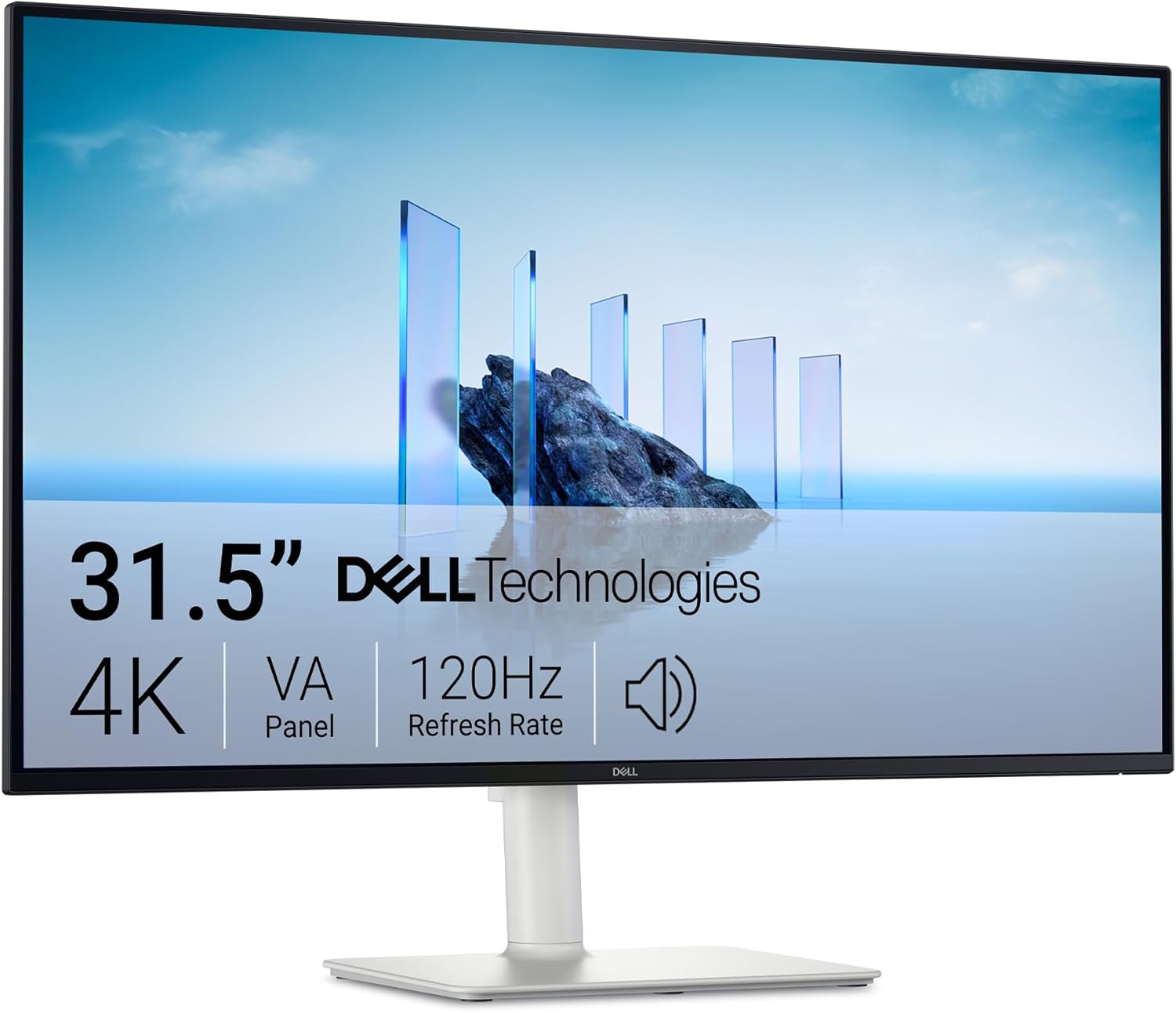
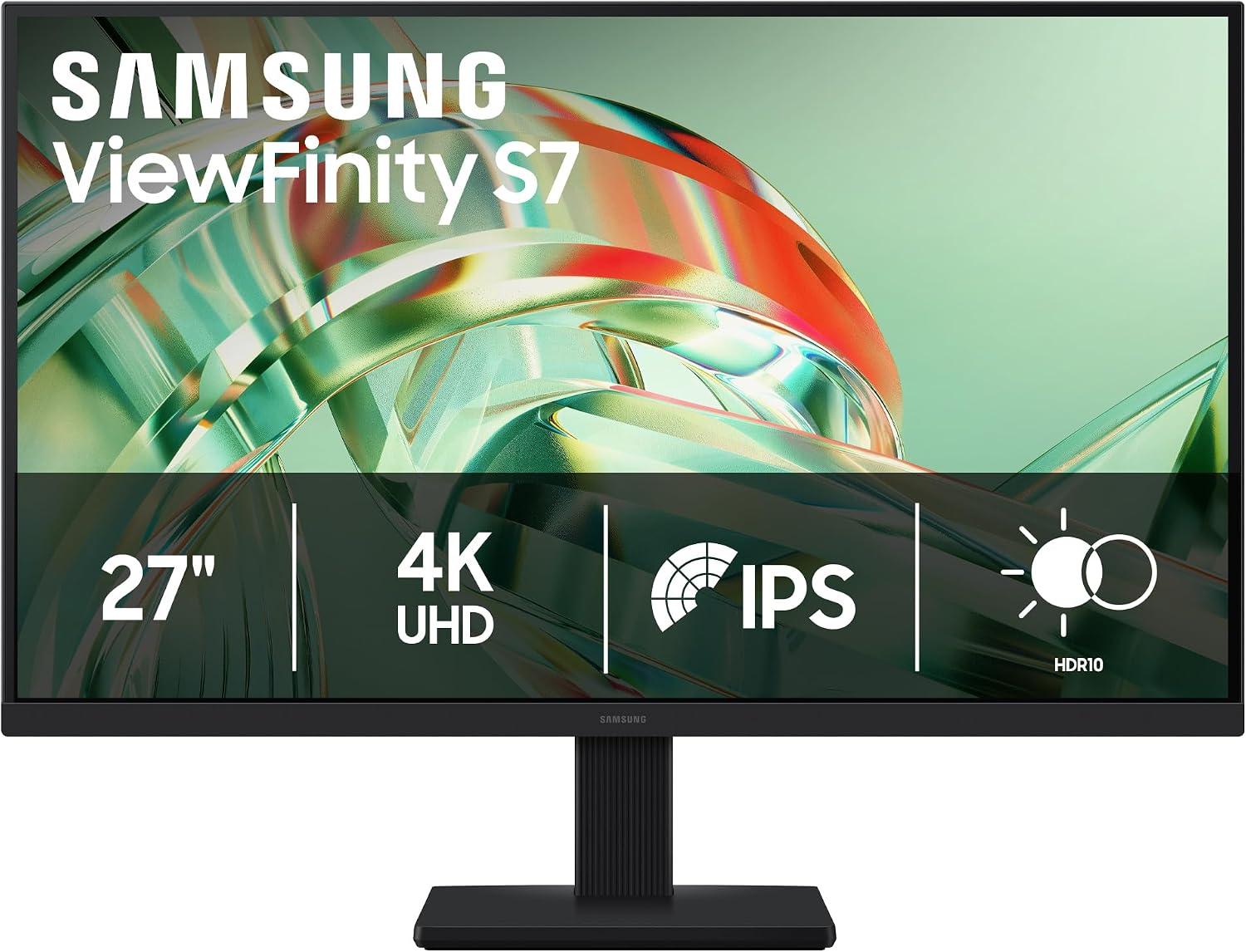
Compare All Gaming Monitor Deals
Check real-time prices on 1080p, 1440p, 4K, and OLED gaming monitors across Amazon, Best Buy, and Newegg with verified price drops.
Browse All Monitor Deals in Our Catalog→