Best Gaming Monitors for PS5: 4K, 1440p, 120Hz, and HDMI 2.1 Guide
Choosing the right gaming monitor for your PlayStation 5 means understanding the console's unique video requirements: native 1440p 120Hz output, HDMI 2.1 uncompressed 4K bandwidth, HDMI Forum VRR (Variable Refresh Rate), and HDR tone mapping. We tested display specs across Amazon, Best Buy, and Newegg to find the best gaming monitors for PS5 across every budget and room setup.
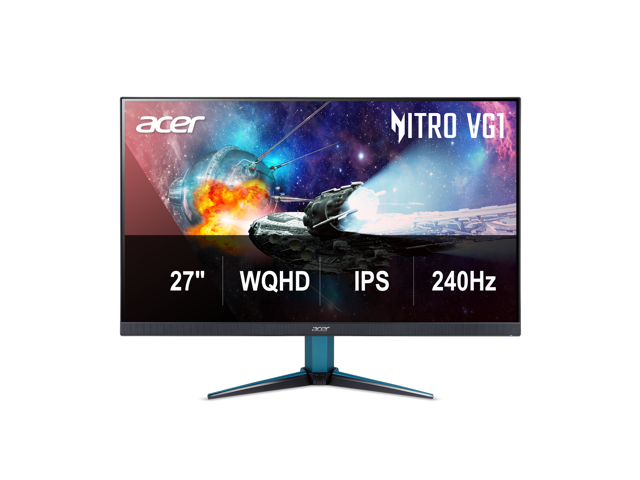
For 80% of PlayStation 5 gamers, a 27-inch 1440p 144Hz–240Hz Fast IPS or OLED monitor is the undisputed value sweet spot ($140 to $330). The PS5 natively outputs 1440p at 120Hz with Variable Refresh Rate (VRR), giving competitive shooters like Call of Duty: Warzone, Fortnite, and Apex Legends flawless smoothness and crisp 108 PPI clarity without needing an expensive $500+ HDMI 2.1 4K monitor.
When should you buy 4K? Step up to 4K 120Hz (with HDMI 2.1) if you play expansive visual story games (Spider-Man 2, Horizon, God of War, GTA VI), sit at a larger 32-inch desk, or also connect a high-end gaming PC. Avoid ultrawide monitors entirely—the PS5 does not support 21:9 or 32:9 aspect ratios.
PlayStation 5 Console Video Output Matrix
What each resolution tier delivers on PS5, port bandwidth limits, and VRR support.
Resolution
Max Refresh Rate
VRR Support
Required HDMI Port
Best For
4K UHD (3840 x 2160)
120 Hz
Yes (48–120Hz)
HDMI 2.1 (Full Bandwidth)
AAA Visual Showcases & 32" Desks
1440p QHD (2560 x 1440)
120 Hz
Yes (HDMI 2.1 or Forum VRR)
HDMI 2.0 or HDMI 2.1
The Price-to-Performance Sweet Spot
1080p FHD (1920 x 1080)
120 Hz
Yes (HDMI 2.1 or Forum VRR)
HDMI 2.0
Budget Esports & Sub-$100 Setups
21:9 / 32:9 Ultrawide
N/A (Unsupported)
No
Any
AVOID: Stretches image or black bars
Today's Best Verified PS5 Gaming Monitors
Our deal crawler verifies inventory, pricing, and multi-retailer price matching across Amazon, Best Buy, and Newegg every morning. Here are our top recommended models across each budget and performance tier:
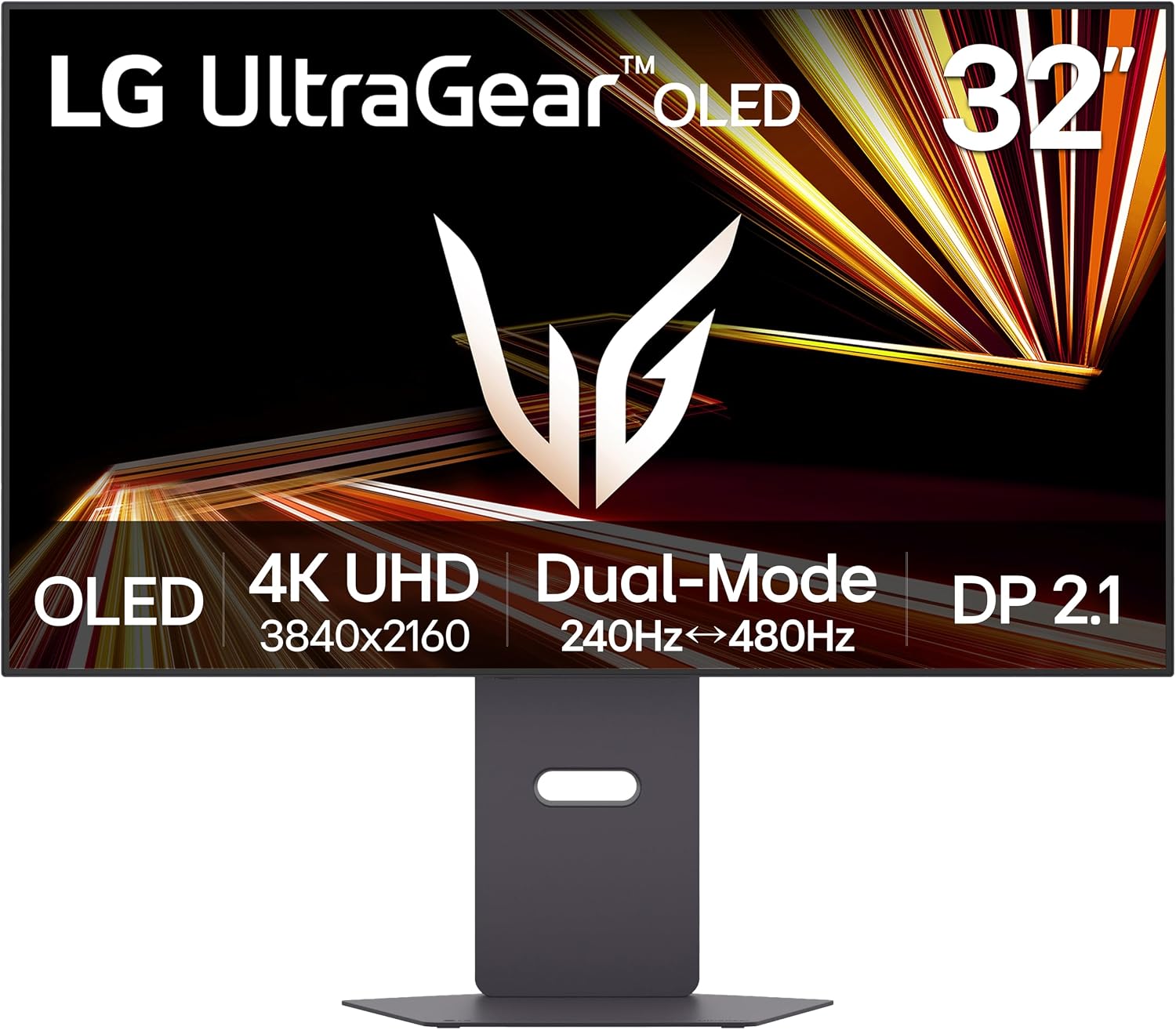
LG 32GX870A-B 32-inch Ultragear 4K UHD (3840 x 2160) OLED Gaming Monitor, Dual-Mode, 240Hz, 0.03ms, NVIDIA, AMD FreeSync Premium Pro, VESA DisplayHDR True Black 400, USB Type-C, DP2.1. Verified at $849.00 against a $1399.99 retailer reference price.
Key Specs: 27 inches · 4K UHD · Tandem WOLED · 0.03ms · HDMI 2.1 Forum VRR
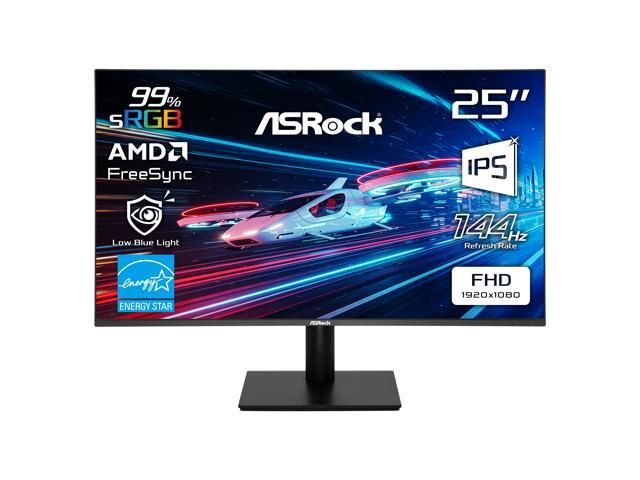
ASRock Phantom Gaming 25" (24.5" actual) Full HD 144Hz IPS with AMD FreeSync (Adaptive Sync) 1ms Computer Monitor for both Work and Gaming CL25FFB. Verified at $88.99 against a $114.99 retailer reference price.
Key Specs: 25 inches · Full HD 1080p · 120Hz/144Hz · 1ms · HDMI Audio Out
1. HDMI 2.1 vs HDMI 2.0: What Does Your PS5 Actually Need?
The PlayStation 5 supports high-frame-rate gaming up to 120 FPS, but how that signal reaches your eyes depends entirely on the monitor's HDMI revision:
HDMI 2.1 (48Gbps / 40Gbps): Required if you want 4K at 120Hz with uncompressed RGB 4:4:4 color and HDR simultaneously. Without HDMI 2.1, the PS5 cannot output 4K above 60Hz.
HDMI 2.0 (18Gbps): Can still run 1440p at 120Hz or 1080p at 120Hz. If you are buying a 1440p monitor, you often do not need HDMI 2.1, saving you between $150 and $300 while enjoying the exact same 120 FPS gameplay!
2. The Strict PS5 VRR Rule: HDMI Forum VRR vs. AMD FreeSync
On a PC, Variable Refresh Rate (VRR) works seamlessly over DisplayPort using FreeSync or G-Sync. The PS5 does not work that way:
Crucial Buyer Warning: FreeSync Over HDMI Is Not Enough
The PS5 exclusively supports HDMI Forum VRR (part of the official HDMI 2.1 specification). Many older or budget PC monitors feature "AMD FreeSync over HDMI," but if they lack HDMI Forum VRR firmware, the PS5 will display "Your TV/monitor does not support VRR" in system settings. Always verify that a monitor explicitly supports HDMI Forum VRR or has been confirmed working with PS5 VRR.
3. Three Common PS5 Monitor Traps to Avoid
Trap 1
The Ultrawide Trap (21:9 & 32:9)
PS5 consoles only render in standard 16:9 widescreen. If you plug a PS5 into a 34-inch or 49-inch ultrawide monitor, the picture will either stretch horribly or display giant black pillarboxes on both sides. Never buy an ultrawide solely for console gaming.
Trap 2
Fake "HDR400" Edge-Lit Panels
DisplayHDR 400 on budget IPS and VA monitors is purely marketing. Without local dimming zones or an OLED panel, turning on HDR in PS5 settings washes out black levels and makes games look grayish. On budget displays, SDR looks noticeably crisper and more punchy.
Trap 3
The Missing Audio Jack
Unlike the PS4, the PS5 has no optical audio output. If your monitor lacks built-in speakers or a 3.5mm audio line-out jack, you won't be able to connect desktop speakers without buying an external USB DAC or HDMI audio extractor.
4. Recommended PS5 Console Video Settings for Monitors
Once you connect your monitor via high-speed HDMI, calibrate your PS5 for maximum performance:
Resolution: Set to Automatic (or test 1440p Output in Settings > Screen and Video > Video Output > Test 1440p Output).
120 Hz Output: Set to Automatic. Supported games will now offer 120 FPS Performance modes.
VRR (Variable Refresh Rate): Set to Automatic, and check Apply to Unsupported Games for smoother frame rates in older titles.
Adjust HDR: Complete Sony's 3-step calibration screen. For OLED and HGiG-capable monitors, click until the symbol disappears completely for perfect contrast tracking.
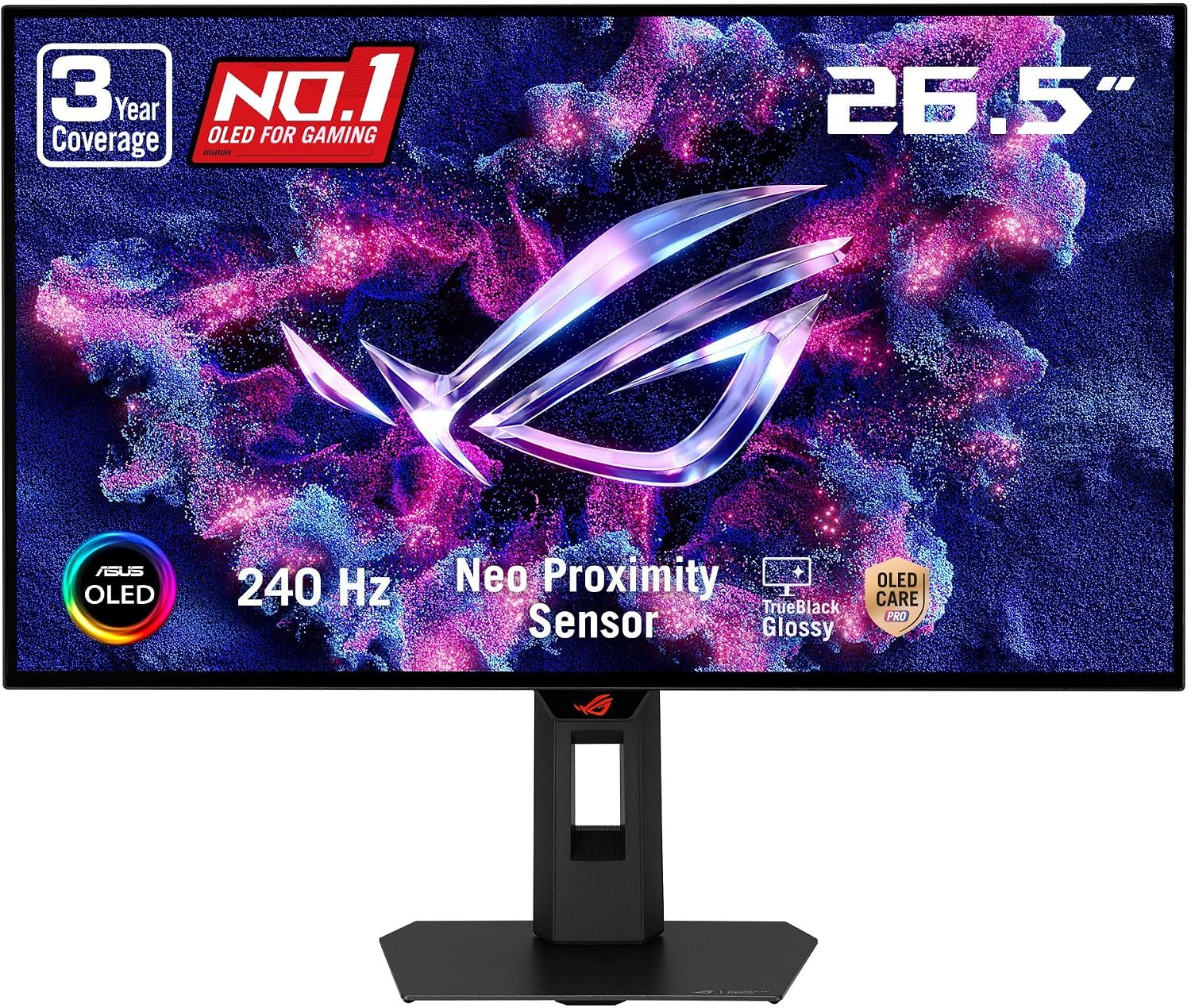
Every morning at 6:00 AM, our deal intelligence scanner cross-checks verified prices and stock across Amazon, Best Buy, and Newegg. Below are the most recently verified gaming displays in our catalog:
Looking for a specific screen size, refresh rate, or brand? Our price intelligence scanner cross-checks Amazon, Best Buy, and Newegg every morning to eliminate fake MSRPs and find verified price drops.