Best Monitor Sizes for Remote Work: 24", 27", 32", 34" Ultrawide & Dual Setup Guide
Choosing the right monitor size for remote work requires balancing screen resolution, pixel density (PPI), desk depth, and multitasking layout. We compare 24-inch, 27-inch, 32-inch, and 34-inch ultrawide monitors to find the ideal display for your home office with live daily deals from Amazon, Best Buy, and Newegg.
Tech Deal Compass editorial · Remote Work Productivity Guide · 8 min read
Deals refreshed every morning at 6:00 AM EST (Updated October 19, 2026)
Perfect balance of desk depth, sharp typography, and dual-window multitasking.
Best for Multitasking
34-Inch Ultrawide
21:9 aspect ratio replaces dual monitors without annoying plastic center bezels.
Ideal Desk Depth
24" to 30" Depth
Avoids eye strain and excessive neck turning for 8+ hour remote workdays.
Text Clarity Standard
109 – 163 PPI
Eliminates pixelated text on spreadsheets, code editors, and Slack.
Why Monitor Size Dictates Your Remote Work Productivity
When you spend 40 or more hours each week working from home, your monitor is your primary digital workspace. Choosing the wrong screen size or resolution creates subtle, constant friction: fuzzy text causing afternoon headaches, windows that feel cramped, or a screen so massive on a shallow desk that you develop neck stiffness from swiveling your head all day.
Many remote workers make the mistake of buying either a cheap 27-inch 1080p display (which looks grainy due to poor pixel density) or an enormous TV that forces them to lean backward. In this guide, we break down the four dominant monitor form factors for remote work (24", 27", 32", and 34" Ultrawide), explain the crucial connection between resolution and text readability, and provide daily verified deals directly from our live price-tracking catalog.
The Critical Metric: Pixels Per Inch (PPI) and Text Clarity
Screen diagonal size alone is only half the equation. The metric that truly determines how crisp spreadsheets, Slack messages, and lines of code look is Pixel Density (PPI). Your eye sits between 20 and 30 inches from a computer monitor, making pixel structure easily noticeable.
Screen Size & Ratio
Resolution
Pixel Density (PPI)
OS Scaling
Min Desk Depth
Verdict & Best For
24" (16:9)
1920 x 1080 (FHD)
92 PPI
100% (Native)
20" – 24"
Budget entry-level or secondary portrait (vertical) display.
27" (16:9)
1920 x 1080 (FHD)
81 PPI (Avoid!)
100% (Native)
24"
Avoid for WFH: Visible pixel grid, jagged fonts, severe eye fatigue.
27" (16:9) ★ Sweet Spot
2560 x 1440 (QHD/2K)
109 PPI
100% (Native)
24" – 28"
Golden Ratio: 77% more room than 1080p, fits 2 docs side-by-side with zero scaling artifacts.
27" (16:9)
3840 x 2160 (4K UHD)
163 PPI
150% (HiDPI)
24" – 28"
Retina-grade text sharpness. Ideal for macOS users, writers, and lawyers reading fine print.
32" (16:9)
3840 x 2160 (4K UHD)
138 PPI
125% – 150%
28" – 32"+
The ultimate single-screen canvas for developers, financial modelers, and multi-app workflows.
Many big-box stores heavily discount 27-inch 1080p monitors under $100. While tempting, stretching 1920x1080 across 27 inches drops pixel density to an abysmal 81 PPI. On Windows ClearType and macOS, text looks fuzzy and jagged, making long reading sessions fatiguing. If you choose 27 inches, always insist on at least 1440p (QHD) or 4K.
Top Remote Work Monitors: Live Catalog Deals
Our pricing engine scans major retailers including Amazon, Best Buy, and Newegg every morning at 6:00 AM EST to find verified monitor deals. Below are our top recommended models matched to each workstation size category:
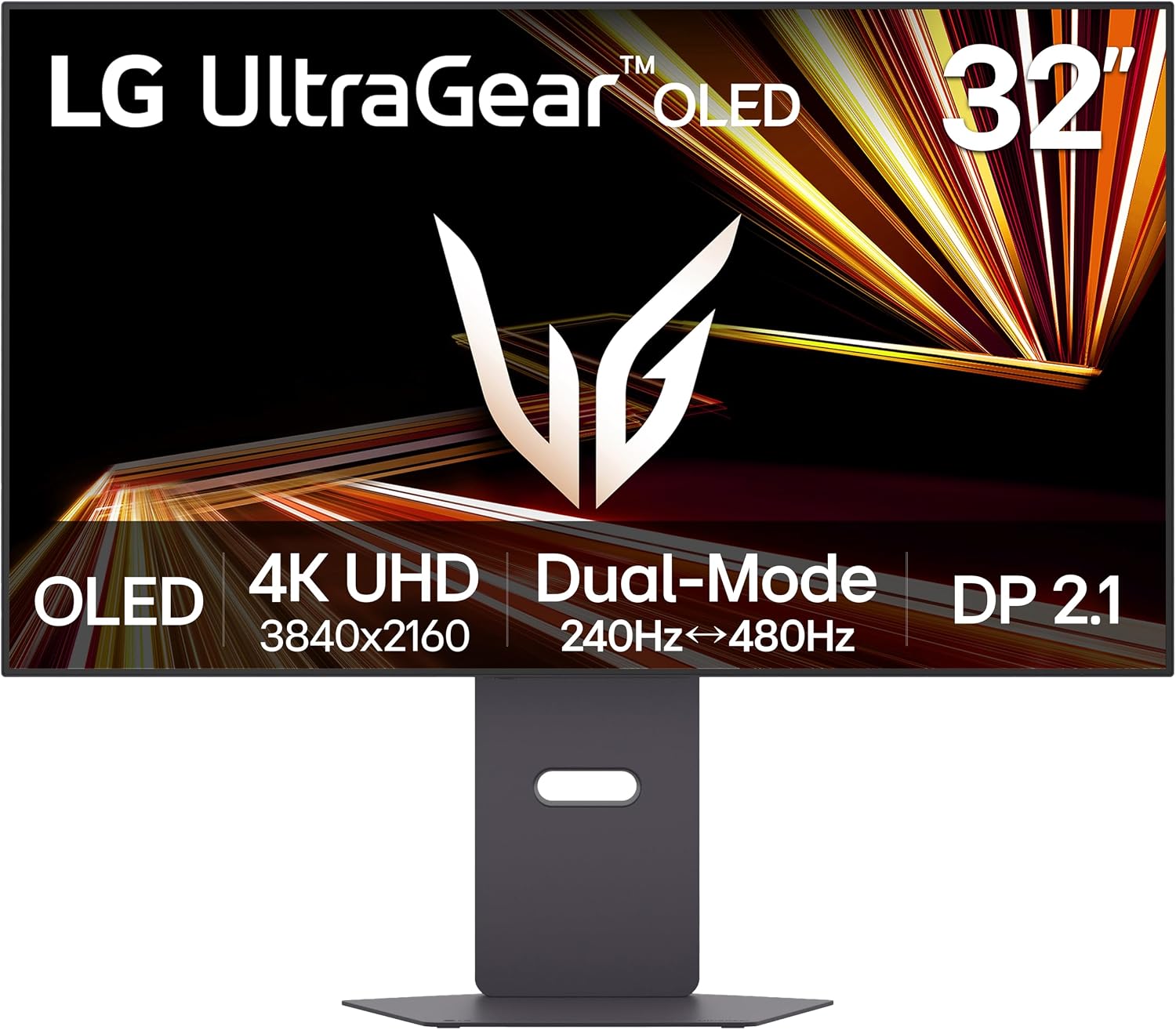
LG 32GX870A-B 32-inch Ultragear 4K UHD (3840 x 2160) OLED Gaming Monitor, Dual-Mode, 240Hz, 0.03ms, NVIDIA, AMD FreeSync Premium Pro, VESA DisplayHDR True Black 400, USB Type-C, DP2.1. Verified at $849.00 against a $1399.99 retailer reference price.
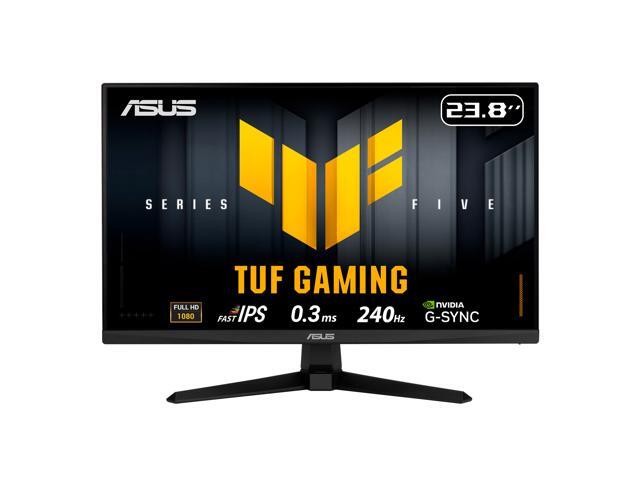
ASUS TUF Gaming 24 inch (23.8" viewable) Full HD 1080P 240hz Fast IPS with AMD FreeSync Premium & G-Sync Compatible 0.3ms Gaming Computer Monitor VG249QM5A. Verified at $104.99 against a $169.99 retailer reference price.
Single 34" Ultrawide vs. Dual 27" Monitors: Which Is Better for WFH?
The most common dilemma for home workers upgrading from a basic laptop screen is choosing between one large 34-inch curved ultrawide (21:9) or two 27-inch monitors (16:9 side-by-side). Both setups provide ample desktop real estate, but they deliver drastically different day-to-day user experiences.
🖥️ The 34" Ultrawide Setup
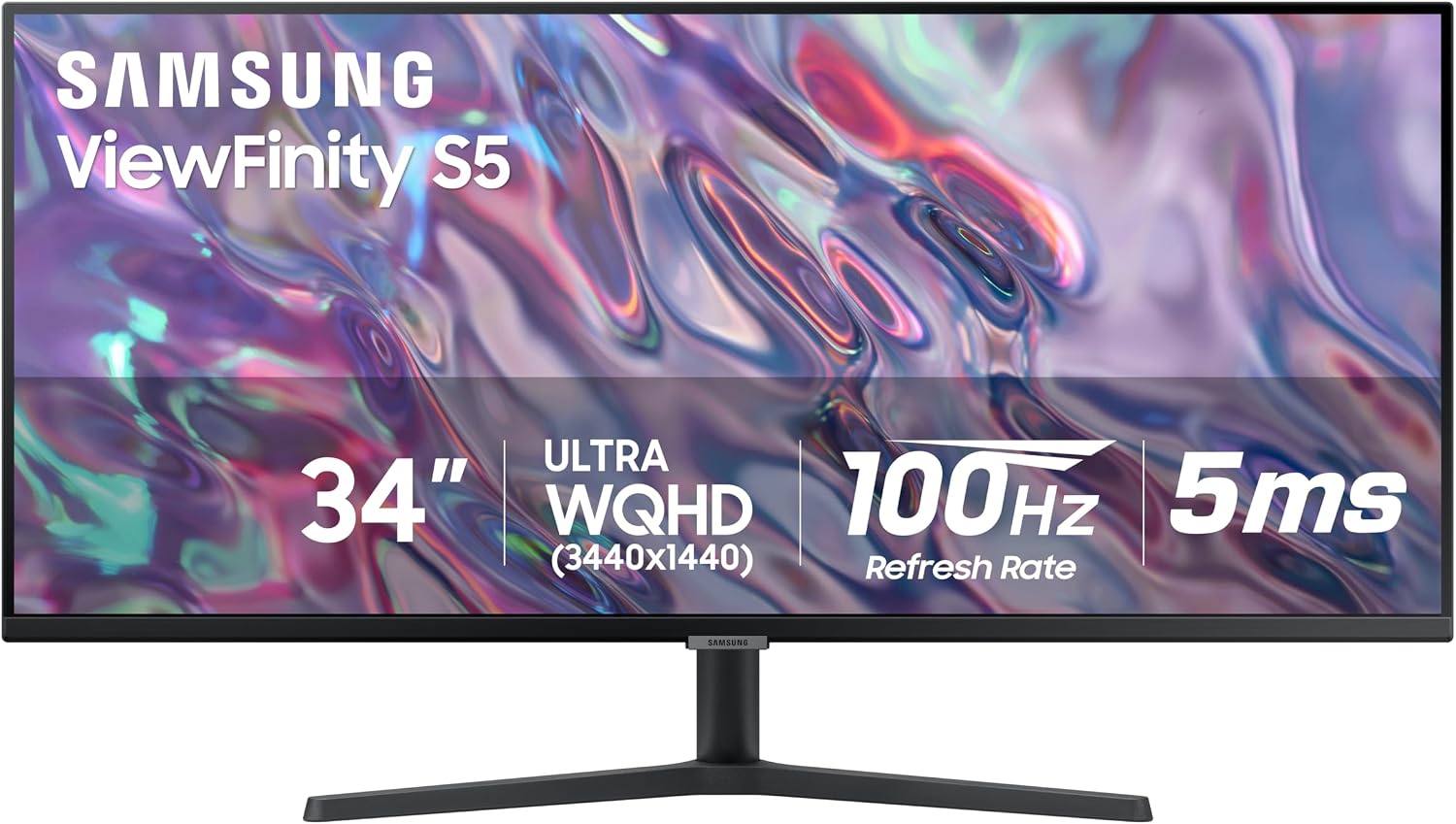
Continuous Canvas: Zero bezels splitting your work. You can comfortably snap three full-height windows side-by-side (e.g. Email / Browser / Google Docs).
Ergonomic Curve: A 1500R or 1800R curve keeps the left and right corners equidistant from your eyes, cutting down on neck rotation.
Single Cable Simplicity: Only one power cord and one video cable needed; works beautifully on clean minimalist desks.
The Zoom/Teams Trap: Sharing your entire 21:9 desktop shrinks text on your coworkers' 16:9 laptop screens. Workaround: Always share a specific application window rather than your whole screen.
🖥️🖥️ Dual 27" Monitors Setup
Hard Physical Separation: Full-screening a spreadsheet or video call on one screen never disrupts work on the other screen.
Screen-Sharing Native: Standard 16:9 ratio displays cleanly on every coworker's laptop during screen shares.
Portrait (Vertical) Flexibility: You can rotate one monitor 90 degrees vertically for reading long contracts, PDF documents, or Slack channels.
Neck Strain & Desk Clutter: Two 27" screens span roughly 48 inches wide. Unless angled inward into a cockpit shape, looking at the far corners causes repetitive neck strain. Requires two power plugs and dual display outputs.
Desk Depth & Viewing Distance: How to Size Your Space
The physical depth of your desk is the single most overlooked factor when buying a computer monitor. According to occupational ergonomic standards (OSHA and ANSI/HFES 100), your monitor screen should sit roughly an arm’s length away (20 to 30 inches), with the top third of the screen level with your horizontal eye line.
Shallow Desks (< 24" Deep)
Stick to a 24-inch monitor. A 27-inch screen on its factory stand will sit only 16 to 18 inches from your eyes, causing rapid eye strain. If you insist on 27 inches, use a clamp-on monitor arm pushed flush against the back wall.
Standard Desks (24" to 30" Deep)
The sweet spot for 27-inch (1440p/4K) or 34-inch curved ultrawide displays. You have enough distance (24 to 28 inches) to take in the entire panel without bobbing your head up and down.
Deep Executive Desks (30" to 36"+ Deep)
Ideal territory for 32-inch 4K monitors or massive 38"-49" super ultrawides. The 30+ inch viewing distance makes 32" screens comfortable to scan without neck strain.
The 5 Features Every Remote Worker Needs
USB-C with Power Delivery (65W – 90W): If you work on a MacBook, ThinkPad, or Dell XPS, a monitor with USB-C PD lets you connect video, audio, data, and laptop charging through one single cable. It eliminates the need for an expensive external Thunderbolt dock.
Integrated KVM Switch: If you use both a company-issued work laptop and a personal desktop PC at the same desk, a built-in KVM allows you to share one keyboard, mouse, and webcam across both machines with the press of a single button.
Height-Adjustable Stand (or 100x100 VESA Mount): Fixed-height monitors force you into a slouched, neck-craning posture. Ensure the monitor has at least 110mm of vertical height adjustment or standard VESA mounting holes for an aftermarket gas-spring monitor arm.
IPS Panel (In-Plane Switching): Avoid cheap VA panels for flat office screens. VA panels suffer from color and contrast washing when viewed from slight angles, making spreadsheet lines look faded at the edges. IPS guarantees wide 178° viewing angles and accurate color reproduction.
Flicker-Free DC Dimming & Hardware Low Blue Light: Pulse-width modulation (PWM) backlight flicker is an invisible cause of 3:00 PM eye fatigue. Look for TÜV Rheinland-certified flicker-safe panels that filter blue light without turning your screen sickly yellow.
Which Monitor Size Matches Your Profession?
👨💻 Software Engineers & DevOpsRecommendation: 32" 4K or 34" Ultrawide
Ample vertical lines of code visible simultaneously, terminal windows side-by-side with documentation.