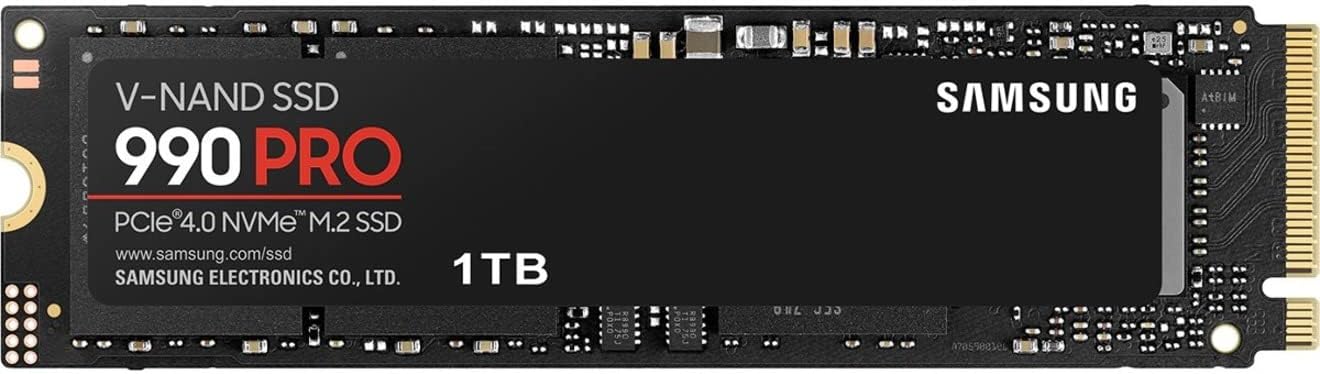
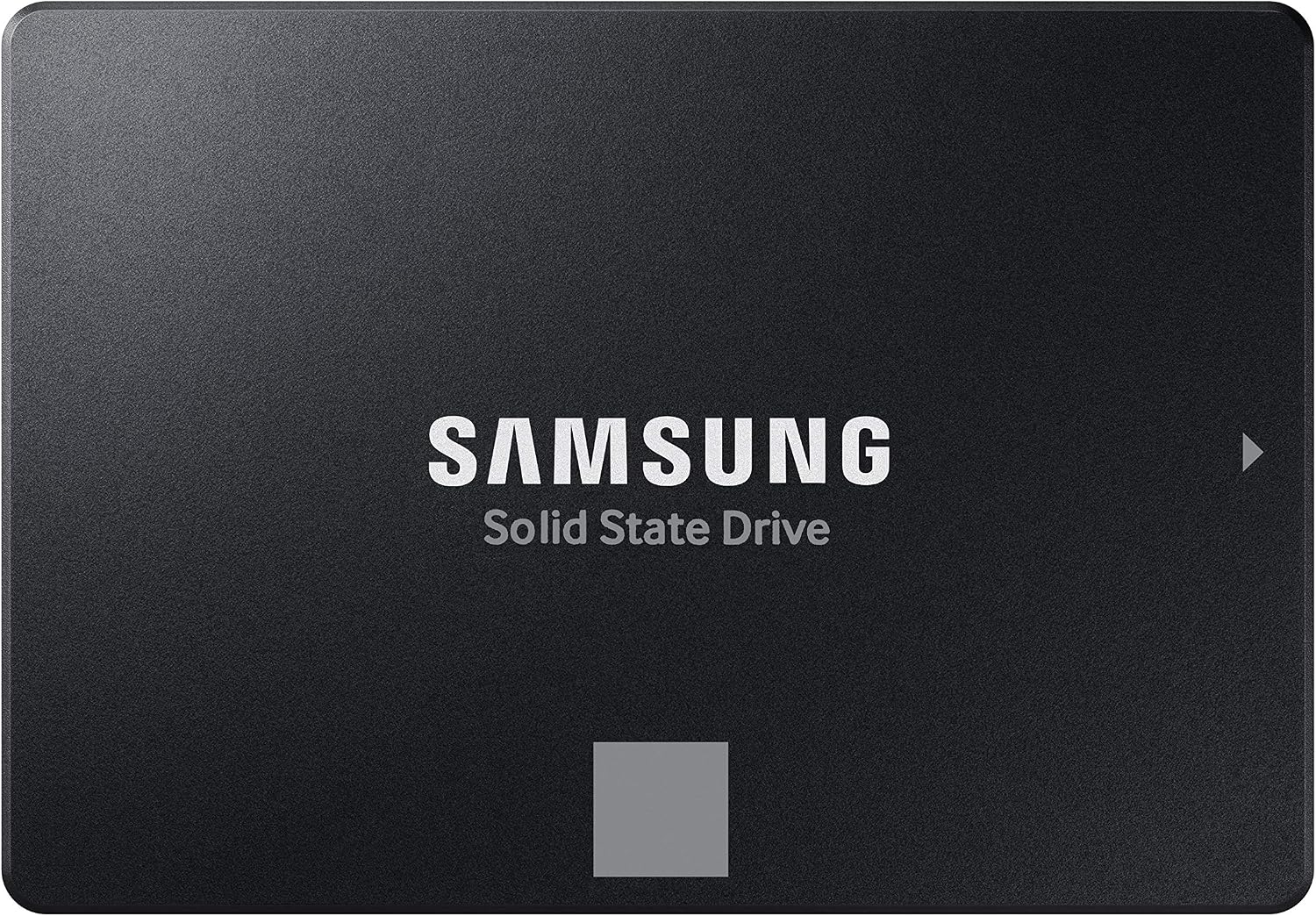
Samsung SSD 990 PRO 1TB, PCIe 4.0 M.2 2280, Up to 7,450 MB/s
Best For: Primary Windows OS drive, high-performance PC gaming, direct PS5 console expansion, and continuous 4K video rendering.

1TB solid-state drives remain the undisputed value sweet spot for PC gamers, laptop owners, and PS5 players looking to double their usable storage without overspending. We track real-time price drops across Amazon, Best Buy, and Newegg while comparing PCIe 4.0 speeds, DRAM cache vs HMB, heatsink clearances, and warranty endurance.
For 90% of PC gamers, PS5 owners, and laptop users, 1TB offers the single best cost-to-capacity balance in modern storage. At 1TB, you avoid the severe speed penalties and low endurance of cramped 500GB drives, while steering clear of the steep $150–$300 price tags of 2TB and 4TB models.
Our price intelligence scanner monitors live pricing, stock availability, and seller credibility across Amazon, Best Buy, and Newegg every morning. Below are the top verified 1TB solid-state drives for each specific use case:

Best For: Primary Windows OS drive, high-performance PC gaming, direct PS5 console expansion, and continuous 4K video rendering.

Best For: Secondary game storage library, laptop storage upgrades, and budget gaming PC builds without paying a DRAM tax.

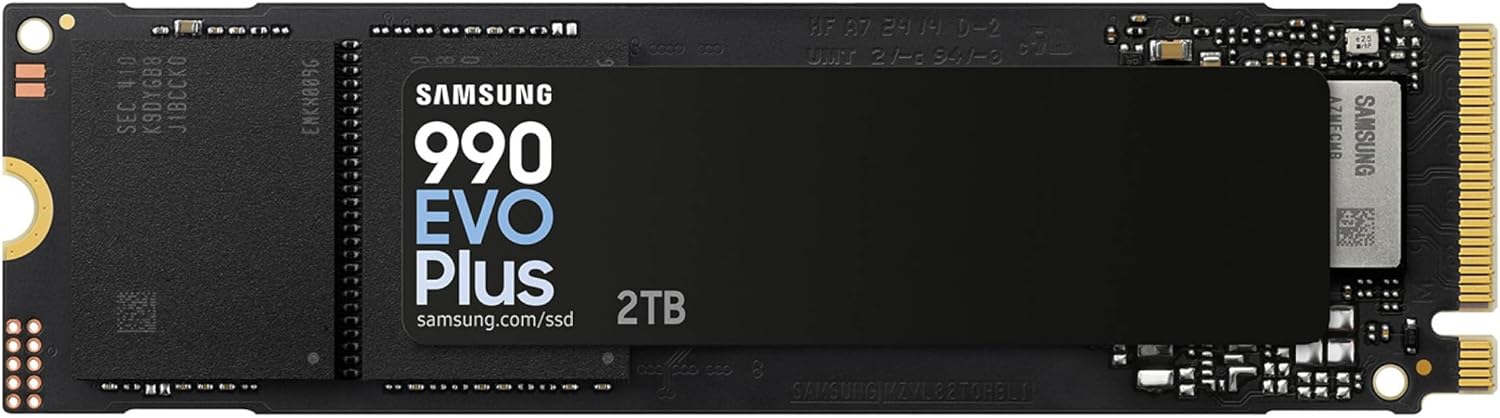
Best For: Ultrabooks and productivity laptops where keeping internal temperatures cool and maximizing battery runtime are critical.

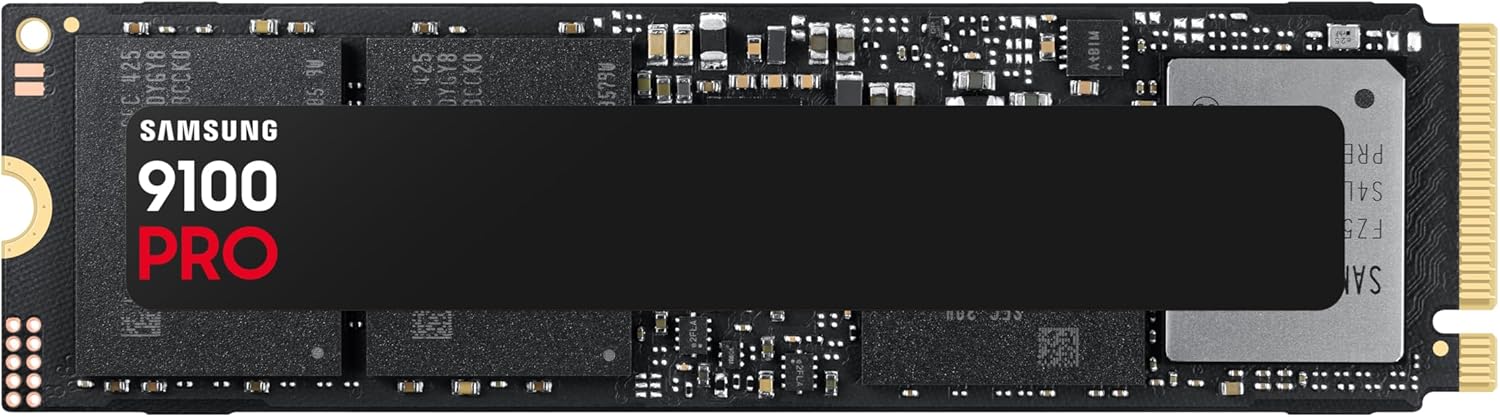
Best For: Cutting-edge enthusiast motherboards, massive uncompressed 8K video timelines, and local AI model checkpoint loading.

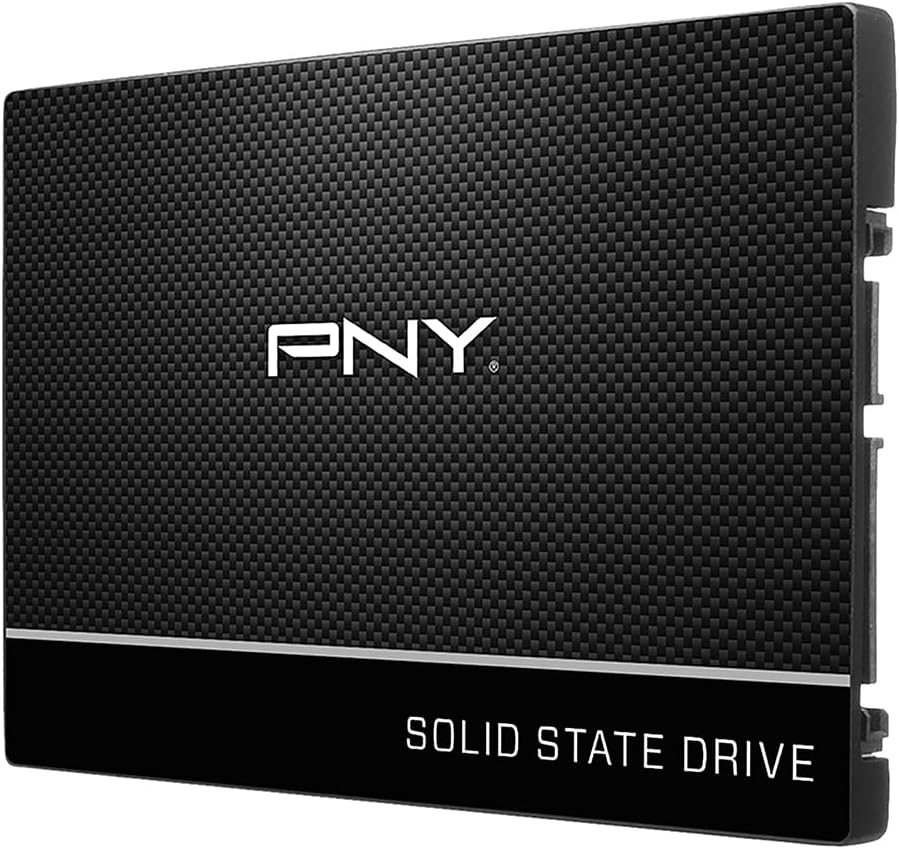
Best For: Upgrading older laptops or desktop PCs without M.2 slots from slow mechanical HDDs to silent, instantaneous responsiveness.

Best For: Photographers, videographers, MacBook/iPad file expansion, and moving game installs between consoles and PC.
Before purchasing a 1TB solid-state drive, verifying your computer's physical slot and protocol generation is non-negotiable. Modern computers support four distinct drive formats:
Speed: 5,000 to 7,450 MB/s
Best For: PS5 console storage, modern gaming desktops, and gaming laptops.
Verdict: The standard recommendation for 90% of buyers. Runs cool, saturates the PCIe 4.0 bus, and works seamlessly in PCIe 3.0 slots at capped speeds.
Speed: 10,000 to 14,800 MB/s
Best For: High-end creator workstations, uncompressed 8K video, and local AI model weights.
Verdict: Excessive for pure gaming. Generates significant heat requiring heavy motherboard heatsinks or small fans.
Speed: Up to 560 MB/s (SATA bus limit)
Best For: Upgrading older laptops (2012–2019) or adding bulk storage to desktops without free M.2 slots.
Verdict: Instant 5x speed boost over mechanical spinning drives. Completely silent and runs barely warm.
Speed: 1,000 to 2,000 MB/s (USB 3.2 Gen 2 / Gen 2x2)
Best For: On-the-go file transfers, backing up MacBooks/iPads, and archiving console games.
Verdict: Ultra-portable, bus-powered, and ruggedized against drops and vibration.
High-end SSDs (like the Samsung 990 PRO and WD SN850X) include a dedicated 1GB chip of fast LPDDR4 memory that keeps the file mapping table in volatile RAM. This prevents micro-stuttering during massive continuous writes and heavy multitasking. Budget drives (like the WD SN770 and Crucial P310) skip dedicated DRAM and use HMB, borrowing 64MB of your computer's system RAM over the PCIe bus. For pure game storage and secondary drives, HMB drives are indistinguishable in load times and save you $30–$50.
Always check whether the flash memory is TLC (Triple-Level Cell) or QLC (Quad-Level Cell). TLC drives typically offer an endurance rating of 600 TBW (Terabytes Written) per 1TB capacity and maintain sustained write speeds of 1,500+ MB/s even after their SLC pseudo-cache fills up. Cheap QLC drives can plummet to 80–120 MB/s—slower than an old mechanical hard drive—during large file transfers. Tech Deal Compass strictly recommends TLC for any primary OS drive.
Sony has strict hardware requirements for internal PS5 M.2 SSD expansion:
Most modern ultra-thin laptops (such as Dell XPS, Lenovo ThinkPad, and ASUS ZenBook) only have physical clearance for single-sided M.2 drives, where all NAND chips and the memory controller sit on the top surface. Fortunately, almost all 1TB NVMe drives are single-sided today. However, avoid thick pre-installed heatsinks when buying for a laptop, as they will prevent the laptop base chassis from closing.
A 1TB SSD provides approximately 931 GiB of usable formatted space in Windows due to binary-to-decimal conversion (1,000,000,000,000 bytes / 1,024³). Modern solid-state drives dynamically allocate free blocks as temporary ultra-fast Single-Level Cell (SLC) cache. If you fill your 1TB drive to 95% capacity, the drive controller has no spare blocks to run wear-leveling and background garbage collection. Write latency spikes dramatically. Always budget to keep 150 to 180 GB free.
Compare the most popular 1TB solid-state drives side-by-side to understand speed tiers, cache designs, endurance limits, and fair street price targets:
Yes, PCIe is completely backward and forward compatible. A PCIe 4.0 NVMe SSD (like the Samsung 990 PRO or WD SN770) will install and boot without issues in a PCIe 3.0 slot. However, its sequential read/write speeds will be capped at the theoretical maximum bandwidth of PCIe 3.0 x4 (approximately 3,500 MB/s). This is still blazing fast and gives you a future-proof drive you can migrate into your next PC build.
No. In-game rendering frame rates (FPS) are determined by your graphics card (GPU) and processor (CPU). Upgrading from a 3,500 MB/s SSD to a 7,450 MB/s SSD will not increase your average frame rates. However, a fast NVMe SSD drastically cuts level loading times, prevents texture asset popping in open-world titles, and leverages Microsoft DirectStorage for instantaneous asset streaming.
It depends on where you install it:
In a Desktop PC: Most modern motherboards come with integrated metal M.2 heatspreaders. If your board has one, buy the cheaper non-heatsink version of the drive.
In a PlayStation 5: Sony requires a heatsink. Either buy the drive version with a factory heatsink pre-installed (make sure it is under 11.25mm tall) or buy a standard drive and snap on a $9 aftermarket low-profile M.2 heatsink.
In a Laptop: Do NOT buy a heatsink version. Laptops use internal thermal pads that contact the chassis; bulky external heatsinks will prevent the chassis from closing.
If you only keep 3 to 5 active games installed alongside Windows, 1TB is plenty and keeps your upgrade budget under $100. However, if you play massive games (like Call of Duty: Warzone, Ark: Survival Evolved, or heavily modded Flight Simulator) or do 4K video editing, 2TB is recommended so you don't constantly have to juggle downloads.