← Browse tech deals
TECH DEAL COMPASS

Do You Need an M.2 NVMe SSD Heatsink? Thermal Throttling, PS5 Clearance & Laptop Cooling Explained

High-speed PCIe 4.0 and PCIe 5.0 M.2 NVMe SSDs are sold both as bare circuit boards and with pre-installed aluminum heatsinks—and choosing the wrong version can either thermally throttle your transfer speeds by 70% or physically block your motherboard armor or laptop bottom plate from closing. We break down the thermal physics of SSD controllers vs. NAND flash, Sony's exact PS5 11.25mm clearance rule, desktop motherboard shields, and laptop cooling pads.

Published October 20, 2026 · 8 min read · Solid-state storage thermal engineering guide

Live SSD deals verified (October 20, 2026)

Quick Verdict: Should You Buy the Bare Drive or the Heatsink Version?

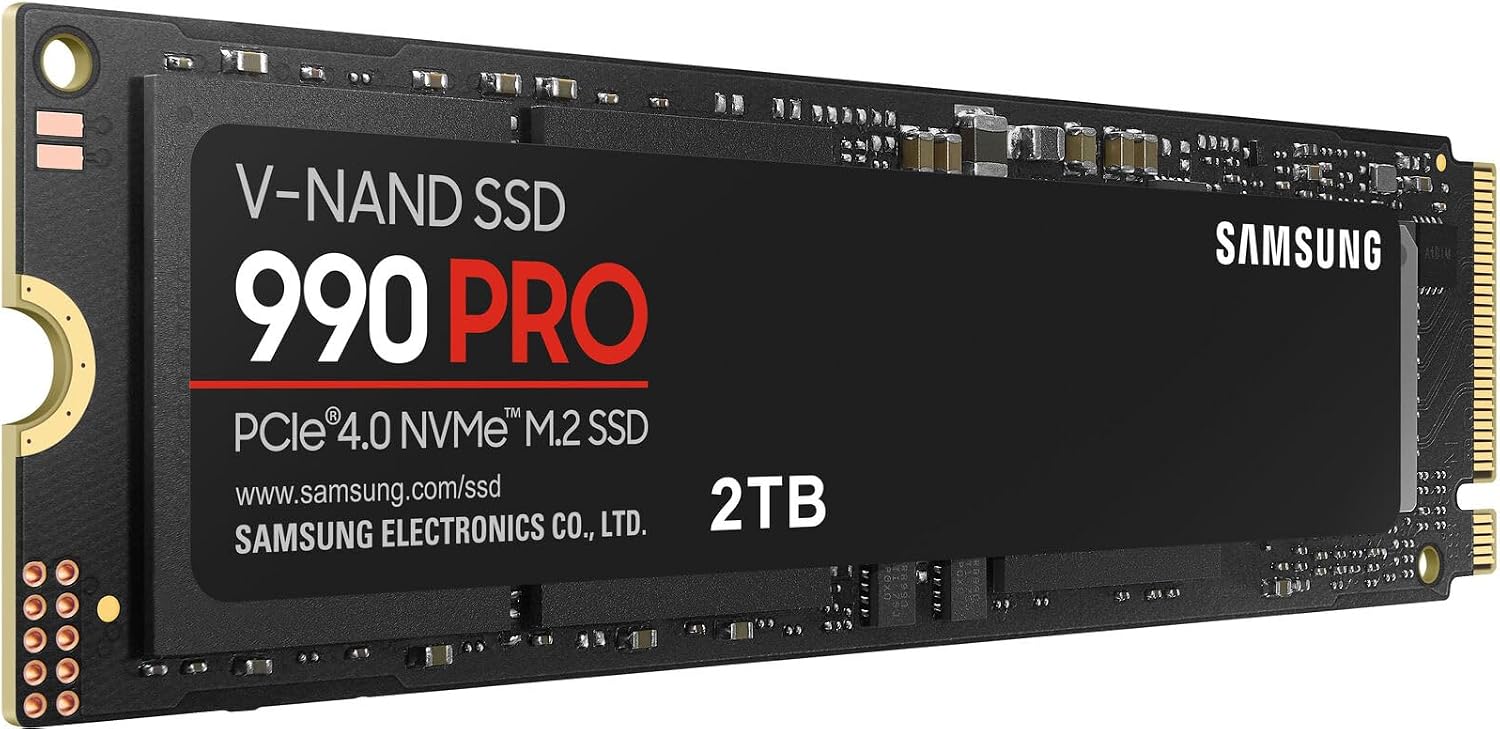
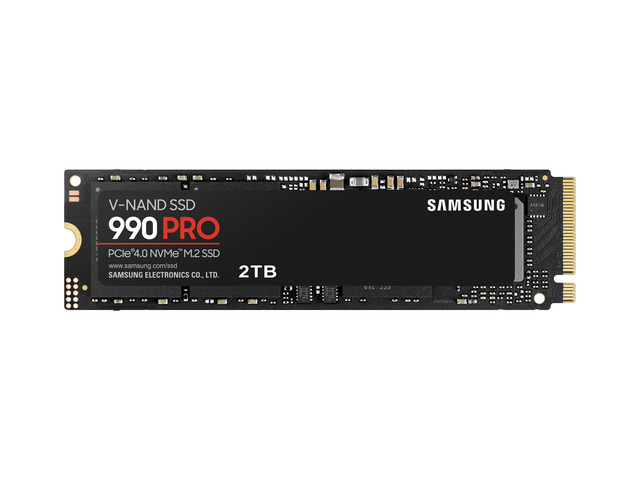
Almost every flagship M.2 NVMe SSD—like the Samsung 990 Pro, WD_BLACK SN850X, and Crucial T500—is sold in two versions: a bare circuit board and a factory heatsink model for $15 to $25 more. Picking the wrong one can either thermally throttle your speeds by 70% or physically block you from closing your PC or laptop.

  • PlayStation 5 & PS5 Pro: A heatsink is 100% mandatory. Buy either a PS5-certified pre-installed heatsink model OR the bare drive plus an $8 low-profile aluminum PS5 heatsink.
  • Desktop Gaming PCs: Check your motherboard first. Over 80% of modern B650/X670/Z790/B850 motherboards include built-in M.2 metal heat spreaders. If yours does, buy the cheaper bare SSD—factory heatsink drives will not fit under motherboard armor.
  • Laptops & Ultrabooks: Never buy a pre-installed heatsink SSD for a laptop (it is far too thick to screw the bottom cover back on). Buy a bare single-sided PCIe 4.0 SSD and pair it with a 0.5mm–1.0mm graphene/copper thermal pad if needed.

1. The Thermal Paradox of NVMe SSDs: Hot Controller vs. Warm NAND

An M.2 NVMe solid-state drive has two main heat-sensitive components on its circuit board, and they actually have opposite ideal operating temperatures:

2. Device-by-Device Compatibility & Heatsink Matrix

Target DeviceWhich SSD Version to BuyPhysical Clearance LimitCooling Recommendation
PlayStation 5 / PS5 Slim / PS5 ProWith Heatsink (or Bare Drive + $8 PS5 Heatsink)Max 11.25mm total height (8.0mm above PCB, 2.45mm below); 25mm max width.Mandatory. The PS5 expansion bay is an enclosed pocket with negative pressure airflow.
Desktop PC (Motherboard Has M.2 Armor)Bare Drive OnlyStandard 2280 bare PCB (1.5mm–2.3mm).Peel the blue plastic film off the underside of your motherboard's built-in M.2 thermal pad before screwing it down.
Desktop PC (Bare Motherboard Slot)With Heatsink (especially for Gen 4 7,000+ MB/s or Gen 5)Check GPU slot clearance if the M.2 slot sits directly underneath your graphics card.Low-profile 8mm heatsink fits safely under 3-slot GPUs; tall fin-stack heatsinks only fit in top CPU-adjacent slots.
Laptops, Mini PCs & HandheldsBare Single-Sided Drive Only2mm–3mm max vertical room under bottom chassis plate.Choose efficient 4-channel DRAM-less or low-power drives (WD SN580, Samsung 990 EVO, Crucial T500) + 0.5mm copper foil pad.

3. Never Pry a Factory Heatsink Off an SSD

Sometimes a factory heatsink model goes on sale for $5 less than the bare drive, tempting desktop and laptop builders to buy the heatsink version and pry the metal shell off with a screwdriver. Do not do this:

4. PCIe 4.0 vs. PCIe 5.0 Thermal Reality Check

Not all NVMe drives generate the same wattage of heat:

Live Verified NVMe SSD Deals Checked Today

Compare live prices on top-rated PCIe 4.0 and 5.0 NVMe SSDs across Amazon, Best Buy, and Newegg: