Gaming Laptop VRAM Guide (2026): Why 6GB Is a Trap, Where 8GB Struggles, and When You Need 12GB+
Unlike system memory or NVMe storage, your gaming laptop's GPU VRAM is permanently soldered around the graphics processor. In 2026, running out of VRAM over a narrow PCIe x8 mobile bus triggers severe 1% low frame-time spikes, missing texture pop-in, and crashes in Unreal Engine 5 titles. Here is our complete breakdown of 6GB, 8GB, and 12GB+ mobile GPUs, the hidden VRAM tax of DLSS Frame Generation and 1600p screens, and what to pay at each tier.
Published October 20, 2026 · 9 min read · Mobile GPU architecture & longevity guide
Live laptop deals verified (October 20, 2026)
Why GPU VRAM Is the #1 Gaming Laptop Bottleneck in 2026
You can often upgrade a gaming laptop's system DDR5 RAM and M.2 NVMe SSD after purchase—but GPU Video RAM (VRAM) is permanently soldered around the graphics die. Once a modern game exceeds your laptop's VRAM buffer, performance doesn't just dip by 10%: frame times collapse into violent 1% low stutters or textures fail to load altogether.
6GB VRAM (RTX 3050 6GB / RTX 4050): Only acceptable on strict budget deals under $650. Paying $800+ for 6GB VRAM in 2026 is a major longevity trap.
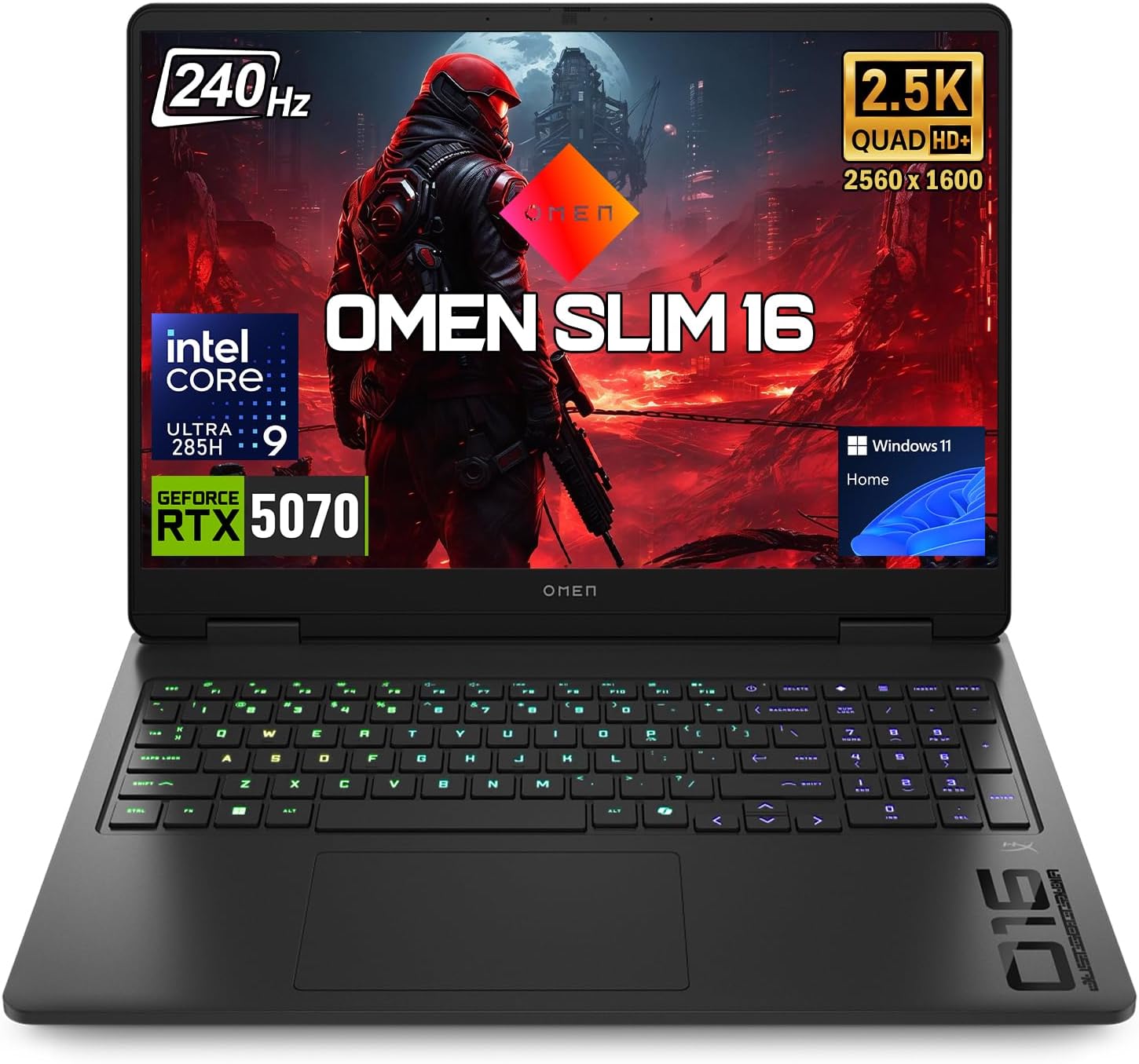
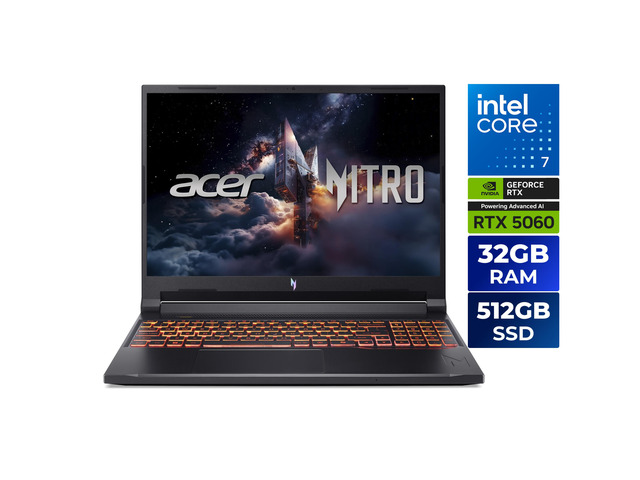
8GB VRAM (RTX 4060 / RTX 4070 / RTX 5060 / RTX 5070): The sweet spot for 1080p / 1200p High-to-Ultra gaming, but requires tuning texture pools down to High or Medium on 1440p/1600p displays when Ray Tracing or Frame Generation are enabled.
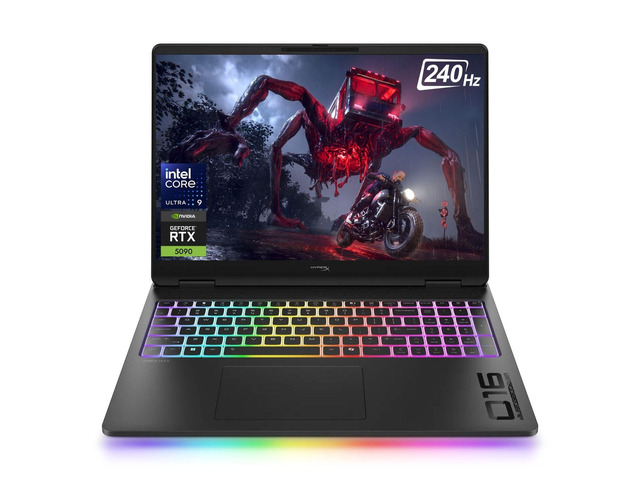
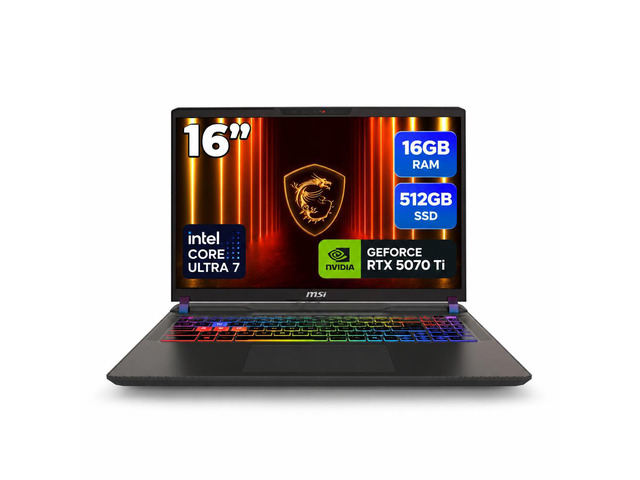
12GB–16GB+ VRAM (RTX 4080 / RTX 4090 / RTX 5070 Ti / RTX 5080): Mandatory for uncompromised 1440p/1600p Ultra textures, path tracing, 4K external monitors, and local AI/LLM workloads.
1. What Happens When a Laptop GPU Runs Out of VRAM?
Unlike system RAM—which smoothly swaps cold background browser tabs to an NVMe drive—a graphics card requires hundreds of gigabytes per second of ultra-low-latency memory bandwidth to render every single frame in under 10 milliseconds.
When a game demands 9.2GB of video memory on an 8GB laptop GPU, the graphics driver is forced to spill the extra 1.2GB across the motherboard's PCIe bus into slower system DDR5 RAM. Worse yet, mainstream mobile GPUs (like the RTX 4060, 4070, and 5060) are wired with only 8 PCIe lanes (PCIe x8) instead of the full 16 lanes found on high-end desktop cards. That narrow bottleneck triggers three unmistakable symptoms:
1% Low Stutter Spikes: Your average FPS counter might still read 75 FPS, but every time you spin the camera in Black Myth: Wukong, Cyberpunk 2077, or Indiana Jones and the Great Circle, frame times spike to 120ms+ as assets shuttle across the PCIe bus.
Silent Texture Downgrading (Pop-In): Modern engines like Unreal Engine 5 and RE Engine try to prevent crashes by dynamically unloading high-resolution textures, turning rocks, armor, and road signs into blurry, PlayStation 2-era smudges right in front of you.
Hard Out-of-Memory Crashes: Enabling Ray Tracing or Frame Generation on a 6GB VRAM laptop at 1080p Ultra frequently crashes straight to the Windows desktop during cutscene transitions.
4K Ultra gaming, heavy 8K video grading, and local 14B–32B parameter LLM inference.
$1,899+
3. The Hidden VRAM Tax: Why DLSS Frame Gen & 1600p Screens Eat Extra Memory
Many laptop buyers assume that turning on NVIDIA DLSS reduces VRAM usage because the game renders at a lower internal resolution. While standard DLSS Super Resolution (Upscaling) does slightly lower framebuffer memory by 200MB–400MB, two features heavily advertised on modern gaming laptops actually increase VRAM consumption:
DLSS 3 / DLSS 4 Frame Generation (+700MB to 1.2GB VRAM): Generating interpolated optical-flow frames requires storing multiple high-resolution motion vector and depth buffers in VRAM simultaneously. If your 8GB GPU is already sitting at 7.4GB used, enabling Frame Generation will push it over the 8GB cliff and cause severe stuttering instead of smoother motion.
Hardware Ray Tracing & Path Tracing (+1.0GB to 1.8GB VRAM): Storing Bounding Volume Hierarchy (BVH) geometry structures for off-screen reflections and shadows sits directly inside VRAM.
The 1600p (QHD+) Screen Trap on 8GB Laptops: Manufacturers love pairing an 8GB RTX 4060 or RTX 4070 with a gorgeous 2560x1600 (16:10) display. Pushing 4.1 million pixels instead of 2.07 million (1080p) adds ~600MB to 900MB of framebuffer overhead before loading a single texture.
4. Why Spending $70 More for an RTX 4060 Over an RTX 4050 Saves You Hundreds
During seasonal sales, budget RTX 4050 (6GB) laptops frequently drop to $649–$699, while full-wattage RTX 4060 (8GB) laptops sit right next to them at $749–$799. That $70–$100 price gap is the single highest-return upgrade in PC gaming:
+33% More VRAM (8GB vs. 6GB) on a Wider 128-bit Bus: Prevents texture unloading in modern AAA titles.
+22% to +28% Faster Raw Rasterization: Delivers 2 to 3 additional years of playable frame rates before you need to replace the laptop.
Watch Out for the RTX 4070 (8GB) Pricing Trap: Conversely, be very careful paying $1,350+ for an RTX 4070 laptop—because it shares the exact same 8GB VRAM buffer and 128-bit memory bus as the $800 RTX 4060, offering only ~15%–18% more shader performance.
Live Verified Laptop Deals Checked Today
Compare current laptop discounts verified across Amazon, Best Buy, and Newegg with full memory and storage specifications: