← Browse tech deals
TECH DEAL COMPASS

Laptop Buying Guide 2026: Processors, RAM, Battery Life, and Best Value Picks

Buying a laptop in 2026 means navigating new processor architectures, AI Copilot+ standards, and memory requirements. We cut through the marketing noise to show you which specs genuinely matter—from the non-negotiable 16GB RAM rule to all-day battery efficiency—paired with live verified deals from Best Buy, Amazon, and Newegg.

Deals refreshed every morning at 6:00 AM EST (Updated October 19, 2026)
Browse All Laptop Deals in Our Catalog→Jump to Curated Laptop Deals↓
2026 RAM Standard
16 GB Non-Negotiable

8GB creates bottlenecking in Windows 11. Most modern RAM is soldered and cannot be upgraded.

Display Golden Ratio
16:10 Aspect Ratio

Replaces cramped 16:9 widescreen with taller vertical space for web browsing, docs, and code.

Battery Expectation
12 to 18+ Hours

Lunar Lake, Ryzen AI 300, Snapdragon X, and Apple M-series deliver true all-day longevity.

Universal Charging
USB-C Power Delivery

Never buy a laptop with a proprietary barrel charger in 2026. Demand universal 65W+ USB-PD.

The Laptop Market Has Changed: What Matters in 2026

Buying a laptop in 2026 is fundamentally different than it was just two or three years ago. The industry has entered a golden age of silicon efficiency: new processor architectures from Intel (Core Ultra Lunar Lake), AMD (Ryzen AI 300 Strix Point), Qualcomm (Snapdragon X Elite & Plus), and Apple (M-Series Silicon) have shattered the old trade-off between performance and battery life. Thin-and-light ultrabooks now regularly deliver 14 to 18 hours of real-world productivity on a single charge without heating up or spinning noisy cooling fans.

However, the market is also filled with deceptive spec traps: clearance laptops with obsolete 8GB soldered RAM that choke under multi-tab browsing, dim 250-nit screens with washed-out colors, and confusing processor naming schemes designed to disguise previous-generation chips. This definitive guide cuts through marketing jargon to give you practical, objective criteria for choosing the best laptop for work, college, creative tasks, or gaming in 2026.

The 5 Non-Negotiable Rules for Buying a Laptop in 2026

1

16 GB RAM Is the Absolute Minimum

Do not buy an 8GB laptop in 2026 unless it is a sub-$200 Chromebook. Windows 11 and background processes consume 4GB to 5GB at idle. With Chrome tabs, Slack, and Zoom running, 8GB forces constant swapping to the SSD, degrading system snappiness. Crucially, most thin-and-light laptops solder RAM permanently to the motherboard—you cannot upgrade later.

2

Demand 16:10 Aspect Ratio & 300+ Nits

Old 16:9 displays have a fat bottom plastic bezel and force excessive vertical scrolling. Modern laptops use 16:10 screens, providing 11% more vertical space for documents and spreadsheets. Furthermore, verify brightness: 250-nit screens are unreadable in bright offices; insist on at least 300 nits (ideally 400 nits) and 100% sRGB color.

3

512 GB Fast NVMe SSD Storage

256GB was adequate five years ago, but Windows updates, recovery partitions, local app caches, and smartphone photo backups leave barely 60GB free after six months. 512GB NVMe PCIe 4.0 storage provides comfortable headroom and lasting speed without needing external drives for basic workflows.

4

USB-C Power Delivery (USB-PD)

Never purchase a laptop in 2026 that relies exclusively on a heavy, proprietary round-barrel AC adapter. With standard USB-PD (Power Delivery), you can charge your laptop, phone, and tablet with a single compact 65W or 100W GaN travel charger, as well as plug into modern office monitor docks.

Processor Architecture Guide: Decoding Intel, AMD, Qualcomm & Apple

Processor marketing has become exceptionally confusing. Both Intel and AMD revamped their naming conventions, while Qualcomm launched Arm silicon into Windows and Apple rolled out next-gen M-series chips. Here is the realistic breakdown of what you are actually buying:

Processor FamilyArchitectureReal-World BatteryKey StrengthsThings to Watch Out For
Apple M-Series (M2 / M3 / M4)Apple Silicon (Arm)15 – 18+ HoursUnmatched standby efficiency, silent fanless operation on MacBook Air, premium trackpad and aluminum build.Memory and storage are completely non-upgradeable; steep price jumps for 16GB/512GB tiers.
Intel Core Ultra (Series 2 "Lunar Lake")x86 (Memory on Package)14 – 17 HoursIntel’s most efficient chip in history. Excellent Arc 140V integrated graphics, 100% legacy Windows app compatibility.Do not confuse with older Core Ultra "Series 1" (Meteor Lake) or legacy Core i5/i7 which run hotter.
AMD Ryzen AI 300 ("Strix Point")x86 (Zen 5 + RDNA 3.5)13 – 16 HoursMassive multi-core processing power, best integrated graphics (Radeon 890M) capable of light 1080p gaming.Watch AMD's older naming: Ryzen 7020/7030 series use 2019 Zen 2/Zen 3 cores disguised as modern chips.
Qualcomm Snapdragon X Elite / PlusWindows on Arm (Oryon)16 – 20 HoursMarathon battery life, instant wake, cool temperatures, 45 TOPS NPU for Copilot+ AI tools.Certain kernel-level anti-cheat multiplayer games and specialized legacy printer/audio drivers do not run on Arm.

⚠️ Beware the "Core i5" and "Ryzen 7000" Clearance Traps

Retailers frequently advertise heavy discounts on laptops labeled "Intel Core i5" or "AMD Ryzen 5". Be aware that Intel has transitioned away from the "i" branding for modern chips (now called Core Ultra or Core Series). A "Core i5-1235U" or "Ryzen 5 7520U" is built on 4-year-old architectural designs with poor battery efficiency. Always look for Intel Core Ultra or AMD Ryzen 8000 / AI 300 series for genuine modern efficiency.

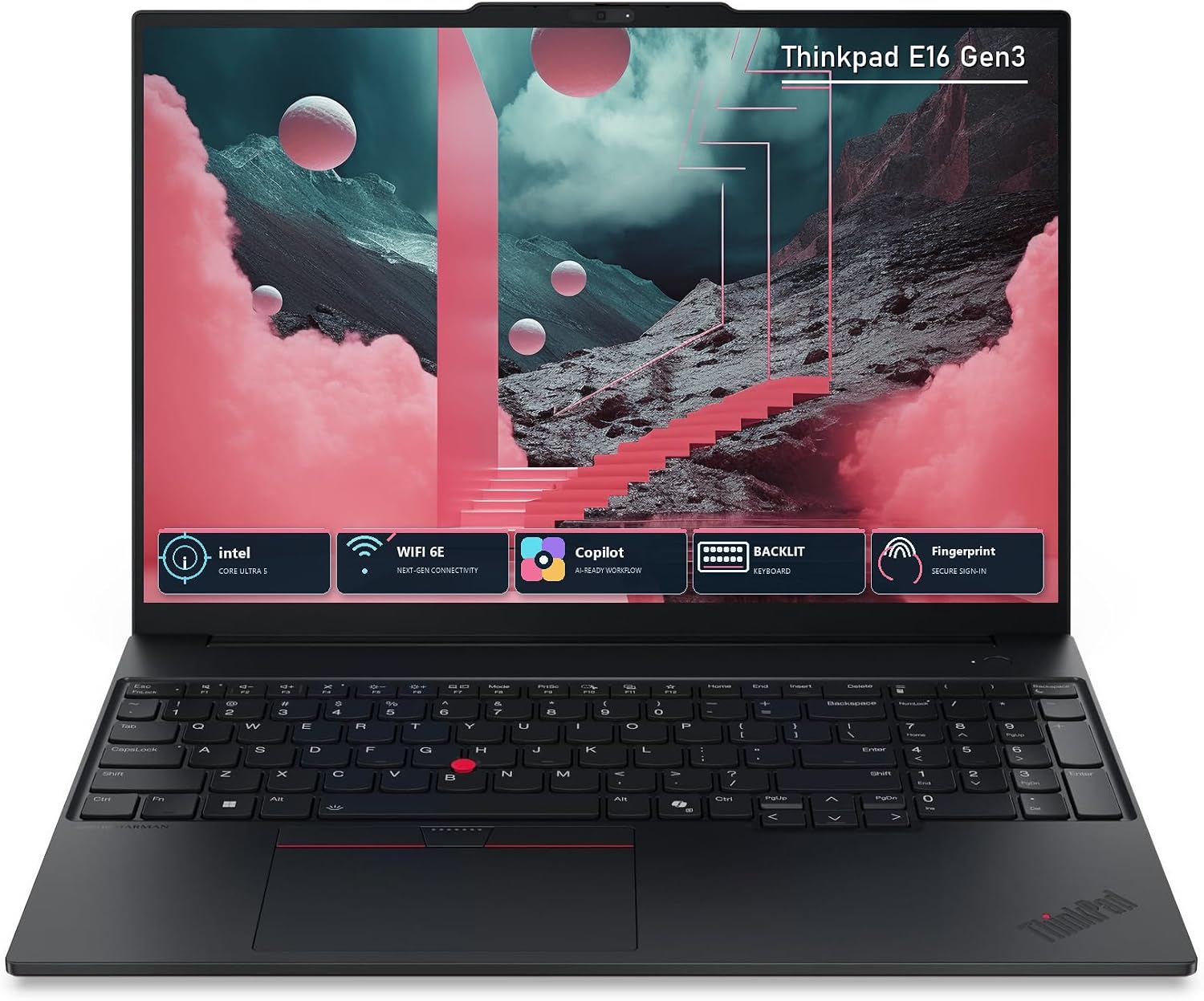
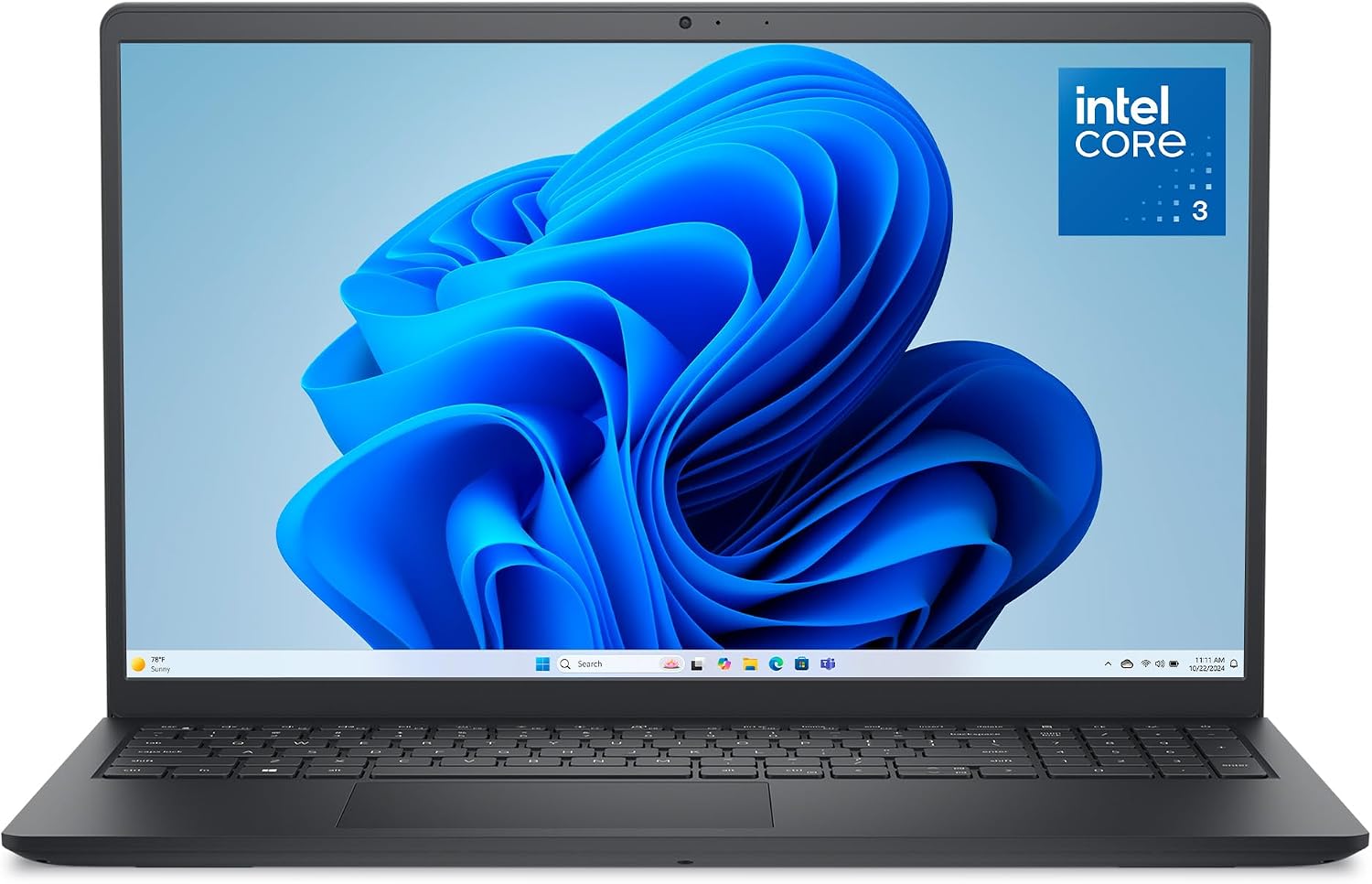
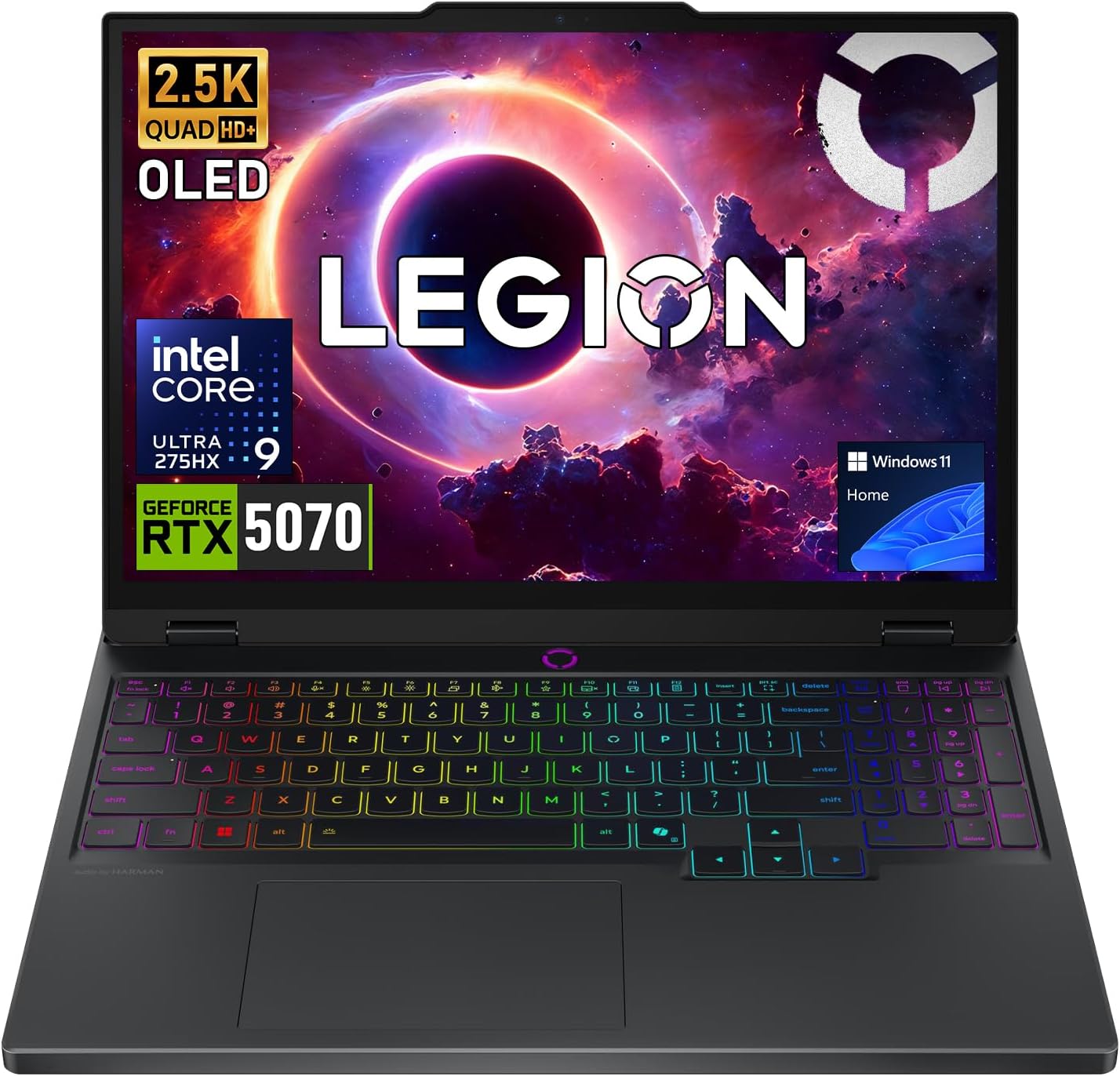
Top Laptop Deals for 2026: Live Verified Picks

Our pricing intelligence engine scans Best Buy, Amazon, and Newegg every morning at 6:00 AM EST to uncover genuine price drops on laptops meeting our strict hardware standards. Below are our top recommended models across key use cases and budgets:

Which Operating System Is Right for You?

🪟 Windows 11 (x86 & Arm)

Best For: Universal software compatibility, corporate enterprise networks, PC gaming, and dual-boot flexibility. If you run legacy accounting software or anti-cheat games, stick to x86 (Intel/AMD).

🍎 macOS (Apple Silicon)

Best For: Creative professionals, programmers, university students, and iPhone users. Industry-leading battery retention, best-in-class trackpads, and silent operation.

🌐 ChromeOS (Chromebooks)

Best For: K-12 education, lightweight browsing, Google Docs, and sub-$300 budgets. Immune to traditional Windows viruses, instant boot times, but limited to web & Android apps.

5 Costly Mistakes Laptop Buyers Make in 2026

  1. Buying 8GB of Soldered RAM: We cannot emphasize this enough. Over 70% of 2026 ultrabooks solder their memory directly to the logic board. You cannot pop off the bottom cover to add an extra stick later. An 8GB laptop bought today will feel sluggish by next year.
  2. Accepting a 250-nit 45% NTSC Display: Manufacturers quietly cut costs on screens to advertise attractive processor specs. A 250-nit screen with 45% NTSC looks dim, washed out, and makes reds appear dull orange. Insist on 300+ nits and 100% sRGB.
  3. Ignoring the Webcam Quality: Remote interviews and team meetings demand at least a 1080p FHD webcam. Cheap laptops still carry blurry 720p sensors that produce grainy video in typical indoor lighting.
  4. Overpaying for Unnecessary Dedicated GPUs: Unless you actively play AAA video games or do 4K video color grading, you do NOT need an RTX graphics card. Dedicated GPUs consume battery rapidly and add a pound of cooling weight. Modern integrated graphics (Intel Arc 140V, AMD Radeon 890M, and Apple M-series) easily handle 4K external monitors and light gaming.
  5. Buying Obsolete Storage (eMMC / UFS): Ultra-budget laptops under $250 often feature 64GB or 128GB of eMMC flash storage—the same slow storage used in budget smartphones. Always verify that the laptop contains a true M.2 NVMe PCIe SSD.

More Verified Laptop Deals Checked This Morning

Our pricing engine tracks real-time inventory and retailer markdowns across major stores. Here are additional verified laptop discounts available today:

$1,599.00View Deal →

Explore All Verified Laptop Deals

Compare real-time prices across Amazon, Best Buy, and Newegg with genuine discount verification, verified specs, and zero sponsored bias.

Browse All Laptop Deals in Our Catalog→