← Browse tech dealsTECH DEAL COMPASS
How Much RAM Do You Really Need in 2026? A Practical Hardware Guide
Wondering whether 8GB is still usable, if 16GB is truly enough, or when 32GB makes sense? In 2026, memory demands have shifted with Windows 11 Copilot+ AI integration, demanding browser engines, and soldered memory designs. Here is our practical, no-nonsense hardware breakdown.
Tech Deal Compass editorial · Updated daily (Last refreshed September 20, 2026) · Memory Hardware Analysis
For years, the standard advice was simple: “8 GB is fine for basic use, 16 GB is great, and 32 GB is overkill.”
In 2026, that formula has fundamentally shifted. Modern operating systems like Windows 11 with built-in AI copilots, resource-hungry Chromium browser engines running complex web apps, and modern creative suites have raised the baseline. Simultaneously, the rise of soldered LPDDR5X memory in ultra-thin laptops means you can no longer buy an 8 GB laptop and pop in a cheap memory stick later.
Quick Summary: How Much RAM Do You Need in 2026?
2026 RAM Capacity Recommendations| RAM Capacity | Who It's For | 2026 Verdict |
|---|
| 4 GB | Lightweight ChromeOS only (elementary school, kiosk devices) | Obsolete for Windows. Avoid on modern PCs. |
|---|
| 8 GB | Strict budget buyers, single-app users, light document writing | Bare Minimum. Leaves zero headroom for multitasking. |
|---|
| 16 GB | Students, office professionals, everyday multi-tab browsing, casual gaming | The Universal Sweet Spot (Recommended). Ideal balance of cost and speed. |
|---|
| 24 – 32 GB | Software engineers, content creators, AAA gamers, local AI/LLM models | Power User & Future-Proof. Highly recommended for heavy workloads. |
|---|
| 48 – 64 GB+ | Virtual machines, 4K/8K RAW video editing, 3D simulation, heavy CAD | Specialized Workstations. Only for specific demanding software. |
|---|
The Deep Dive: Breakdown by Capacity
1. Is 8 GB Still Enough in 2026?
The short answer: Only if your budget strictly forces it.
Fresh out of the box, a clean installation of Windows 11 uses roughly 3.5 GB to 4.2 GB of RAM just managing system services, antivirus security, and background tasks. Opening Microsoft Edge or Chrome with 8 to 10 tabs, plus Spotify and a Word document, quickly pushes memory usage past 7 GB.
When your system exceeds 8 GB, your operating system begins “paging” or swapping inactive memory to your SSD. While modern NVMe SSDs are fast, they are still 50 to 100 times slower than system RAM. The result? Stuttering when switching windows, micro-freezes during video calls, and increased wear on your SSD storage over time.
2. Why 16 GB is the True Sweet Spot
16 GB of RAM is the standard we recommend for 85% of shoppers today.
With 16 GB, you have comfortable breathing room:
- You can keep 30+ browser tabs open without tabs constantly reloading in the background.
- You can run Microsoft Teams, Zoom, Excel, and Spotify simultaneously without frame drops.
- Casual photo editing in Photoshop or Lightroom runs smoothly.
- Mainstream 1080p gaming runs without memory bottlenecks.
Best of all, the price premium for 16 GB has dropped dramatically. We frequently find 16 GB laptops priced under $400 in our daily catalog scans.
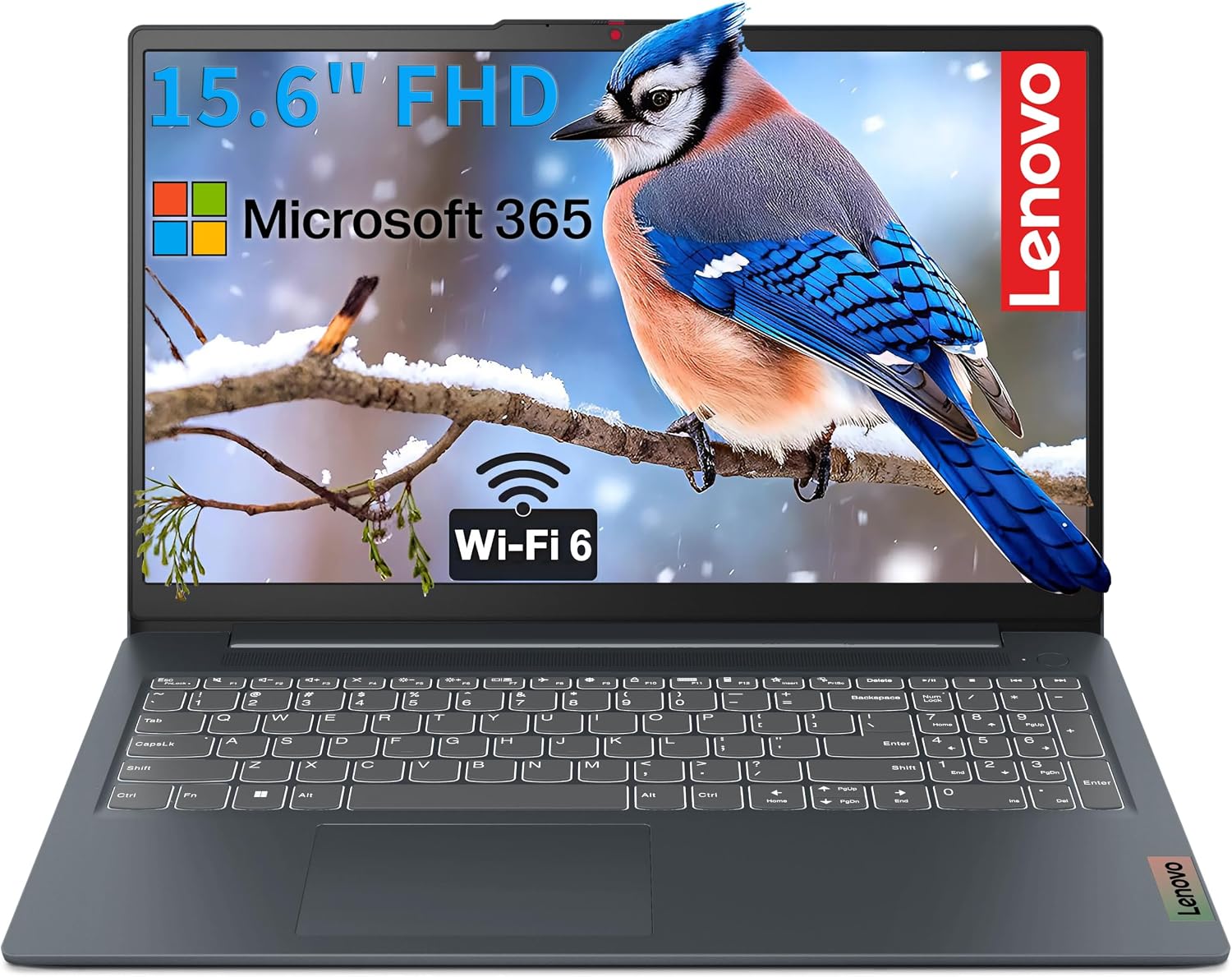
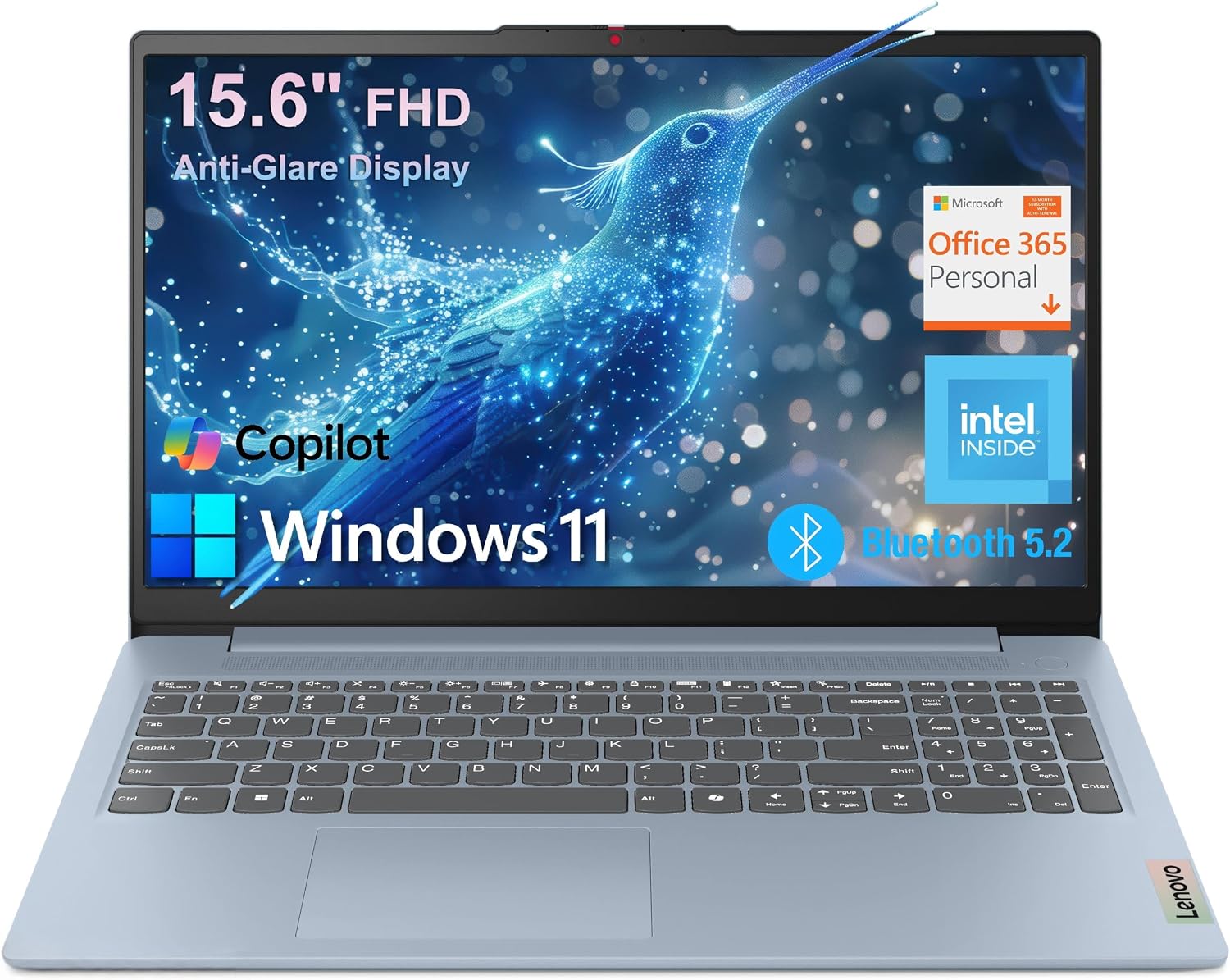
Affordable 16GB Multitasker: Lenovo V15 FHD Business & Student Laptop
Best current price: $349.00 — Amazon(was $799.97, save 56%)
Lenovo V15 FHD Laptop Business Student, Office 365 + Copilot AI, Intel CPU. Verified at $349.00 against a $799.97 retailer reference price.
Prices we're tracking across major retailers| Retailer | Current Price | Availability / Status |
|---|
| Amazon | $349.00 | Lowest Price 🔥 |
|---|
| Newegg | $749.90 | Verified in stock |
|---|
✓ You save $401.00 by choosing the lowest-priced retailer among the offers we're currently tracking.
Why it's interesting: Proof that you don't need to overpay for adequate memory. While many retailers sell 8GB laptops for $400+, this model includes 16GB RAM and a 512GB SSD for $349 on Amazon.
3. When Does 32 GB Make Sense?
Until recently, 32 GB was considered strictly for enthusiasts. In 2026, it has become practical for several mainstream groups:
- Software Developers & Data Scientists: Running Docker containers, local databases, and IDEs like Android Studio or IntelliJ eats 16 GB rapidly.
- Local AI and LLM Enthusiasts: Running local models (like Llama 3 or Mistral) or image generation models (Stable Diffusion) requires substantial system memory if you don't have a massive dedicated GPU VRAM buffer.
- Modern PC Gamers: New AAA titles like Hogwarts Legacy, Cyberpunk 2077, and modern flight simulators can consume 18–22 GB of system RAM when background apps are running.
- Content Creators: Editing multi-layer 4K video timelines in DaVinci Resolve or Premiere Pro requires caching frames in RAM for smooth playback.
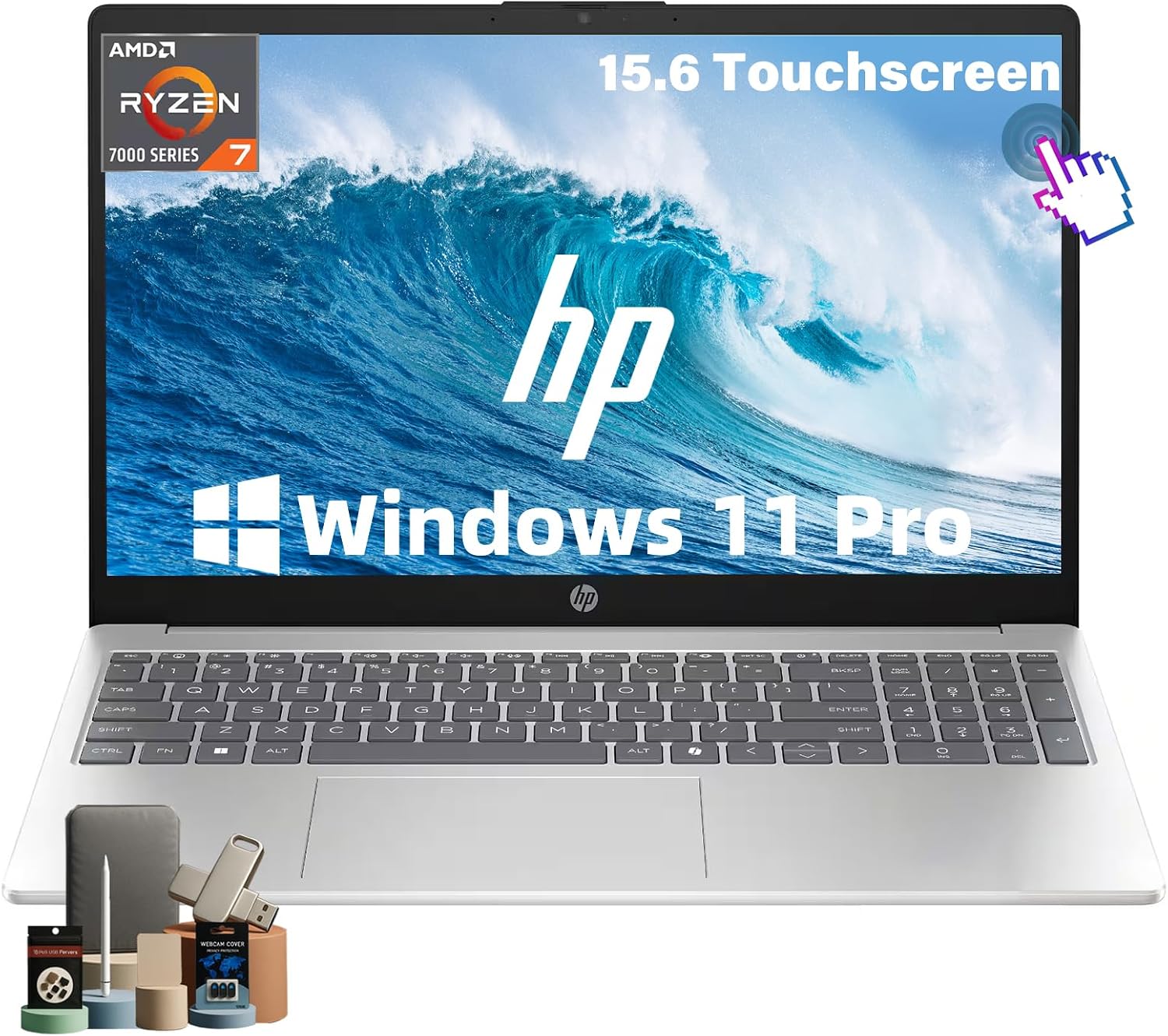
High-End Value: Acer Swift Go 16 AI (32GB LPDDR5 / 1TB SSD)
Best current price: $953.00 — Amazon(was $1,599.99, save 40%)
HP 15.6" FHD Touchscreen Laptop, 32GB RAM,1TB SSD, AMD Ryzen 7 7730U. Verified at $953.00 against a $1599.99 retailer reference price.
Prices we're tracking across major retailers| Retailer | Current Price | Availability / Status |
|---|
| Amazon | $953.00 | Lowest Price 🔥 |
|---|
| Newegg | $1,199.99 | Verified in stock |
|---|
✓ You save $247.00 by choosing the lowest-priced retailer among the offers we're currently tracking.
Why it's interesting: A showcase of 2026 power-user value: 32GB of high-speed LPDDR5 memory paired with a next-gen Ryzen AI processor and 1TB storage, priced under $1,000.
The Soldered RAM Warning: Check Before You Buy
In older laptops, you could buy a cheap base model with 8 GB of RAM and spend $30 on Amazon to upgrade it to 16 GB or 32 GB at home.
In 2026, most thin-and-light laptops use soldered LPDDR5 or LPDDR5X memory. The RAM chips are permanently welded directly onto the motherboard to maximize power efficiency and slim down chassis thickness.
Rule of thumb: If a laptop specifies LPDDR5 or LPDDR5X, it is almost certainly non-upgradable. The memory you buy on day one is the memory you are stuck with for the entire lifespan of that computer.
What About Apple Silicon Unified Memory?
For years, Apple marketing claimed that “8 GB on a Mac is like 16 GB on a PC” due to unified memory architecture.
While Apple's unified memory has phenomenal bandwidth and low latency, 8 GB of physical RAM is still 8 GB of data. Heavy browser use and multitasking on an 8 GB Mac will still swap heavily to the SSD, degrading SSD longevity and slowing down background apps.
Tellingly, Apple has now made 16 GB the baseline across all new M4 and M5 MacBook Pro and MacBook Air configurations. If you are buying a Mac, do not settle for an older 8 GB model if you plan to keep it for more than two years.
Current Deals by Memory Capacity
Recommended 16 GB Laptop Deals
The best balance of price and longevity for work, school, and everyday computing.
Browse all 16GB+ laptop deals →
32 GB+ High-Performance Deals
For creative professionals, engineers, heavy multitasking, and future-proof gaming.
Browse all 32GB+ laptop deals →
Budget 8 GB Deals
Only recommended for tight budgets under $300 or strictly basic single-task use.
Browse budget laptop deals →