
Best Monitors Under $200: Top 1080p, 1440p & 4K Displays for Gaming & Work (Updated Daily)
Finding a quality display on a tight budget no longer requires settling for washed-out office panels. In 2026, a $200 budget buys 27-inch 1440p 165Hz Fast IPS gaming monitors, 200Hz competitive esports screens, and even 4K UHD productivity displays. We break down the real trade-offs—from stand ergonomics and port bandwidth to color accuracy—with live verified daily deals across Best Buy, Amazon, and Newegg.
Finding a quality monitor on a tight budget no longer means settling for blurry 1080p 60Hz office panels with terrible washed-out colors. In 2026, the sub-$200 monitor market has experienced a massive leap in panel efficiency and manufacturing yields. Today, a \$200 budget can unlock 27-inch 1440p (QHD) 165Hz Fast IPS displays, blistering 200Hz competitive esports panels, and even 27-inch 4K UHD productivity workhorses.
However, shopping under \$200 also requires navigating aggressive cost-cutting traps: fragile tilt-only stands that wobble at the slightest desk bump, deceptive "HDR400" badges on panels that can barely hit 250 nits, and HDMI ports locked to older revisions that throttle high refresh rates. Below, we break down our top tested recommendations with live daily pricing across Amazon, Best Buy, and Newegg.
Quick Navigation: Top Sub-$200 Monitor Picks
- 1. Best Overall Gaming: 27" 1440p 165Hz Fast IPS
- 2. Best for High-FPS Esports: 24"–27" 180Hz–200Hz IPS
- 3. Best 4K for Work: 27" 4K UHD (3840×2160) IPS
- 4. Best Immersive Curved: 31.5" WQHD 170Hz 1500R VA
- 5. Best Gaming Under $120: 24" 1080p 180Hz Fast IPS
- 6. Best Ultra-Budget ($60–$75): 22" 100Hz Home Office
Best Overall Monitor Under $200: 27" 1440p (QHD) 165Hz Fast IPS
If your graphics card can handle 2560×1440 (RTX 3060 / 4060, Radeon 6700 XT / 7600 XT or better), scoring a 27-inch 1440p Fast IPS display under \$200 is the single greatest visual upgrade you can make. You gain 77% more screen desktop space over 1080p, crisp 109 PPI pixel density without blurry text scaling, and fluid 165Hz–170Hz motion response for gaming.
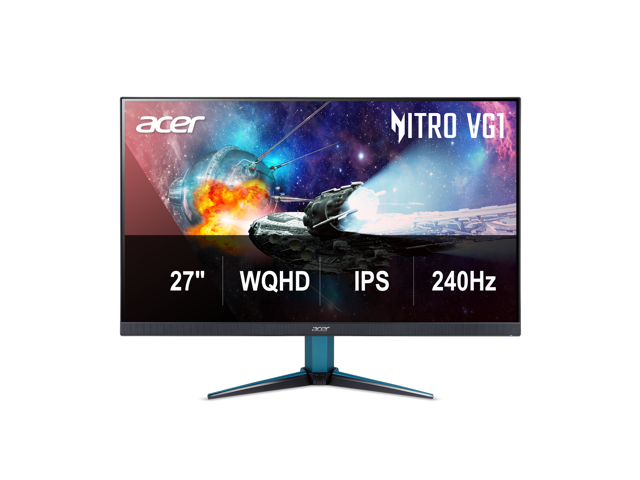
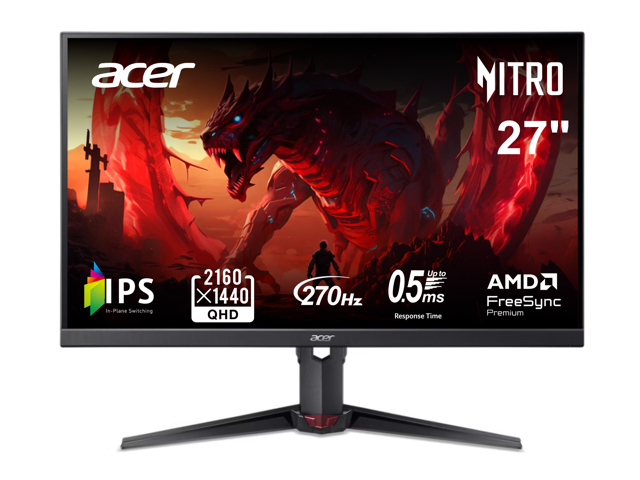
Acer Nitro 27 inch WQHD 2K 1440P 240HZ IPS 0.5ms with AMD FreeSync Premium HDR400 Gaming Computer Monitor with Speakers VG272U W2BMIIPX
Outstanding 27" QHD IPS gaming monitor with rapid 1ms response, AMD FreeSync Premium, G-Sync compatibility, and versatile DisplayPort 1.4 + dual HDMI connectivity.
Best for High-FPS Esports: 180Hz–200Hz Fast IPS Gaming Monitors
For competitive shooters like Valorant, Counter-Strike 2, Overwatch 2, and Apex Legends, raw frame rate and input latency triumph over pixel count. Sub-$130 monitors now routinely ship with 180Hz to 200Hz Fast IPS panels offering sub-1ms motion response without the horrible color distortion and washed-out angles of old-school TN displays.
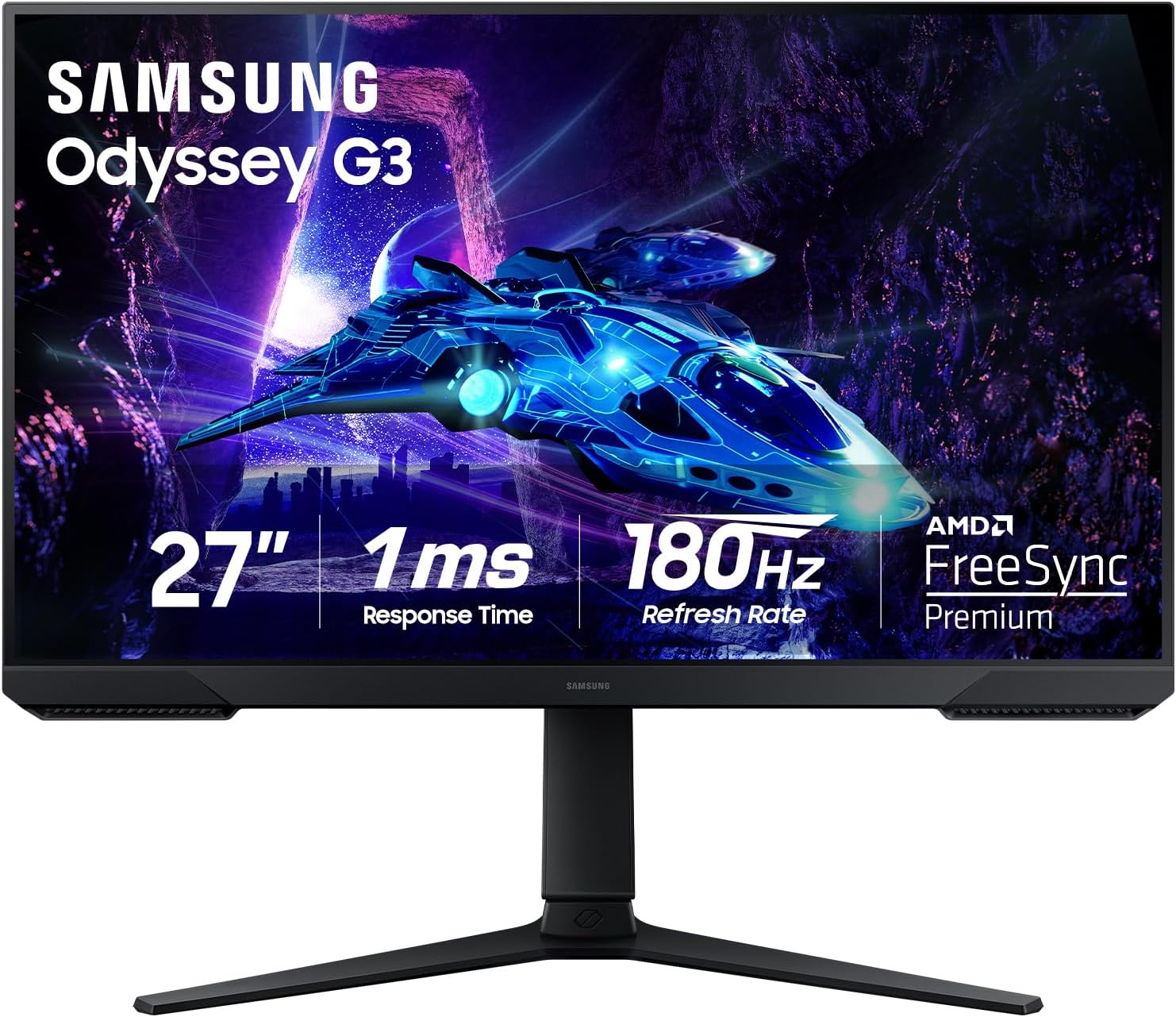
Samsung 27" Odyssey G3 (G30D) Series FHD Gaming Monitor
Blazing-fast refresh rate paired with AMD FreeSync Premium for tear-free competitive gameplay at an unbeatable price point.
Best 4K Monitor Under $200: 27" 4K UHD (3840×2160) IPS
If your primary computer tasks revolve around spreadsheets, coding in Visual Studio Code, reading PDF documents, or photo editing, a 27-inch 4K IPS panel at 163 PPI delivers print-quality text sharpness that eliminates eye strain completely. While gaming in native 4K requires a \$600+ GPU, running daily office tasks and streaming 4K Netflix/YouTube runs effortlessly on modern integrated graphics.
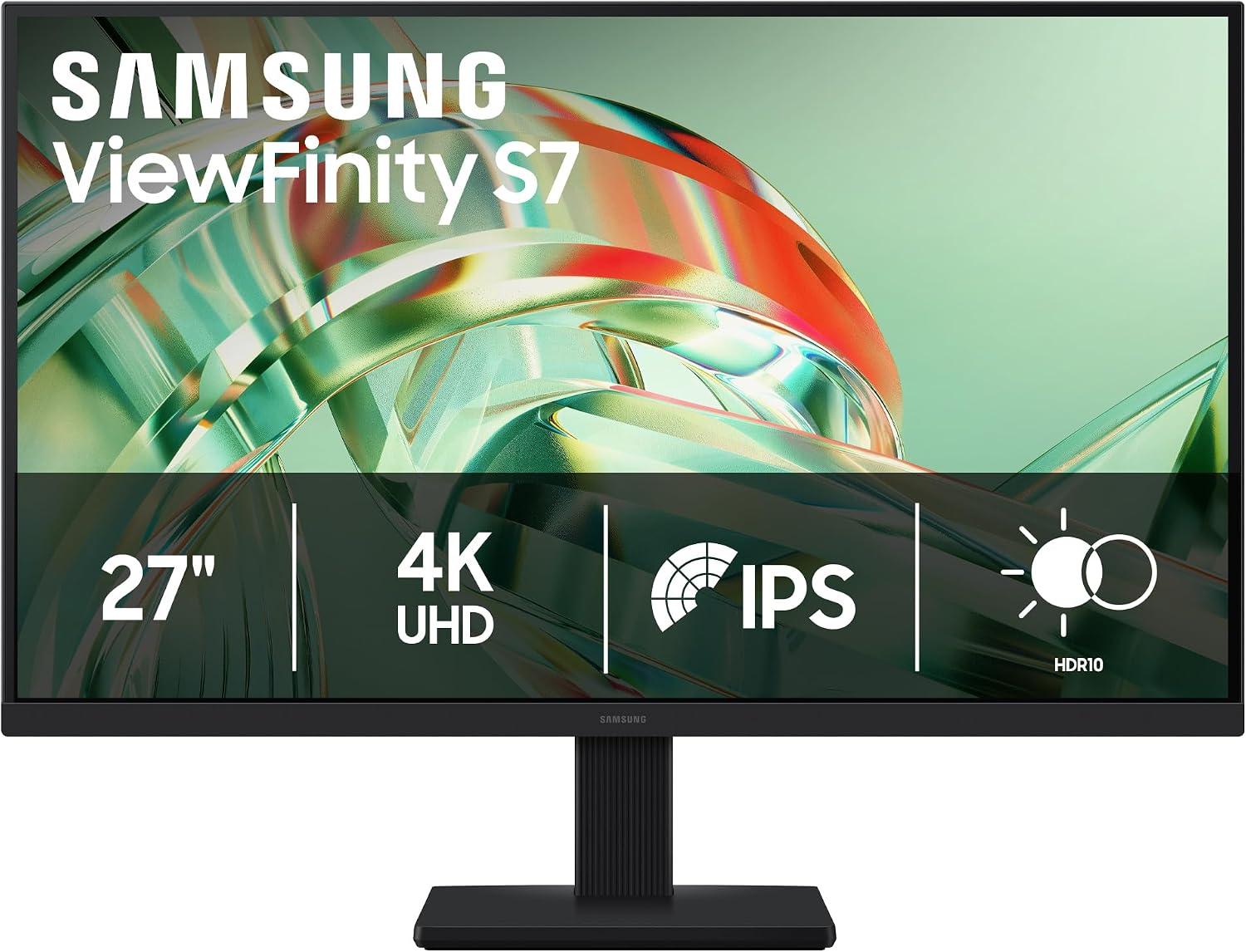
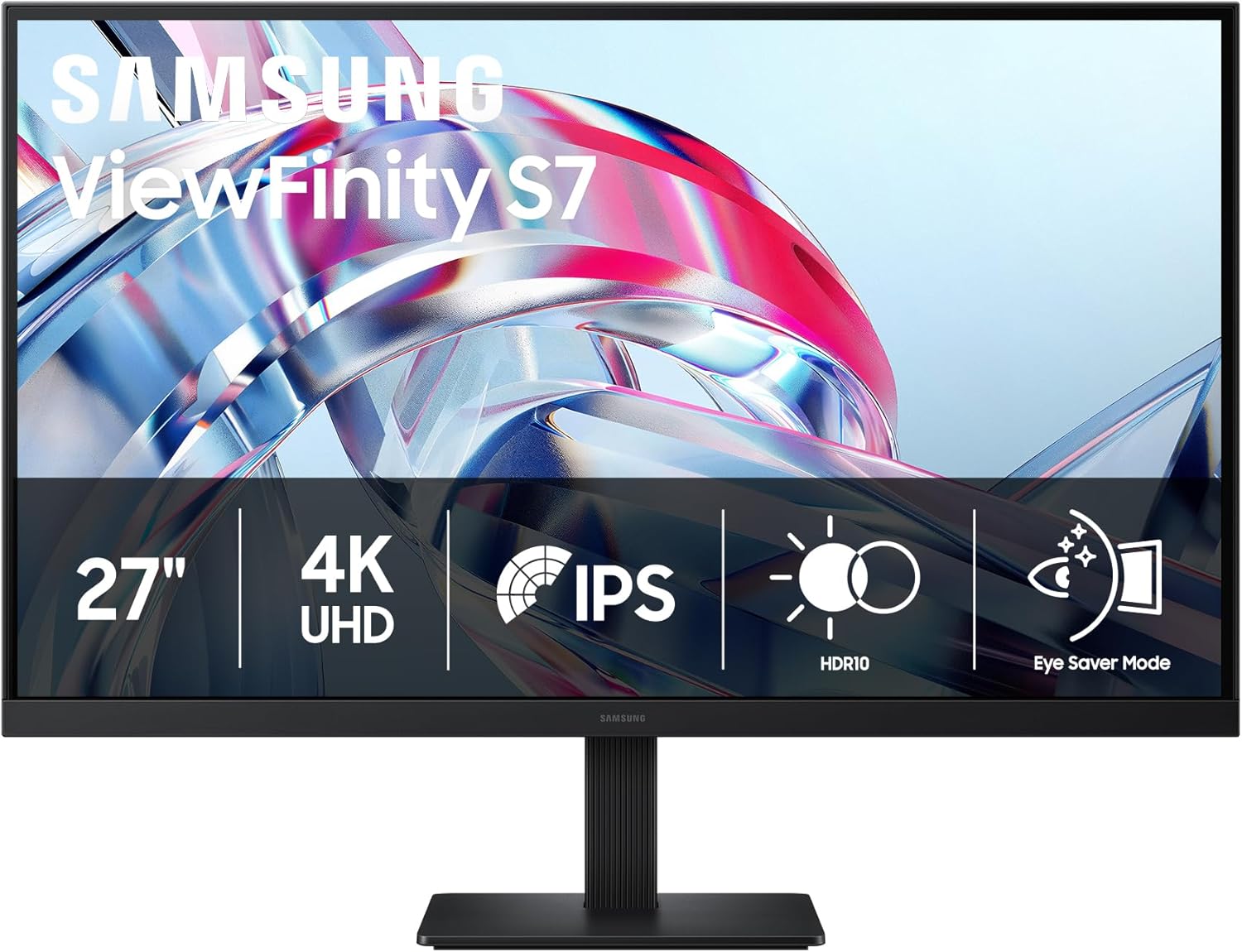
Samsung 27" ViewFinity S7 (S71H) 4K UHD IPS HDR10 High Resolution Monitor
True 3840×2160 UHD resolution on an IPS panel with 99% sRGB color gamut and HDR10 support for pin-sharp text clarity.
Best Large Curved Display Under $200: 31.5" Curved 1500R WQHD/FHD
For simulation racing, flight simulators, atmospheric RPGs, and movie watching in dim lighting, curved VA monitors offer 3,000:1 to 4,000:1 native static contrast—nearly triple what IPS panels achieve. Under \$200, brands like ASUS TUF and Acer Nitro offer 31.5-inch 1500R curved screens with 165Hz–180Hz refresh rates and deep, inky blacks.
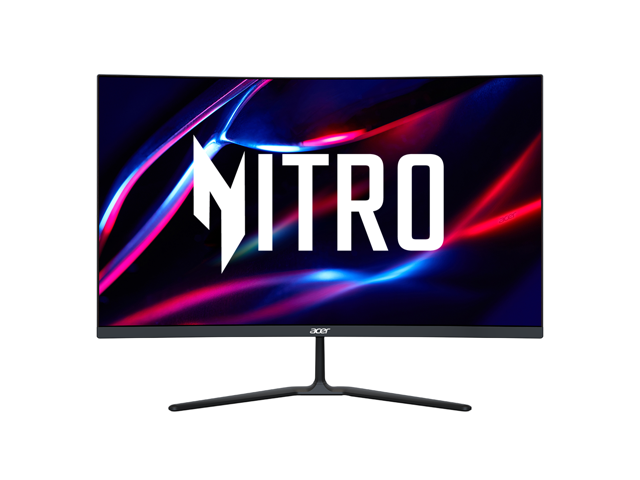
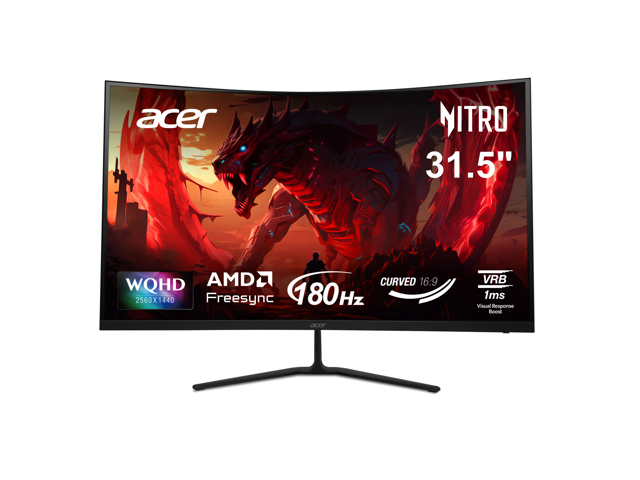
Acer Nitro 27 inch QHD 2K 1440P 170Hz with AMD FreeSync Premium 1ms Built-in Speakers Curved Gaming Computer Monitor ED270U P2bmiipx
Expansive 31.5-inch 1500R curved display delivering cinematic black levels and immersive peripheral view.
Best Budget Values: Under $120 Gaming & Sub-$80 Home Office
You don't even need to spend the full \$200 to get a responsive, eye-friendly display. At \$100–\$120, you get full 1080p 180Hz gaming monitors with FreeSync. At \$60–\$80, you can pick up compact 22-inch to 24-inch 100Hz panels perfect for home offices, dorm desks, or secondary portrait screens.
ASRock Phantom Gaming 27" Full HD 180Hz IPS with AMD FreeSync 1ms HDR400 Gaming Computer Monitor PG27FFT1B
High-refresh IPS gaming monitor delivering smooth motion clarity on an ultra-accessible budget.
View Deal Details →ASRock Phantom Gaming 25" (24.5" actual) Full HD 144Hz IPS with AMD FreeSync (Adaptive Sync) 1ms Computer Monitor for both Work and Gaming CL25FFB
Ultra-low cost 100Hz display with flicker-free technology and VESA mount support—ideal for home offices and dual-monitor builds.
View Deal Details →1080p 200Hz vs. 1440p 165Hz vs. 4K 60Hz: The Sub-$200 Trilemma
When spending \$200, manufacturers force you to choose where to allocate manufacturing costs: towards pixel count (resolution), refresh rate (hertz), or panel size. Here is the objective truth on which choice fits your setup:
1080p at 180Hz–200Hz
Best for: Budget GPUs (GTX 1660, RTX 3050, Radeon 6600) and competitive shooter players.
- Extremely easy for entry-level GPUs to render 144+ FPS.
- Sub-5ms total system latency for instantaneous aiming response.
- 24" screen size preserves sharp 92 PPI text clarity.
1440p at 165Hz (The Sweet Spot)
Best for: Modern mid-range gaming rigs (RTX 4060, RX 7600 XT or better) and hybrid work/play.
- 109 PPI pixel density at 27" gives 77% more desktop canvas.
- Sharp textures and long-distance enemy silhouette visibility.
- 100% native Windows scaling with zero blurry application fonts.
4K at 60Hz
Best for: Coding, spreadsheets, photo editing, and movie viewing.
- 163 PPI retina-class text sharpness eliminates font anti-aliasing artifacts.
- Massive 4K real estate to tile 4 full application windows simultaneously.
- Not recommended for fast action gaming on modest graphics cards.
The 4 Cost-Cutting Traps to Avoid Under $200
1. Tilt-Only "Wobble" Stands
To hit \$100–\$180 retail prices, brands often drop height, swivel, and pivot adjustments. Make sure the monitor features standard VESA 100×100mm or 75×75mm mounting holes so you can attach an inexpensive \$25 monitor arm later.
2. Fake "HDR400" Claims
Cheap monitors claiming "HDR10" or "HDR400" lack local dimming and peak at only 250–300 nits. Enabling HDR on these screens washes out colors and crushes dark details. Leave HDR off and enjoy accurate SDR colors instead.
3. Port Revision Bottlenecks
Some budget 165Hz monitors ship with HDMI 1.4 or 2.0 ports that cap refresh rates at 120Hz or 144Hz over HDMI. Always verify whether 165Hz requires the DisplayPort connection on your PC.
4. 6-Bit + FRC Color Banding
Ultra-budget panels sometimes use 6-bit color dithering (FRC) rather than true 8-bit color depth, resulting in visible color banding on dark gradients and skyboxes. Look for monitors specifying 8-bit (16.7 million colors) or 99% sRGB coverage.
Sub-$200 Monitor Specification Matrix
| Tier / Specification | Resolution & PPI | Panel & Contrast | Refresh Rate | Ideal Use Case | Typical Price |
|---|---|---|---|---|---|
| 27" 1440p Fast IPS | 2560×1440 (109 PPI) | Fast IPS (1,000:1) | 165Hz–180Hz | Best all-around gaming & multitasking | $179–$199 |
| 24"–27" 1080p Esports | 1920×1080 (82–92 PPI) | Fast IPS (1,000:1) | 180Hz–200Hz | Competitive FPS (Valorant, CS2, Apex) | $100–$130 |
| 27" 4K UHD IPS | 3840×2160 (163 PPI) | Standard IPS (1,000:1) | 60Hz | Code, spreadsheets, photo editing | $169–$199 |
| 31.5" Curved VA | 2560×1440 or 1080p | Curved VA (3,000:1) | 165Hz–180Hz | Simulators, racing, dark-room gaming | $179–$199 |
| 22"–24" Compact Office | 1920×1080 (100 PPI) | VA or IPS (1,000:1–3,000:1) | 100Hz | Secondary display, dorm rooms, general browsing | $59–$89 |
Frequently Asked Questions About Sub-$200 Monitors
Can these sub-$200 monitors run 120Hz on PlayStation 5 and Xbox Series X?
Yes! Look for monitors equipped with HDMI 2.0 or HDMI 2.1 ports that support 1080p 120Hz and 1440p 120Hz uncompressed. For the PS5 specifically, make sure the monitor supports HDMI Forum VRR (Variable Refresh Rate) over HDMI if you want tear-free gameplay without frame pacing stutters.
Do monitors under $200 have good built-in speakers?
Almost universally, no. Most sub-\$200 monitors either omit speakers entirely or include tiny 2W drivers that sound tinny and lack any bass. We strongly recommend budgeting \$20–\$30 for a dedicated set of desktop stereo speakers or using a 3.5mm gaming headset plugged into the monitor's audio-out passthrough jack.
Should I choose 24 inches or 27 inches for 1080p?
For 1080p resolution, 24 inches is the visual sweet spot (92 PPI). Stretched over a 27-inch canvas, 1080p drops down to 81 PPI, making individual pixels noticeably visible and causing fonts to appear slightly fuzzy. If you prefer a 27-inch monitor, we strongly urge stepping up to 1440p (2560×1440).
Is G-Sync or FreeSync included on budget monitors?
Virtually every modern high-refresh gaming monitor under \$200 supports AMD FreeSync Premium natively, which also works seamlessly as NVIDIA G-Sync Compatible over DisplayPort on GeForce GTX 10-series, RTX 20/30/40/50 series cards.
Live Verified Monitor Deals Under $200 (32 Available)
Prices and discounts automatically verified today across Best Buy, Amazon, and Newegg.
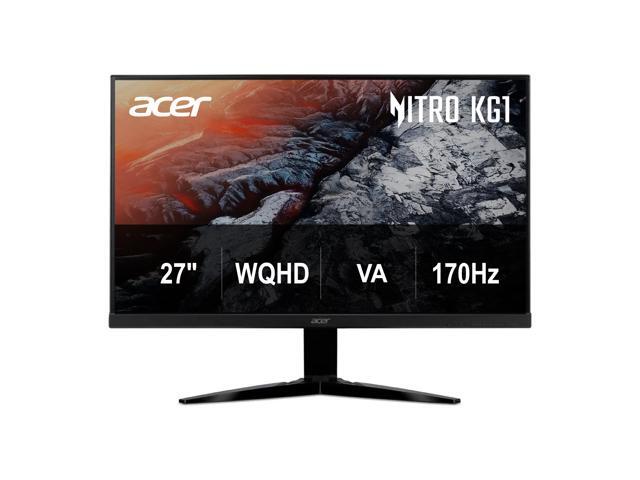
Acer Nitro 27 inch WQHD 2K 1440P 170Hz 1ms AMD FreeSync Premium Gaming Computer Monitor KG271U Pbiip
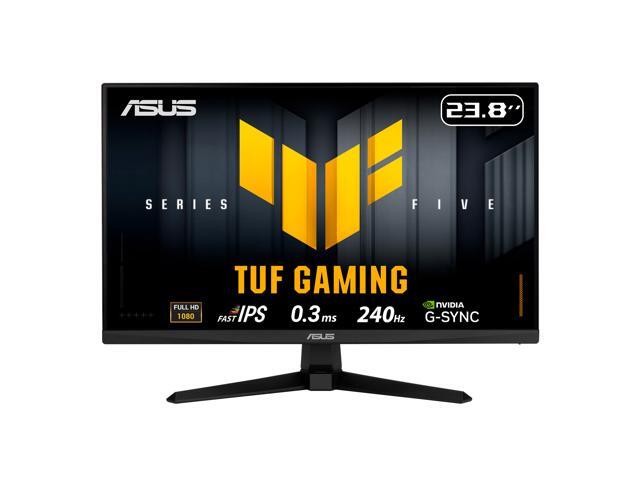
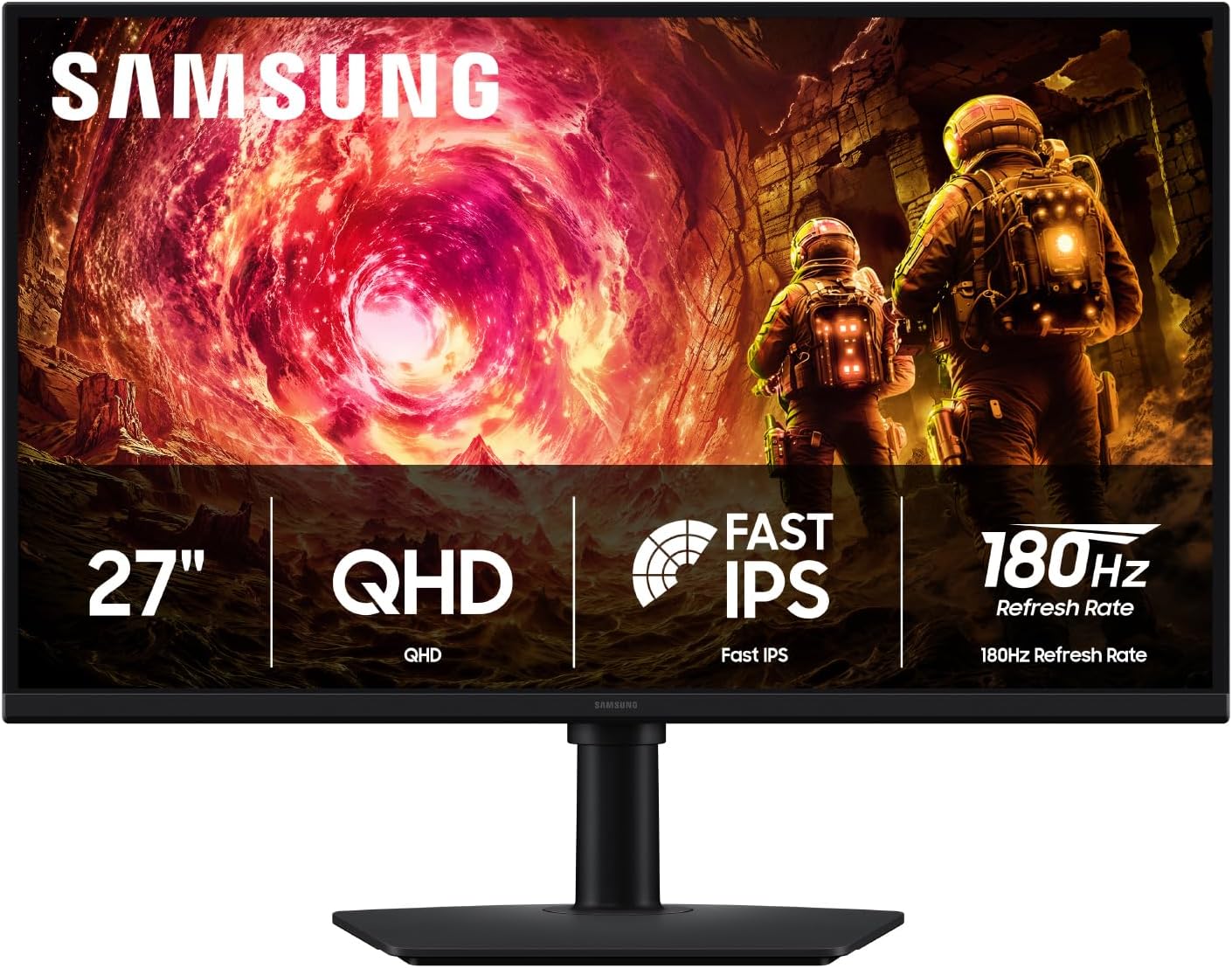
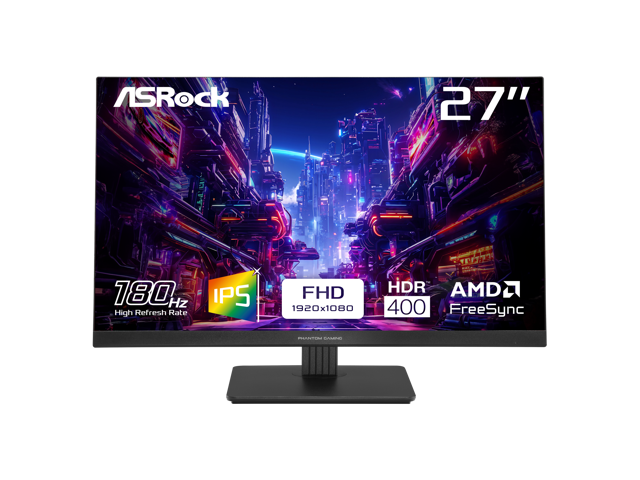
ASRock Phantom Gaming 27" Full HD 180Hz IPS with AMD FreeSync 1ms HDR400 Gaming Computer Monitor PG27FFT1B
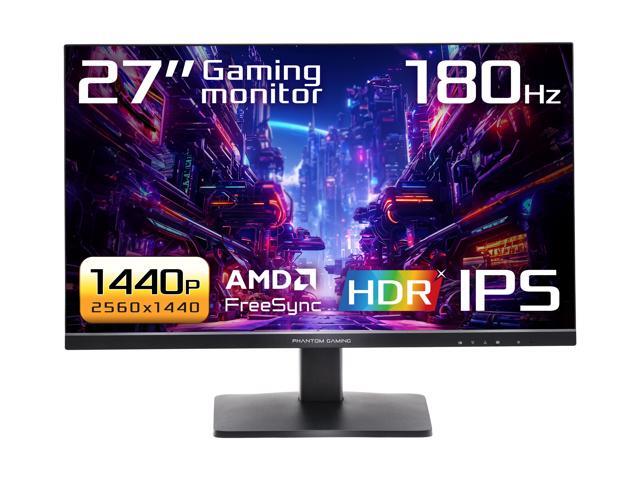
ASRock Phantom Gaming 27 inch QHD 2K 1440P 180Hz IPS with AMD FreeSync (AMD Adaptive Sync) HDR400 Gaming Computer Monitor PG27QFT1B
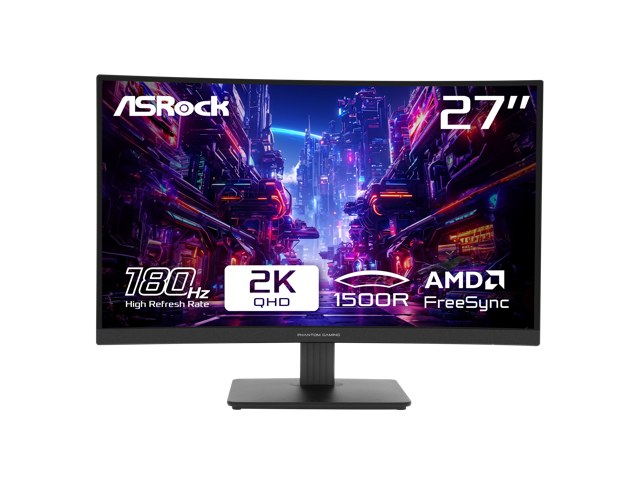
Find More Verified Monitor Deals
Looking for premium OLEDs, 240Hz+ esports monitors, or 34-inch ultrawides? Compare live prices across all major retailers in our full catalog.
Explore All Monitor Discounts→