Best DOCSIS 3.1 Cable Modems in 2026: Stop Paying $180/Year in ISP Rental Fees
ARRIS SURFboard S33 & S34 vs. NETGEAR Nighthawk CM2500/CM3000 & Multi-Gig 2.5GbE Setup Rules
Stop paying $15/month ($180/year) in cable modem rental fees. Compare the best DOCSIS 3.1 2.5GbE cable modems for Xfinity, Spectrum, and Cox plus Wi-Fi 7 router pairings.
Stop Paying $15/Month ($180/Year) to Rent an ISP Gateway: How to Pair a DOCSIS 3.1 Modem With Wi-Fi 7
Comcast Xfinity and Cox charge $15/month ($180/year — $540 over 3 years) to rent their all-in-one cable gateway. Buying your own DOCSIS 3.1 multi-gig cable modem and pairing it with a dedicated Wi-Fi 7 router or mesh system pays for itself in under 10 months while giving you dramatically better Wi-Fi range and zero ISP telemetry throttling.
- Rule #1 — Never Buy a DOCSIS 3.0 Modem in 2026: Legacy 16x4 and 32x8 DOCSIS 3.0 modems are end-of-life on Xfinity, Spectrum, and Cox for plans above 300–400 Mbps. Always require DOCSIS 3.1 (32x8 + 2x2 OFDM/OFDMA).
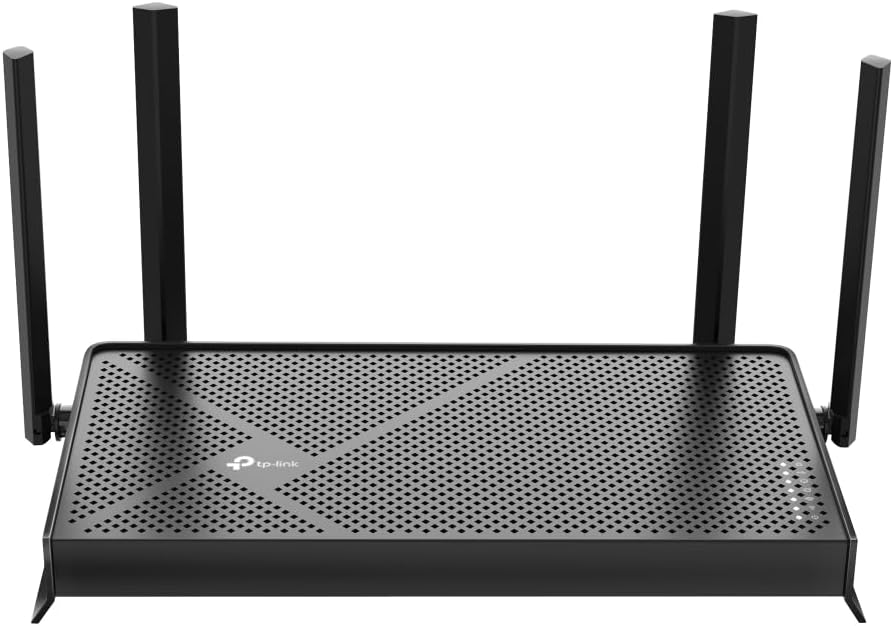
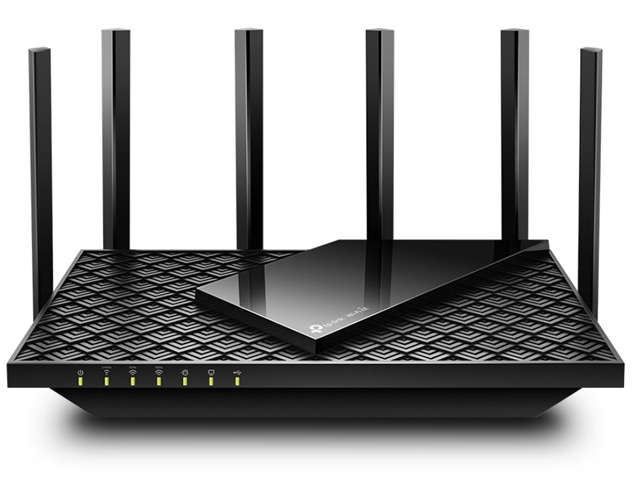
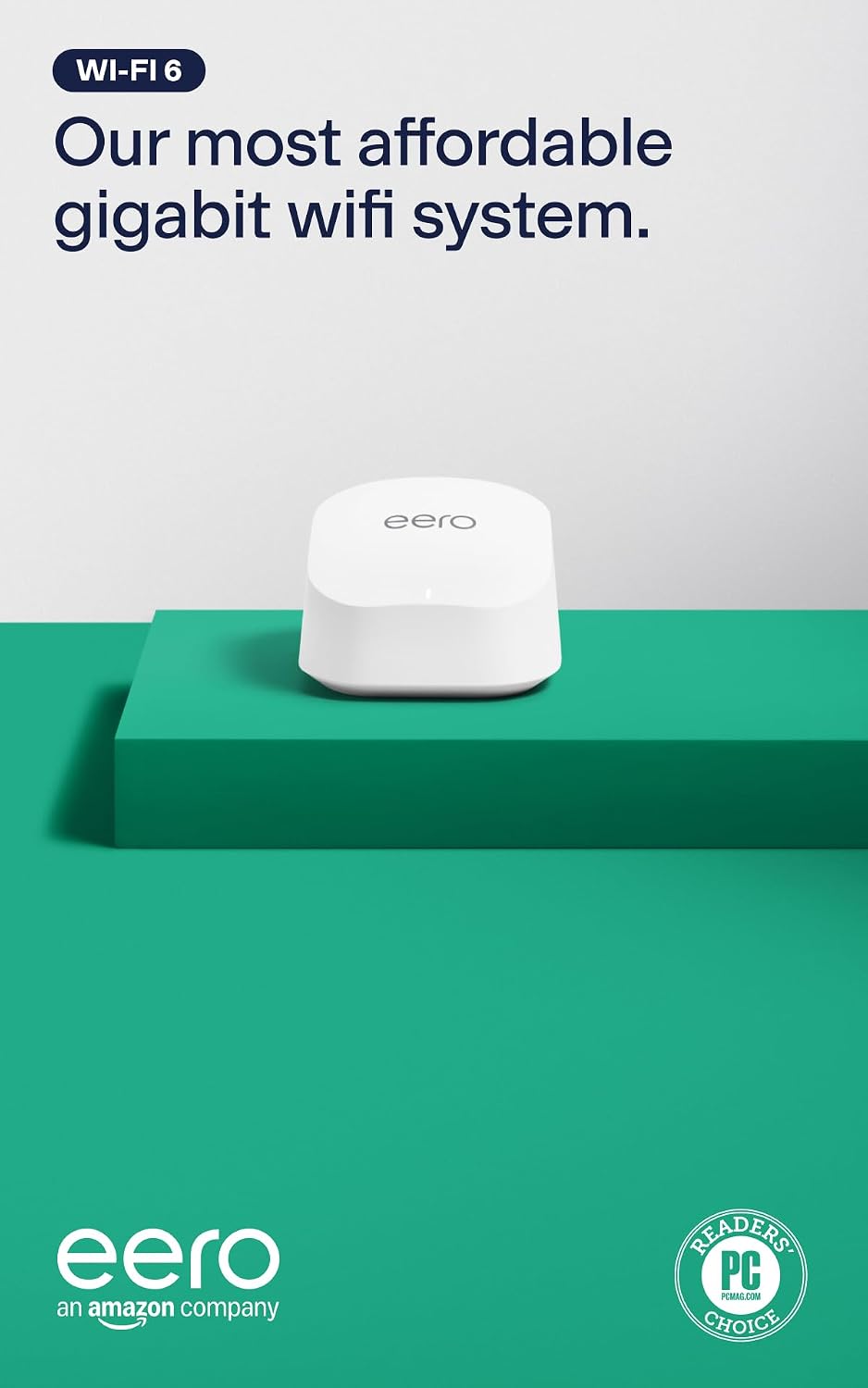
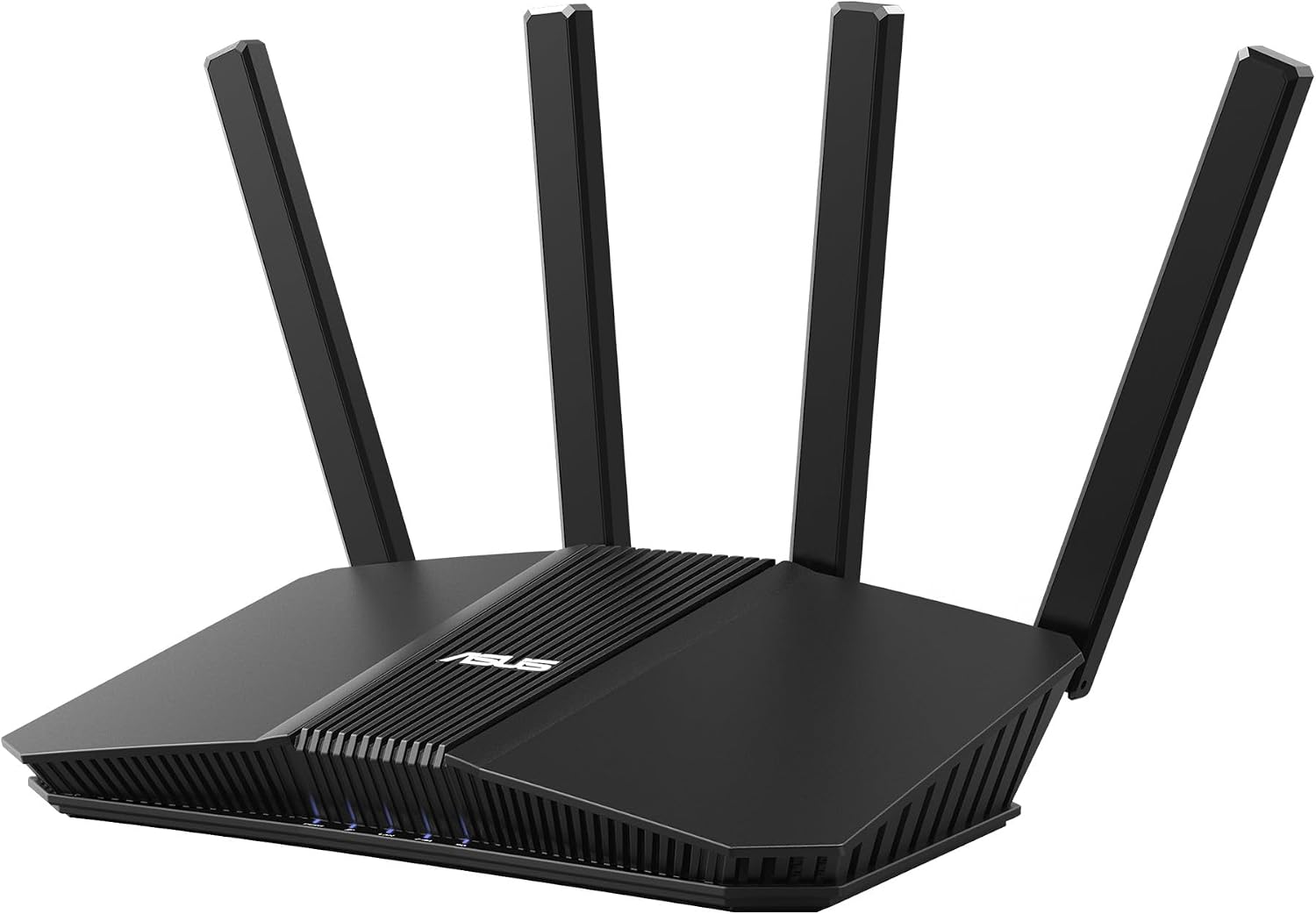
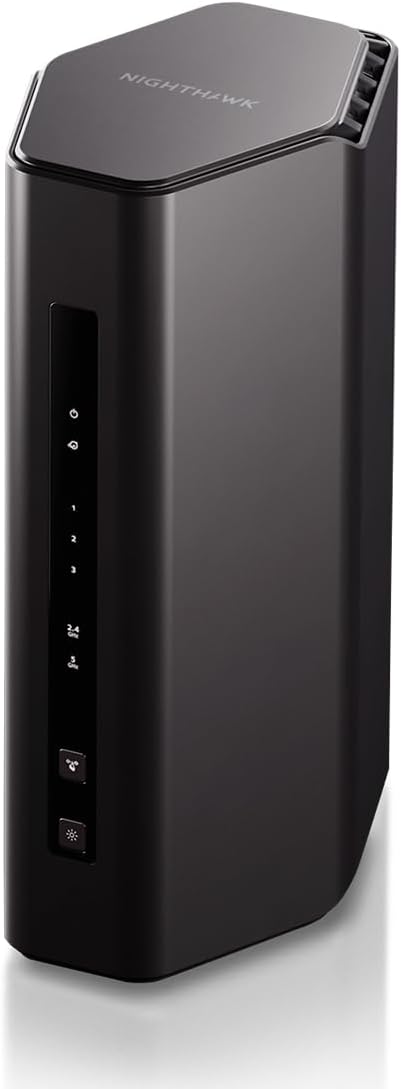
- Rule #2 — Verify a 2.5GbE Ethernet Port: Even a "1 Gigabit" cable plan is over-provisioned by 20% to ~1,200 Mbps. A modem with only a 1GbE port bottlenecks at 940 Mbps; a modem with a 2.5GbE port (like the ARRIS SURFboard S33 / S34, NETGEAR Nighthawk CM2500 / CM3000, or Hitron CODA56) feeds the full 1.2–2.5 Gbps into a 2.5GbE router like the TP-Link Archer BE550 ($149.99) or eero Pro 6E ($149.99).
- Rule #3 — Fiber Internet Users Do NOT Need a Cable Modem: If your ISP is AT&T Fiber, Verizon Fios, Google Fiber, or Frontier Fiber, your wall ONT box already outputs standard RJ45 Ethernet—skip the cable modem and plug a Wi-Fi 7 Router or Mesh System directly into the ONT!
1. Why Separate Modem + Router Always Beats a 2-in-1 Modem/Router Combo
While 2-in-1 cable modem/router combos save one power outlet, separating your DOCSIS 3.1 Cable Modem from your Wi-Fi 7 Router or Mesh System is far smarter long-term:
- Independent Upgrade Cycles: Coaxial DOCSIS 3.1 modems last 5–7 years without needing replacement, whereas Wi-Fi standards evolve every 2–3 years (Wi-Fi 6 → Wi-Fi 6E → Wi-Fi 7).
- Central Router Placement: Coaxial cable jacks are often located in a basement corner or media closet. With a separate modem and a TP-Link Deco or Amazon eero Mesh System, you can place wireless nodes in the center of your living areas.
Best Verified Wi-Fi 7 Routers & Mesh Systems to Pair With Your Modem