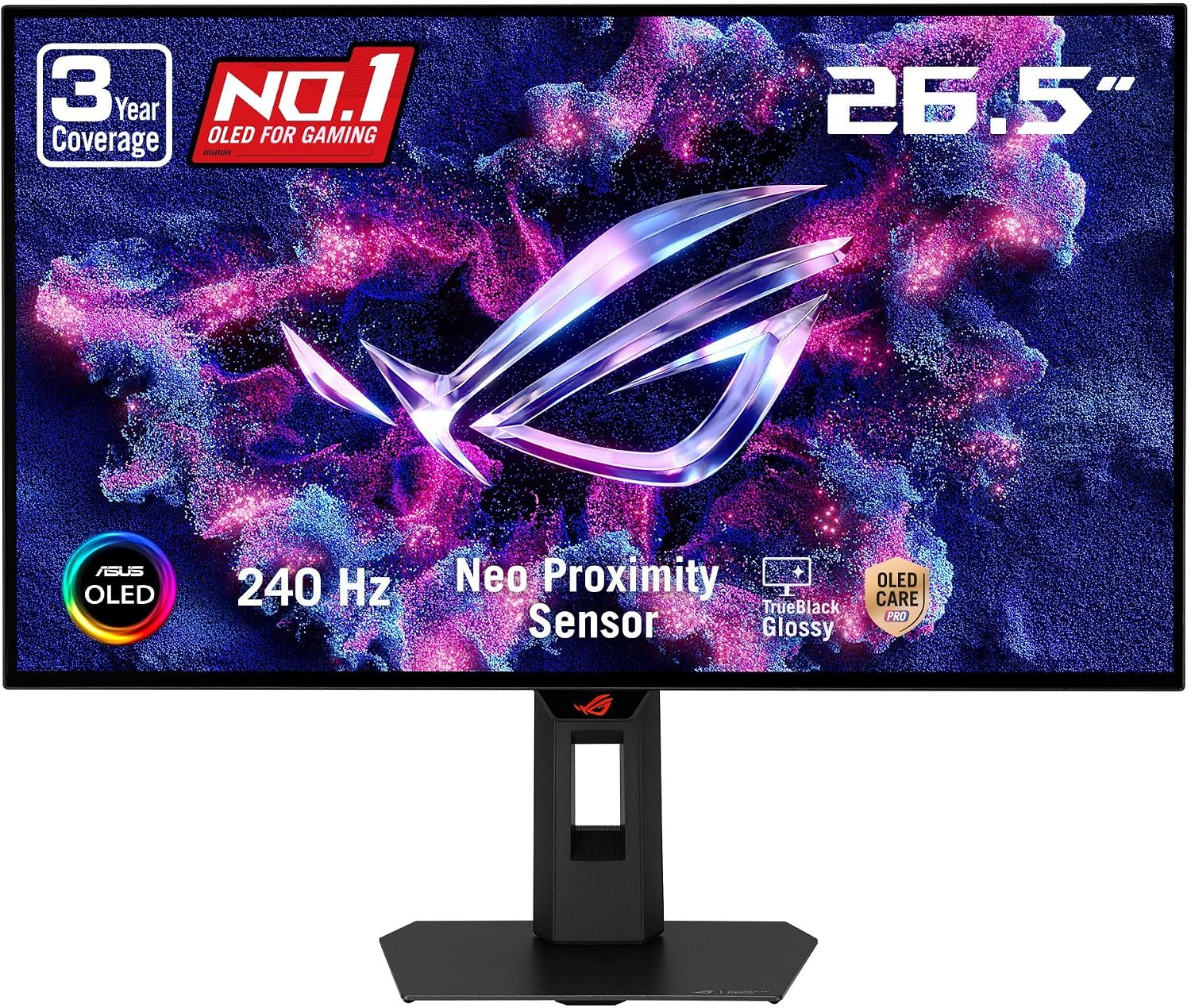
ASUS ROG XG27AQDMGR 27 Inch 1440p 240Hz Glossy OLED HDR Gaming Monitor
27 inches · OLED
$399$599at Amazon
View Deal →
Every gaming monitor from a $110 budget VA screen to a $900 QD-OLED claims a '1ms response time' on the box—yet in real-world motion, they look completely different. We break down the engineering difference between GtG pixel transitions and MPRT backlight strobing, explain why maximum overdrive causes ugly inverse ghosting, and show you which Fast IPS and OLED monitors actually deliver blur-free gaming.
Published October 20, 2026 · 9 min read · Display engineering & motion clarity breakdown
Walk down any monitor aisle or browse online listings and you will see “1ms Response Time” printed on everything from a $105 budget VA display to a $900 flagship OLED. Yet in real-world gaming, those two monitors look lightyears apart in motion.
When a monitor listing advertises a 1ms response time, the very first thing you must inspect on the spec sheet is the three-letter acronym attached to that number: GtG or MPRT. They measure completely different physical phenomena.
| Metric | GtG (Gray-to-Gray) | MPRT (Moving Picture Response Time) |
|---|---|---|
| What It Actually Measures | How many milliseconds a liquid crystal or OLED pixel takes to transition from one shade of gray to another (10% to 90% luminance). | How long a fully rendered frame remains visible on screen to the human eye before the backlight flashes off (persistence blur). |
| How Manufacturers Hit “1ms” | By cherry-picking the single fastest shallow transition (e.g., 50% gray to 70% gray) under maximum voltage overdrive. | By rapidly turning the LED backlight off and on (strobing) for 1 millisecond per frame. |
| Hidden Tradeoff | Extreme overdrive causes severe inverse ghosting (coronas)—bright neon trails behind moving objects. | Disables G-Sync/FreeSync VRR on most monitors, cuts screen brightness by 40%–60%, and can trigger eye strain from flicker. |
| Which Panels Use It | Fast IPS, Rapid IPS, Nano IPS, and OLED (which hits 0.03ms GtG). | Almost all budget VA panels and entry-level 1080p gaming monitors. |
Liquid crystals inside an IPS or VA panel are physically viscous. To make them twist faster when a frame changes, monitors apply an extra burst of electrical voltage called Response Time Overdrive (labeled Normal / Fast / Faster / Extreme in your monitor's on-screen menu).
To legally print “1ms GtG” on the retail box, a manufacturer only needs one transition pair to cross the 1ms mark in the laboratory—even if it requires locking the monitor into its highest Extreme overdrive setting. Here is what happens when you actually turn that setting on:
Here is the good news: you do not actually need a 1.0ms LCD to enjoy razor-sharp 165Hz or 180Hz gaming. What truly matters is Refresh Rate Compliance—whether the pixel finishes changing color before the next frame arrives from your GPU:
Pixels have 16.67ms per frame. Nearly any modern IPS or VA monitor completes transitions in time.
Pixels must transition in under 5.56ms. A well-tuned Fast IPS (3.8ms–4.5ms) easily clears this bar; cheap VA dark transitions (18ms+) fail and smear across 3 frames.
Requires top-bin Fast IPS (3.0ms–3.8ms) or QD-OLED/WOLED (0.03ms) so frames never bleed into one another.
Traditional LCD crystals hit a physical wall here. True 360Hz–480Hz motion clarity belongs to OLED.
The single biggest buyer regret in budget gaming monitors happens when shoppers buy a $140 curved VA monitor advertised as “180Hz 1ms MPRT.” While bright daytime transitions on a VA panel take ~5ms, dark transitions (0% black to 20% dark gray) take 16ms to 28ms.
Because 22ms is four times slower than a 180Hz frame window (5.56ms), dark shadows leave murky black trails behind moving enemies in games like Call of Duty: Warzone, Escape from Tarkov, and Diablo IV—and scrolling white text on a dark Discord or Reddit theme appears to flicker or dim.
Under $250: Always filter for Fast IPS / Rapid IPS (never budget VA if you play fast shooters). Set overdrive to Medium / Fast (one notch below the maximum) and leave MPRT backlight strobing Off so Adaptive Sync (FreeSync/G-Sync) stays active.
$350 to $650+: Step up to QD-OLED or WOLED for genuine 0.03ms instantaneous pixel response that makes a 240Hz OLED look clearer in motion than a 360Hz LCD.
Every monitor below is tracked in our live catalog across Amazon, Best Buy, and Newegg with genuine low-latency panel hardware:
27 inches · OLED
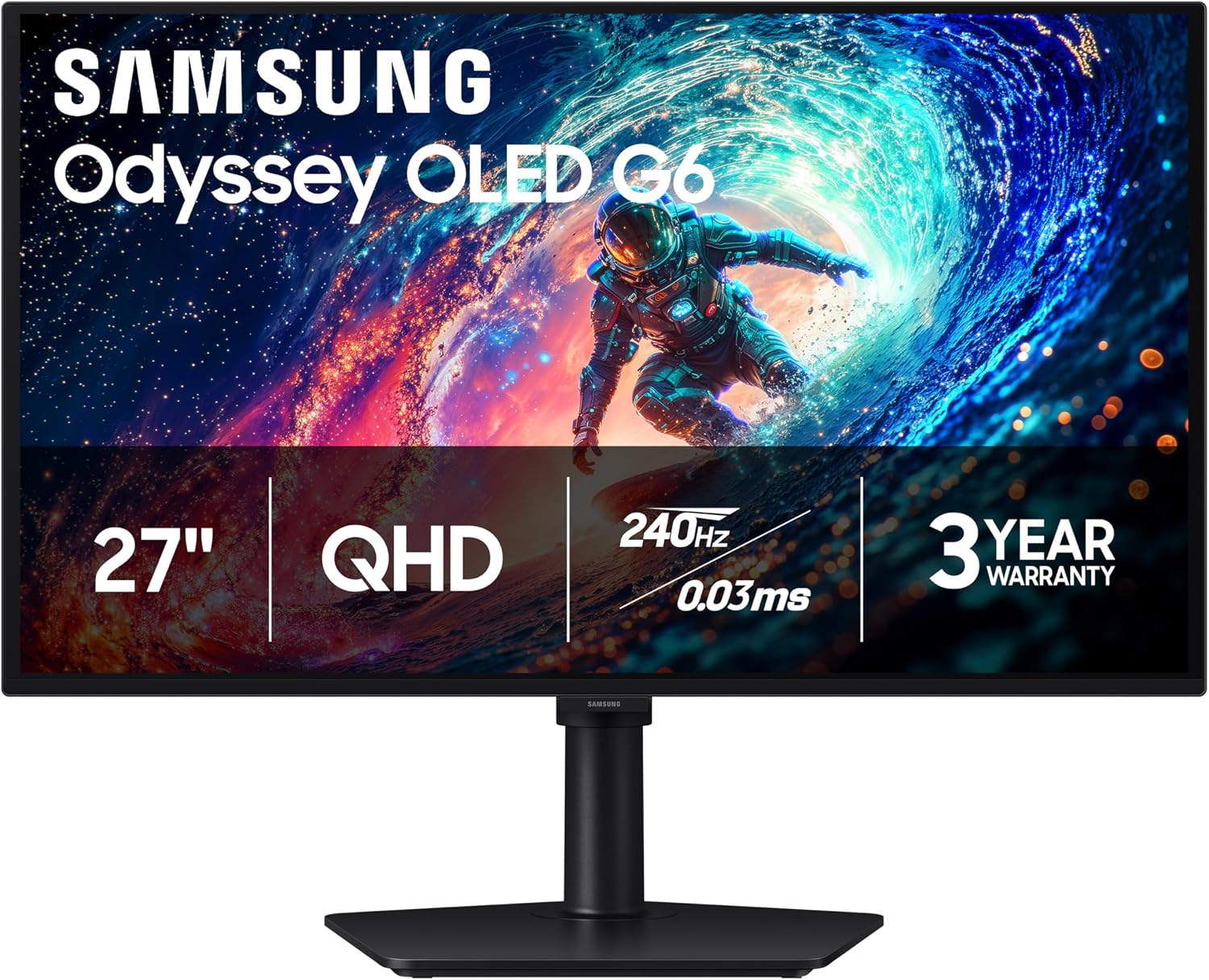
27 inches · OLED
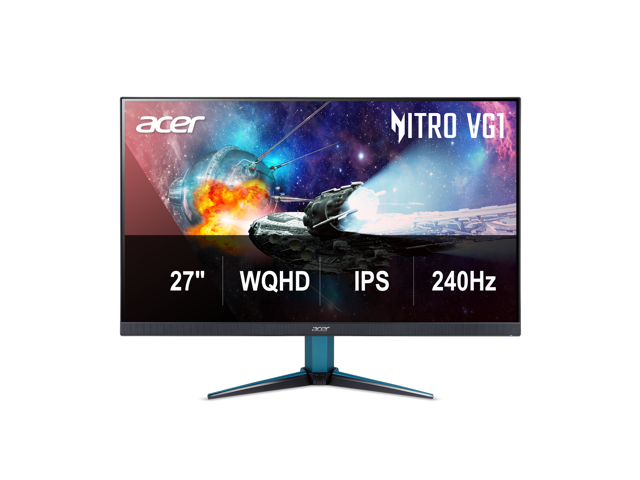
27 inches · WQHD
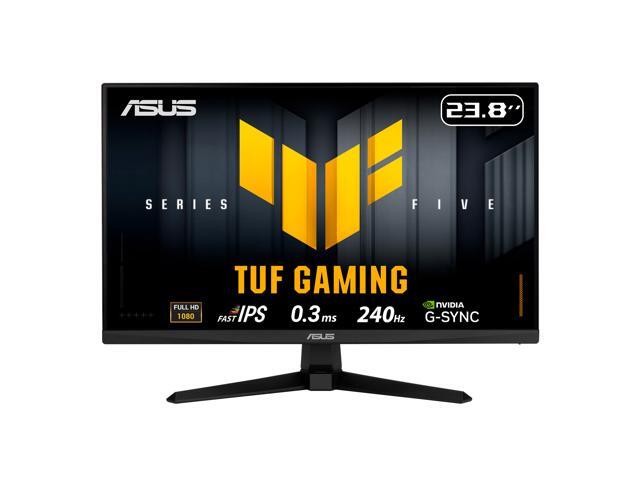
24 inches · FHD (1920 x 1080)