Samsung Galaxy Tab S9 FE vs. iPad 10th Gen: Best Tablet Under $400?
Choosing between the Samsung Galaxy Tab S9 FE and Apple iPad (10th Gen) is the defining sub-$400 tablet face-off. We compare the included S Pen vs. extra Apple Pencil cost, 90Hz IP68 water resistance vs. 60Hz non-laminated display, Exynos 1380 vs. A14 Bionic gaming performance, microSD expansion, Samsung DeX desktop mode, and live daily pricing across Amazon, Best Buy, and Newegg.
Samsung Galaxy Tab S9 FE Wins on Hardware Value, Water Resistance & S Pen; iPad 10th Gen Wins on Raw Gaming Speed & Tablet Apps
When comparing the two undisputed heavyweight tablets in the sub-$400 category, the Samsung Galaxy Tab S9 FE is the superior hardware value. It includes the battery-free S Pen in the box (saving you $80 immediately), sports a smooth 90Hz fully laminated screen, boasts full IP68 dust and water resistance (survives accidental pool and sink drops), offers expandable storage up to 1TB via microSD, and features Samsung DeX desktop mode. For students, note-takers, kitchen chefs, and media watchers, the Tab S9 FE gives you far more physical features for your dollar.
However, the Apple iPad (10th Gen) dominates in pure processing power and software longevity. Its Apple A14 Bionic processor is more than twice as fast as the Samsung Exynos 1380 in heavy 3D gaming (running titles like Genshin Impact, Roblox, and Minecraft at locked frame rates). Furthermore, Apple's iPadOS tablet app ecosystem—headlined by creative powerhouses like Procreate, Goodnotes, and Logic Pro—is vastly more refined than Android's tablet ecosystem, and the iPad maintains significantly higher resale value over 4 to 5 years.
Live Price Face-Off: Today’s Verified Retailer Deals
Our pricing engine compares inventory and live discounts across Amazon, Best Buy, and Newegg every morning. Below are today's lowest verified prices for both tablets:
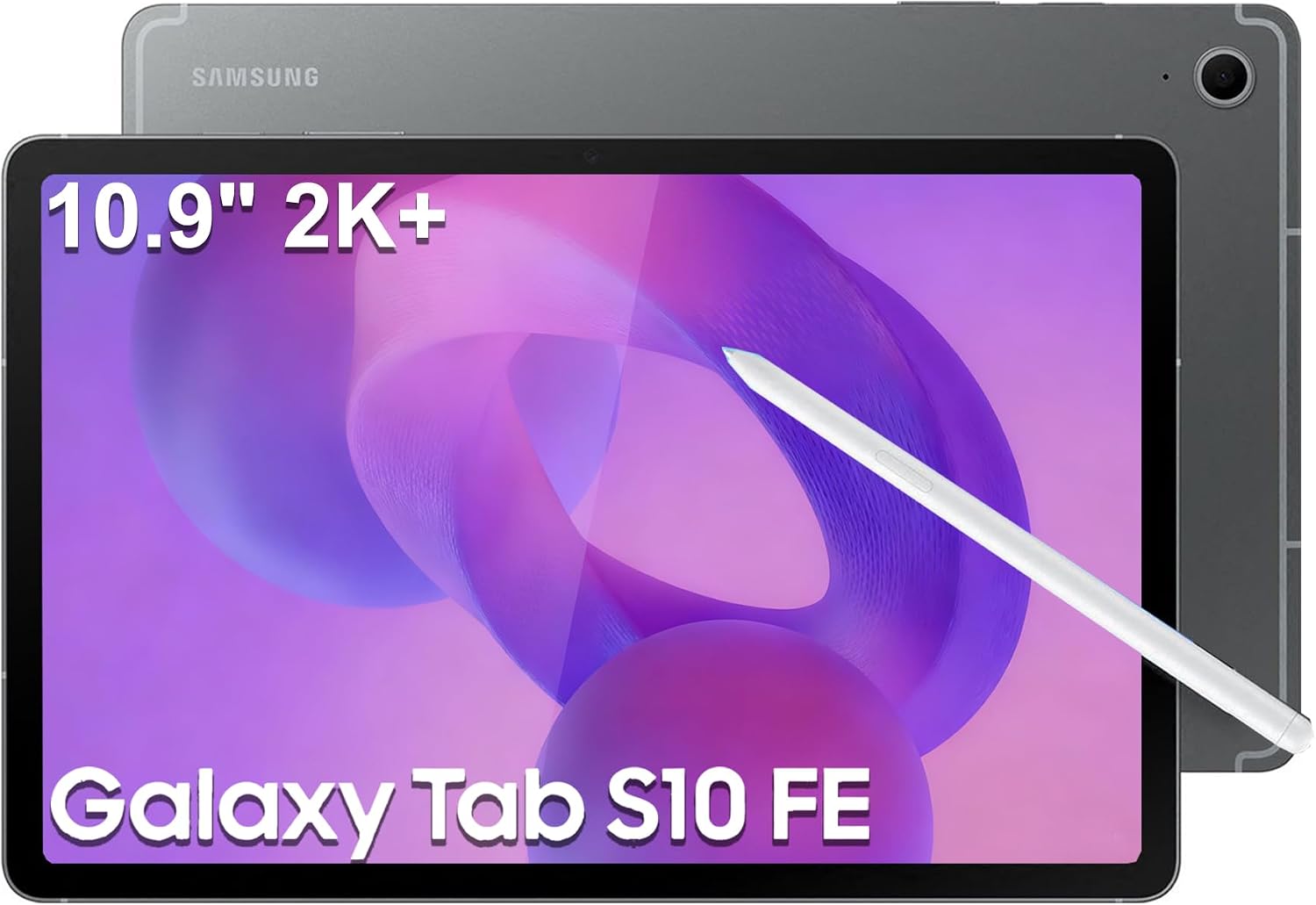
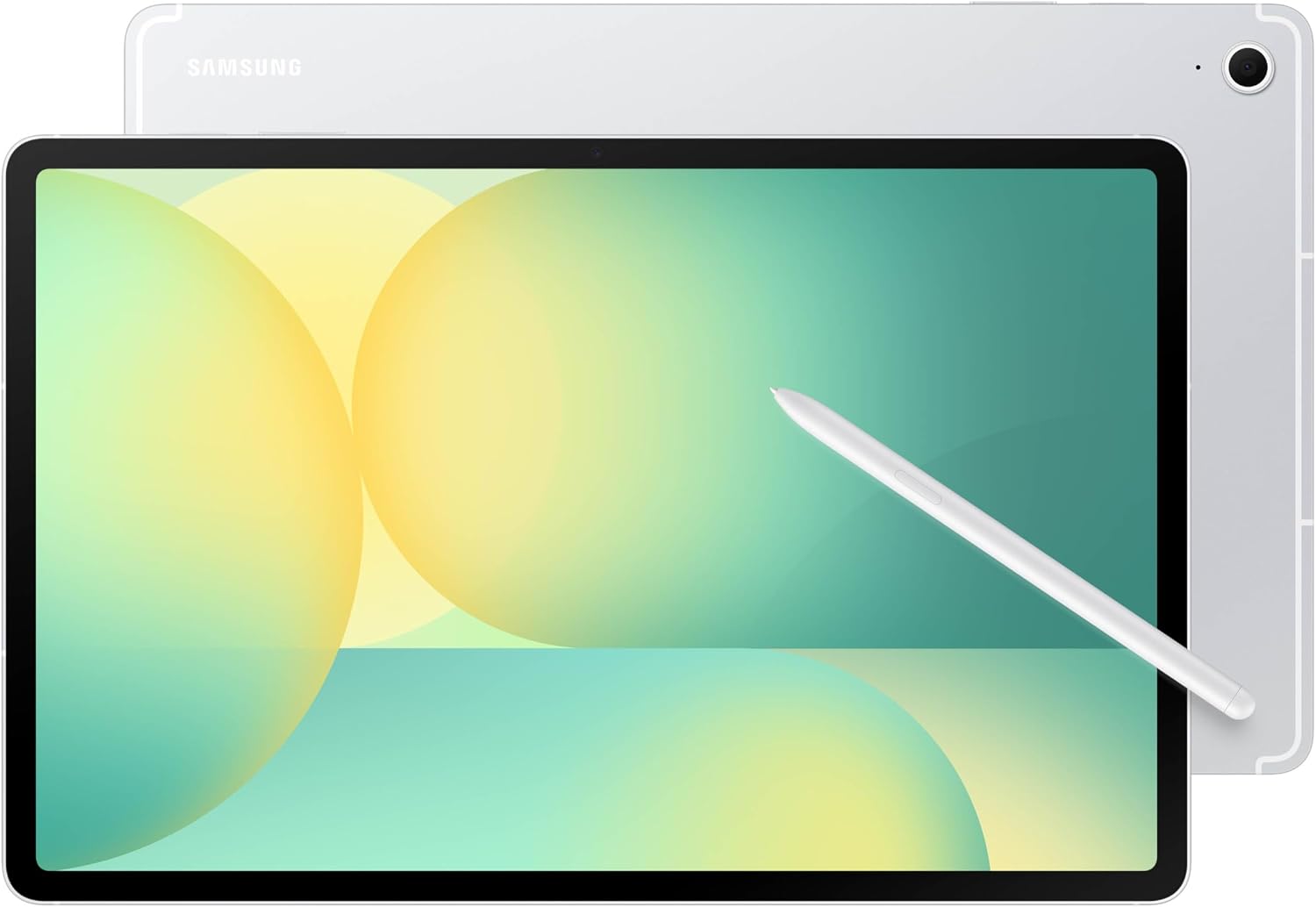
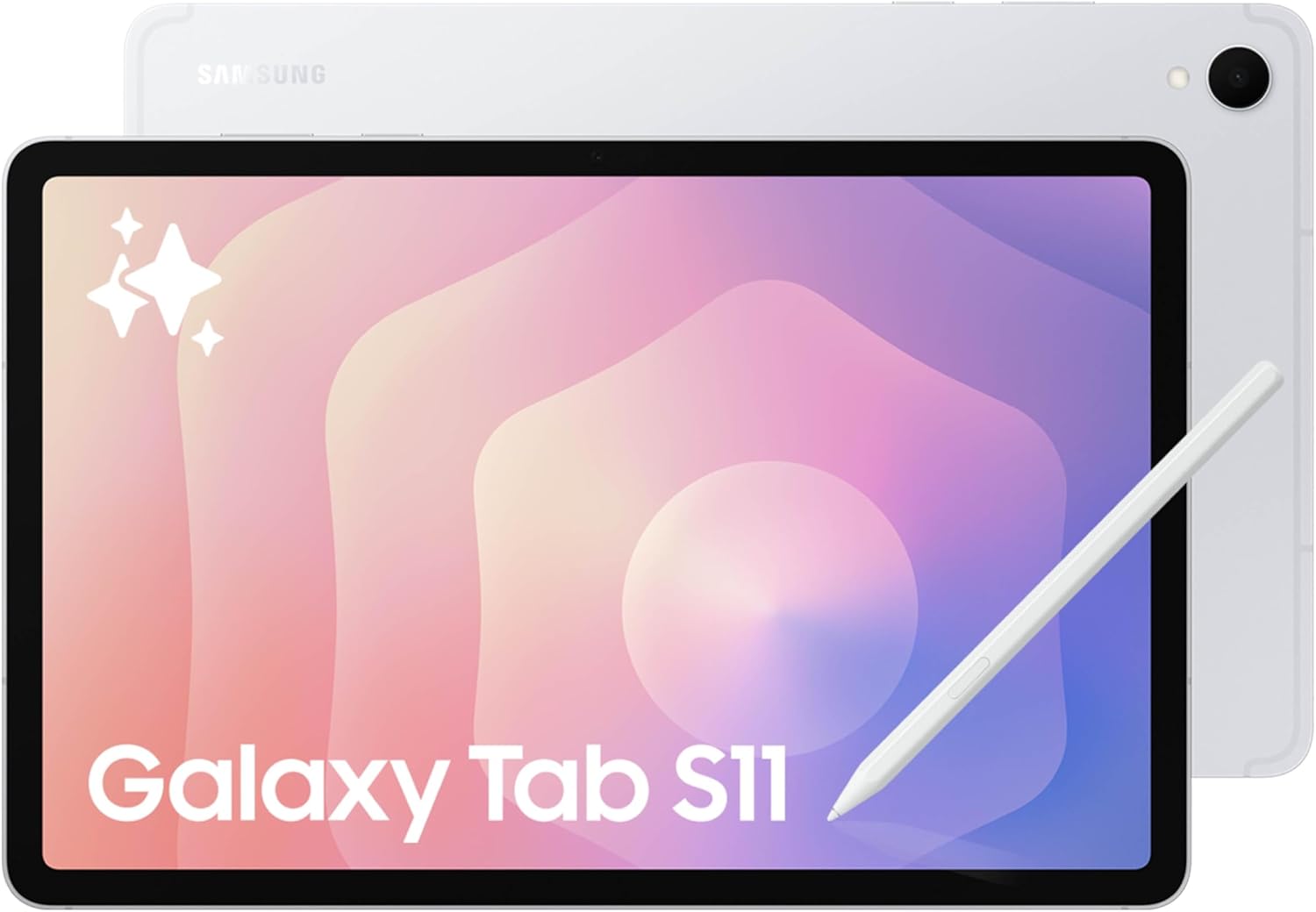
Samsung Galaxy Tab S10 FE Tablet, 10.9" 2K+, 8GB RAM, 128GB + 128GB SD Card
Full metal unibody Android tablet bundled with the battery-free S Pen, featuring a fluid 90Hz screen, IP68 water resistance, massive 8,000 mAh battery, and Samsung DeX desktop mode.

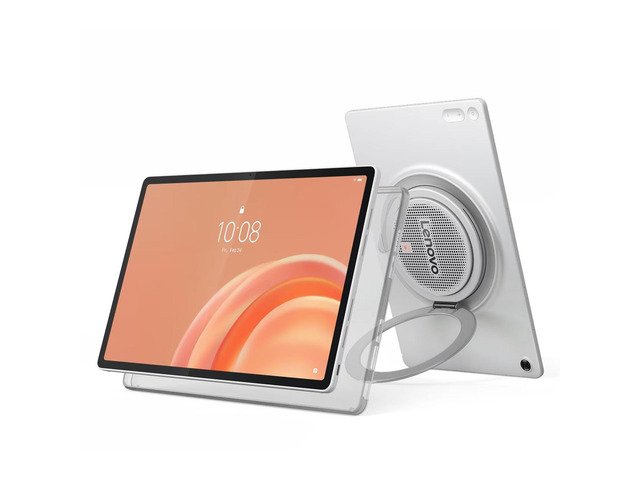
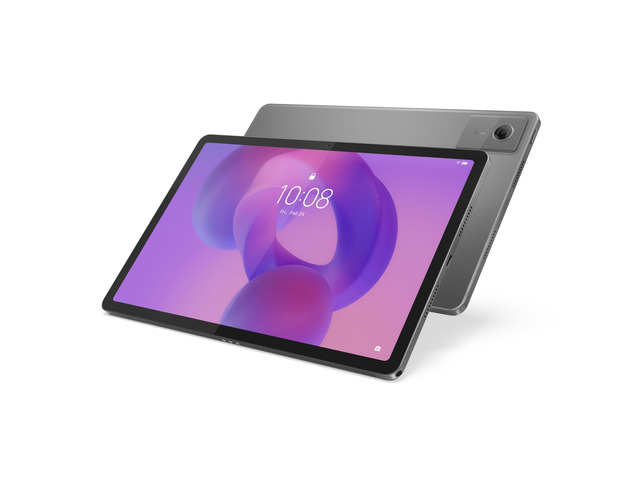
Lenovo ThinkTab X11 Tablet, 10.95" IPS 600 nits,8GB, 128GB,Android 16 Or Later
Apple's category standard powered by the blazingly fast A14 Bionic chip, featuring a 10.9-inch Liquid Retina screen, landscape Center Stage camera, and the vast iPadOS app ecosystem.
⚡ Quick Verdict: Which Sub-$400 Tablet Should You Pick?
You want the best all-around hardware package. It comes with the S Pen in the box (no $80 pencil tax), has a fluid 90Hz laminated screen, survives water and dust with IP68 protection, expands storage via microSD, and features Samsung DeX for PC-like desktop multitasking.
You play heavy 3D games (the A14 Bionic is over 2x faster than the Exynos 1380), want access to elite tablet-exclusive apps like Procreate and Goodnotes, already own an iPhone or Mac, or want a device that will receive smooth software updates and high resale value for 5+ years.
1. The True Out-of-Pocket Cost: Included S Pen vs. The Apple Pencil Tax
On paper, the iPad (10th Gen) appears cheaper with street prices around $299–$349 compared to $349–$399 for the Galaxy Tab S9 FE. However, if you plan to write notes, annotate PDFs, or draw, the real cost flips dramatically:
- Samsung Galaxy Tab S9 FE (S Pen in the Box): Samsung includes its premium S Pen directly inside the retail packaging. It features 4,096 levels of pressure sensitivity, zero latency lag, tilt detection, and utilizes battery-free Wacom EMR technology—meaning the pen never needs to be charged. It magnetically docks to the back of the tablet and is fully IP68 water-resistant. Total stylus cost: $0.
- Apple iPad 10th Gen (Zero Stylus in Box): The iPad ships with no writing instrument. You must purchase the Apple Pencil (USB-C) for $79 (which lacks pressure sensitivity) or the legacy Apple Pencil 1st Gen for $99 (which requires an awkward USB-C adapter to charge). This raises your real out-of-pocket investment to $378–$448.
For students, educators, and anyone wanting a digital notebook, the Samsung Galaxy Tab S9 FE is the far cheaper total package out of the box.
2. Display & Durability: 90Hz & IP68 Waterproofing vs. 60Hz Non-Laminated
The physical hardware experience on the Galaxy Tab S9 FE punches well above its price tier:
Screen & Ingress Protection Compared
- Samsung Galaxy Tab S9 FE: 10.9-inch IPS LCD (2304 x 1440, 16:10) · Smooth 90Hz refresh rate · Fully laminated glass (no hollow gap) · IP68 certified water and dust resistance (submersible up to 1.5m for 30 minutes).
- Apple iPad (10th Gen): 10.9-inch Liquid Retina IPS (2360 x 1640, 4.3:3) · Standard 60Hz refresh rate · Non-laminated display (audible hollow air gap when tapped) · No IP rating (zero water resistance).
The 90Hz refresh rate on the Tab S9 FE makes scrolling social feeds, web articles, and handwriting feel 50% smoother than the 60Hz iPad. More importantly, IP68 waterproofing is a revelation for portable tablets. You can safely read recipes next to a bubbling kitchen pot, take notes in the rain, or watch movies poolside without fear of accidental water damage.
3. Processing Power & Gaming: Apple A14 Bionic Destroys Exynos 1380
This is where the iPad lands its biggest blow. The computational gap between these two chips is massive:
- Apple A14 Bionic (iPad 10th Gen): 6-core CPU / 4-core GPU. Scores approximately 2,110 single-core and 4,820 multi-core in Geekbench 6. Its 3DMark Wild Life Extreme score exceeds 2,200 points.
- Samsung Exynos 1380 (Galaxy Tab S9 FE): 8-core CPU (4x Cortex-A78 + 4x Cortex-A55) / Mali-G68 GPU. Scores approximately 1,005 single-core and 2,860 multi-core. Its 3DMark Wild Life Extreme score hovers around 820 points.
What this means in the real world: For light tasks (browsing, Netflix, reading, Zoom), both tablets feel snappy. But when running demanding 3D games like Genshin Impact, Call of Duty: Warzone Mobile, or Roblox, the iPad 10th Gen delivers more than double the graphics performance, maintaining rock-solid 60 FPS gameplay where the Exynos 1380 stutters, drops resolution, and warms up.
4. Storage Economics: 128GB + MicroSD Expansion vs. Fixed 64GB
Storage is another clear win for the Galaxy Tab S9 FE:
- Galaxy Tab S9 FE: Starts with a comfortable 128GB of internal storage, and features a dedicated microSD card slot supporting expansion cards up to 1TB. You can buy a 512GB SanDisk card for around $35 and immediately carry your entire offline media library everywhere.
- iPad 10th Gen: Starts with an outdated 64GB base storage with zero expandable storage options. After system files and iPadOS updates, you are left with ~48GB of usable space. If you want 256GB on the iPad, Apple charges a painful $150 upgrade premium.
5. Multitasking & Desktop Mode: Samsung DeX vs. iPadOS Split View
- Samsung DeX (On-Device): With a single toggle from the quick settings panel, the Tab S9 FE transforms from an Android tablet into a desktop PC environment. You get a Windows-like taskbar, start menu, and true floating resizable app windows. Pair a Bluetooth mouse and keyboard, and you have a legitimate mini-laptop for document editing, Google Docs, and web research.
- iPadOS 18 Split View: The iPad 10th Gen does not support Apple's Stage Manager desktop windowing. You are restricted to basic two-app Split View and a floating Slide Over window.
6. Tablet App Ecosystem & Ecosystem Synergy
- The iPadOS App Advantage: Apple has spent over a decade cultivating tablet-native software. Creative suites like Procreate, Affinity Photo, Goodnotes, and Logic Pro are designed from the ground up for the iPad screen. On Android, while Samsung Notes, LumaFusion, and Clip Studio are excellent, many third-party apps remain stretched smartphone interfaces.
- Ecosystem Matching: If you use an iPhone and Mac, the iPad 10th Gen seamlessly synchronizes via AirDrop, iMessage, shared clipboard, and iCloud backups. If you use a Samsung Galaxy phone or Windows laptop, the Tab S9 FE integrates beautifully via Quick Share, Smart View, and second-screen Windows display extension.
Detailed Side-by-Side Spec Comparison
Here is how the Samsung Galaxy Tab S9 FE and Apple iPad (10th Generation) stack up across all key specifications:
| Specification | Samsung Galaxy Tab S9 FE | Apple iPad (10th Gen) |
|---|---|---|
| Display Size & Aspect Ratio | 10.9" IPS LCD · 2304 x 1440 (16:10 Wide) | 10.9" Liquid Retina · 2360 x 1640 (4.3:3 Boxy) |
| Refresh Rate | 90 Hz (Smooth Scrolling) | 60 Hz (Standard) |
| Display Lamination | Fully Laminated (Zero Air Gap) | Non-Laminated (Hollow Tap Sound) |
| Water & Dust Ingress Protection | IP68 (Submersible up to 1.5m for 30m) | None (0 IP Rating) |
| Stylus in Box | S Pen Included ($0 extra, battery-free) | No Stylus (Apple Pencil +$79–$99) |
| Processor (SoC) | Samsung Exynos 1380 (5nm, 8-core) | Apple A14 Bionic (5nm, 6-core) · Over 2x Faster |
| RAM | 6 GB (or 8 GB on 256GB model) | 4 GB LPDDR4X |
| Base Internal Storage | 128 GB | 64 GB |
| MicroSD Card Expansion | Yes (Dedicated Slot, Up to 1TB) | No (Fixed Storage Only) |
| Desktop Windowing Mode | Samsung DeX (Full Windowed PC Desktop) | Split View / Slide Over Only (No Stage Manager) |
| Battery Capacity | 8,000 mAh (45W fast charge capable) | 7,606 mAh (28.6 Wh · 20W charging) |
| Operating System | Android 14 with One UI (4 OS upgrades) | iPadOS 18 (Unmatched tablet apps & longevity) |
| Typical Sale Price | $349 – $389 (With Stylus Included) | $299 – $349 (Tablet Only) |
🏆 Buy the Galaxy Tab S9 FE if:
- You want an all-in-one digital notepad without paying extra for an Apple Pencil.
- You value IP68 water resistance for peace of mind near pools, baths, or kitchen counters.
- You prefer a smooth 90Hz laminated screen with zero hollow tapping sound.
- You store extensive offline video libraries and want microSD expansion up to 1TB.
- You want Samsung DeX to use your tablet as a desktop computer.
🚀 Buy the Apple iPad (10th Gen) if:
- You play demanding 3D games (A14 Bionic provides more than 2x the frame rates).
- You want access to Procreate, Goodnotes, or Logic Pro.
- You already own an iPhone or Mac and rely on AirDrop, iMessage, and FaceTime.
- You want a tablet with high resale value that will run smoothly for 5+ years.
Frequently Asked Questions
Does the Samsung S Pen need to be charged?
No! Unlike the Apple Pencil, the S Pen on the Galaxy Tab S9 FE uses passive electromagnetic resonance (EMR) technology developed with Wacom. It draws power wirelessly from the screen digitizer as you write. You can write and draw for days without ever worrying about a dead stylus battery.
Can you use a wireless mouse and keyboard with the iPad 10th Gen?
Yes. iPadOS 18 supports any standard Bluetooth mouse and keyboard with a circular pointer cursor. However, the iPad 10th Gen does not support true resizable windowed multitasking like Samsung DeX, so apps will primarily run full screen or in side-by-side Split View.
Which tablet will receive software updates longer?
Both are well supported, but Apple has the edge. Samsung guarantees 4 major Android OS upgrades and 5 years of security patches for the Galaxy Tab S9 FE (supporting it through 2028). Apple typically provides 6 to 7 years of iPadOS updates, ensuring the 10th Gen will remain secure and compatible with new apps well into 2029 or 2030.
More Verified Tablet Deals Checked This Morning
Our pricing engine monitors live tablet discounts continuously across major retailers. Here are other top values available today: