MacBook Air M2 vs. MacBook Air M3: Is the $150–$200 Upgrade Worth It?
Choosing between the M2 and M3 MacBook Air is the central buying dilemma for Mac laptop shoppers today. With the M2 frequently discounted to $749–$799 and the M3 sitting at $899–$1,049, does the 3nm chip, dual external monitor support, and 2x faster base SSD justify the $150–$200 price jump? We break down real-world benchmarks, everyday battery life, thermal throttling, and live pricing across Amazon, Best Buy, and Newegg.
MacBook Air M2 Wins on Pure Value ($749–$799); M3 Wins for Dual External Displays, 256GB SSD Speed, and 3D Ray Tracing
For 80% of everyday users—including college students, writers, remote office workers, and web multitaskers—the MacBook Air M2 is the runaway value champion. When discounted to $739–$799, it delivers 85% of the M3's real-world snappiness, identical 18-hour battery longevity, the same stunning 500-nit Liquid Retina screen, and zero fan noise. Saving $150 to $200 leaves plenty of cash for accessories or an external backup drive.
However, the $150–$200 upgrade to the MacBook Air M3 is completely justified for three specific use cases: (1) You connect to dual external monitors at a workstation desk (the M3 natively supports two external displays with the laptop lid closed); (2) You are buying the base 256GB SSD, where the M3 restores dual NAND chips for 2x faster 3,000 MB/s read/write speeds; or (3) You do 3D rendering (Blender), gaming, or AV1 video streaming, where the M3's hardware ray tracing and dedicated AV1 decoder shine.
Live Price Face-Off: Today’s Verified Retailer Deals
Our pricing engine monitors inventory and real-time discounts across Amazon, Best Buy, and Newegg every morning. Below are today's lowest verified prices for both machines:
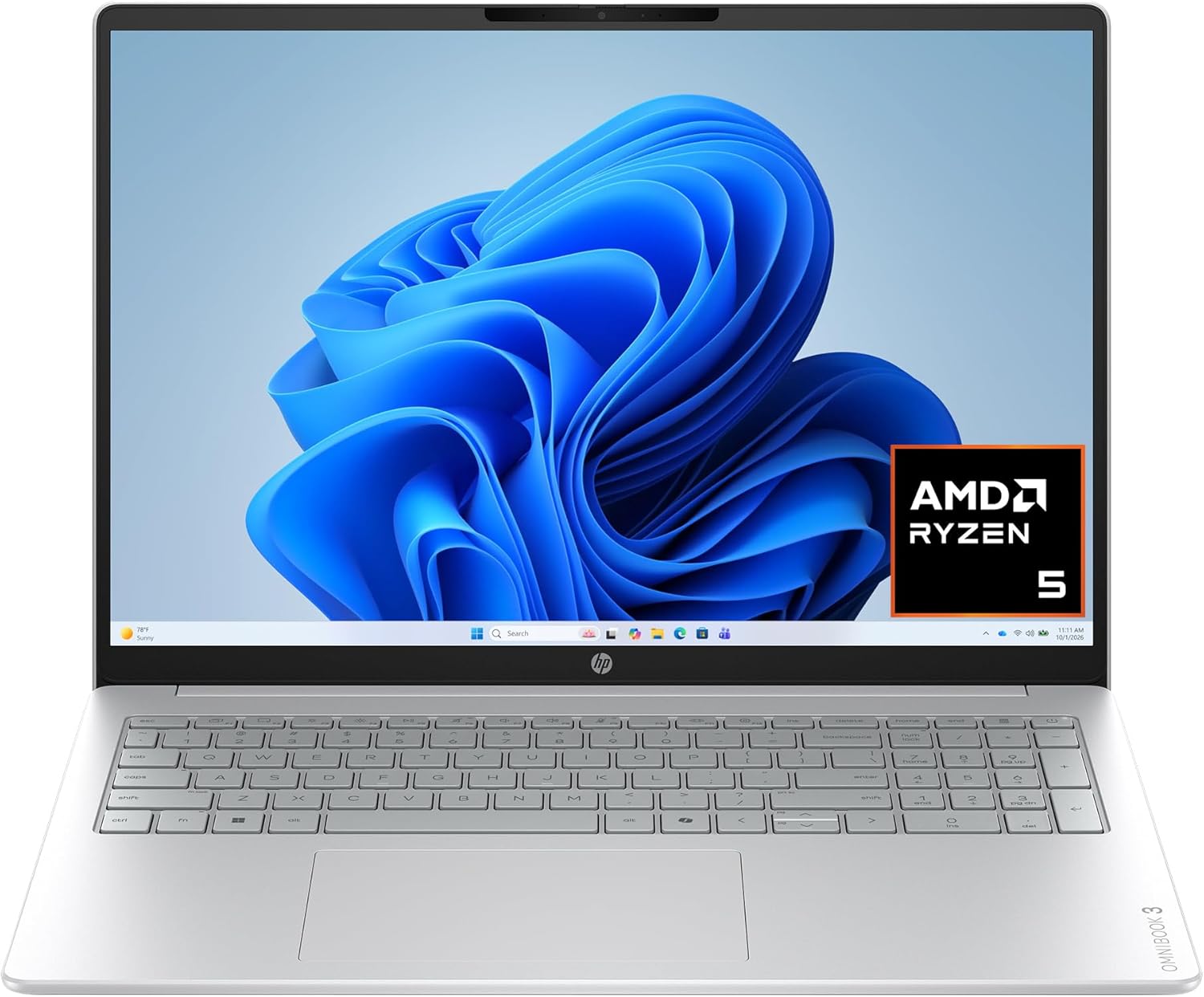
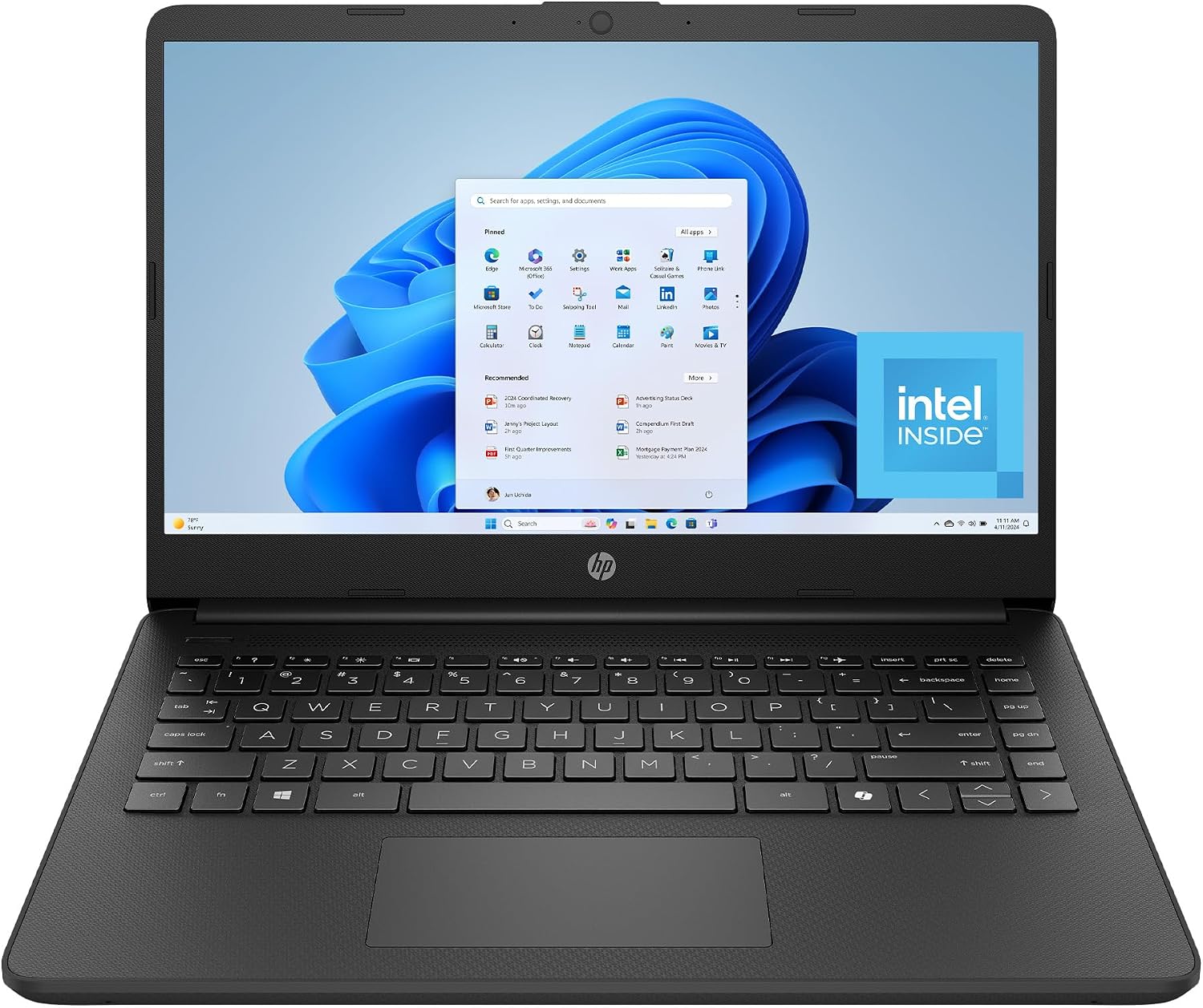
HP OmniBook 3 16 inch Laptop PC, 2K Touchscreen, AMD Ryzen 5 40, 8 GB RAM, 512 GB SSD, AMD Radeon 610M GPU, Windows 11 Home, Glacier Silver, 16-by0499nr
Apple's breakthrough redesign featuring an ultra-slim 11.3mm aluminum chassis, brilliant 13.6-inch Liquid Retina display, MagSafe 3 charging, 1080p FaceTime HD camera, and whisper-quiet fanless acoustics.
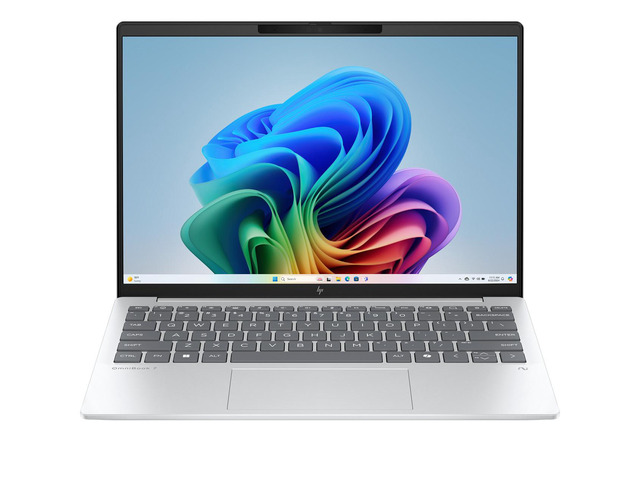
HP OmniBook 7 Laptop Computer 13.3" 2K AMD Ryzen AI 7 16 GB memory;1 TB SSD
Upgraded with 3nm TSMC architecture, hardware ray tracing, AV1 video decoding, dual external display capability (clamshell mode), Wi-Fi 6E, and restored dual-NAND SSD speeds on the base model.
⚡ Quick Verdict: Which MacBook Air Should You Buy?
You want maximum price-to-performance under $800. For everyday productivity—browsing with 30 tabs, Microsoft 365, Slack, 4K streaming, Zoom meetings, and light photo editing—the M2 feels indistinguishably snappy compared to the M3 while pocketing $150–$200 in savings.
You dock to two external monitors at a desk workstation, purchase the base 256GB model and want full 3,000 MB/s SSD bandwidth, do 3D modeling or gaming requiring hardware ray tracing, or want the fingerprint-resistant Midnight finish.
1. Silicon Architecture & Benchmark Reality: 3nm M3 vs. 5nm M2
The Apple M3 is the first consumer PC chip built on TSMC's cutting-edge 3-nanometer (N3B) process, whereas the Apple M2 uses an enhanced 5-nanometer (N5P) process node. This architectural shrink packs 25 billion transistors into the M3 compared to 20 billion in the M2—a 25% transistor density increase:
- Single-Core CPU Performance (Geekbench 6): The M3 scores approximately 3,120, compared to 2,610 on the M2. That represents an approximate 19% to 20% IPC and clock speed uplift. In day-to-day use, opening apps, compiling quick scripts, and rendering complex web pages feels slightly more immediate.
- Multi-Core CPU Performance (Geekbench 6): The M3 clocks in at roughly 12,050 versus 10,020 on the M2 (~20% improvement). Both chips feature an 8-core CPU layout consisting of 4 high-performance cores and 4 high-efficiency cores.
- Neural Engine (NPU): Apple boosted the 16-core Neural Engine by roughly 60% over the M1 and 15% over the M2, accelerating local AI models, Diffusion generation, transcription, and Apple Intelligence features.
- Thermal Throttling in a Fanless Chassis: Because both the M2 and M3 MacBook Air are completely fanless, sustained high-load tasks (such as a 20-minute 4K video export or running a continuous Cinebench R24 loop) will trigger thermal throttling. After roughly 8 to 10 minutes of full CPU load, the chassis heats up and clocks scale back by roughly 12% to 15%. However, even when throttled, the M3 maintains a persistent ~15% lead over a throttled M2.
The Verdict on CPU: For casual office work, web browsing, and Zoom calls, you will not notice the difference between M2 and M3. But for heavy code compilation, batch RAW photo exports, or data analysis, the M3 saves measurable minutes over a full work day.
2. The Multi-Monitor Breakthrough: Dual External Displays in Clamshell Mode
For years, the single most frustrating restriction of the base Apple Silicon MacBook Air lineup was its artificial display limit: you could connect only one external display natively. If you had a dual-monitor desk setup, you were forced to either purchase an expensive MacBook Pro or rely on laggy third-party DisplayLink software adapters.
External Display Capabilities Compared
- MacBook Air M2: Supports one external display up to 6K resolution at 60Hz. Even if you close the laptop lid, you cannot drive a second external monitor natively through macOS.
- MacBook Air M3: Supports two external displays simultaneously when the laptop lid is closed (clamshell mode): one display up to 6K at 60Hz, and a second display up to 5K at 60Hz. When the lid is open, you get the internal laptop screen plus one external monitor.
If you work from home with two 27-inch 4K or 1440p monitors on your desk, the M3 MacBook Air is hands-down worth the extra $150–$200 for this single capability alone. It turns your ultra-light travel laptop into a legitimate dual-screen desktop workstation with a single Thunderbolt dock or dual USB-C cables.
3. The 256GB SSD Speed Fix: Single NAND vs. Dual NAND Architecture
When Apple launched the MacBook Air M2 in 2022, tech reviewers uncovered an unwelcome cost-cutting change on the base 256GB configuration: Apple swapped the dual 128GB NAND flash storage chips used on the M1 for a single 256GB NAND chip. Because SSD controllers achieve peak speeds by reading and writing to multiple NAND chips in parallel (interleaving), the base 256GB M2 saw sequential read and write speeds cut in half:
- M2 MacBook Air 256GB: Single NAND chip → ~1,520 MB/s Read / ~1,480 MB/s Write.
- M3 MacBook Air 256GB: Restored dual 128GB NAND chips → ~2,980 MB/s Read / ~2,840 MB/s Write (essentially 2x faster).
Why this matters for everyday users: If you buy the base model with 8GB of unified RAM and you open dozens of browser tabs, Slack, Spotify, and a photo editor, macOS automatically pages excess memory to the SSD as virtual swap memory. On the M3, swap memory operations occur at 3,000 MB/s, making memory pressure stalls virtually undetectable. On the base M2, heavy swap operations can occasionally manifest as momentary UI stutters.
Note: If you configure either laptop with 512GB or 1TB of storage, both the M2 and M3 utilize multiple NAND chips and deliver identical 3,000+ MB/s speeds. This speed penalty only affects the entry-level 256GB SSD tier.
4. GPU Upgrades: Dynamic Caching, Hardware Ray Tracing & AV1 Decode
While the MacBook Air is not a dedicated gaming rig, the M3 brings Apple's most substantial graphics architecture overhaul since the transition to Apple Silicon:
- Dynamic Caching: Unlike traditional GPUs where memory is pre-allocated based on worst-case demands, the M3 allocates GPU memory dynamically in hardware in real time. This dramatically improves GPU utilization and frame consistency in creative apps like Blender, DaVinci Resolve, and Final Cut Pro.
- Hardware-Accelerated Ray Tracing & Mesh Shading: The M3 brings dedicated hardware units for calculating light physics and complex geometric primitives. In 3D rendering applications like Blender, rendering scenes with ray-traced reflections finishes up to 2.5x faster on the M3 than on the M2.
- Dedicated AV1 Video Decode Engine: The M3 includes a hardware AV1 decoder. Platforms like YouTube and Netflix are rapidly transitioning their high-resolution video streams to the royalty-free AV1 codec. On the M2, AV1 decoding is performed via software (CPU), which consumes more battery power and warms the chassis. On the M3, hardware AV1 decoding sips minimal power during 4K and 8K streaming sessions.
5. Daily Usability: Wi-Fi 6E, Midnight Fingerprint Seal & Microphones
Beyond the core compute engines, Apple integrated three notable quality-of-life refinements into the M3 chassis:
- Wi-Fi 6E Support: The M3 upgrades from Wi-Fi 6 (802.11ax, 5GHz) to Wi-Fi 6E (6GHz). On compatible mesh systems and Wi-Fi 6E routers, the M3 accesses wider, uncongested 160MHz channels, reaching wireless speeds up to 2x faster with significantly reduced latency in crowded apartments or office environments.
- Fingerprint-Resistant Midnight Finish: The Midnight dark-blue colorway introduced on the M2 was universally praised for its gorgeous aesthetic but criticized as an immediate magnet for finger oils and greasy smudges. For the M3, Apple applied a new breakthrough anodization chemical seal that noticeably reduces visible fingerprints and makes smudges easier to wipe clean.
- Enhanced 3-Microphone Array: The M3 adds Voice Isolation and Wide Spectrum microphone modes for audio and video calls, suppressing background keyboard clicks and room echo more effectively on FaceTime, Zoom, and Google Meet.
6. What Hasn't Changed: The Hallmarks of the Modern MacBook Air
It's equally important to know what Apple kept identical between the two generations:
- The Display: Both machines share the identical 13.6-inch (2560x1664) or 15.3-inch (2880x1864) Liquid Retina IPS display with 500 nits of peak brightness, P3 wide color gamut, and True Tone technology. Neither model offers 120Hz ProMotion or Mini-LED HDR (reserved for the MacBook Pro).
- Battery Longevity: Both models house identical 52.6-watt-hour (13") and 66.5-watt-hour (15") lithium-polymer batteries rated for up to 18 hours of video playback and 15 hours of continuous wireless web browsing.
- Chassis & Weight: Both feature the exact same flat, unibody aluminum design measuring just 0.44 inches (11.3mm) thin and weighing a featherweight 2.7 pounds (1.24 kg) for the 13-inch and 3.3 pounds (1.51 kg) for the 15-inch.
- Physical Ports: Both laptops feature two Thunderbolt 3 / USB 4 ports on the left, a dedicated MagSafe 3 charging port, and a 3.5mm headphone jack with high-impedance headphone support on the right.
- Keyboard & Audio: Both offer Apple's Magic Keyboard with full-height function row, Touch ID sensor, smooth Force Touch trackpad, and a surprisingly punchy 4-speaker (13") or 6-speaker (15") sound system with Spatial Audio support.
Detailed Side-by-Side Spec Comparison
Here is how the 13.6-inch MacBook Air M2 and MacBook Air M3 compare across every technical category:
| Specification | Apple MacBook Air M2 | Apple MacBook Air M3 |
|---|---|---|
| Silicon Fabrication | 5nm (TSMC N5P) · 20B Transistors | 3nm (TSMC N3B) · 25B Transistors |
| CPU Configuration | 8-core (4 Perf @ 3.49 GHz + 4 Eff @ 2.42 GHz) | 8-core (4 Perf @ 4.05 GHz + 4 Eff @ 2.75 GHz) |
| Geekbench 6 Single-Core | ~2,610 Points | ~3,120 Points (+19.5%) |
| Geekbench 6 Multi-Core | ~10,020 Points | ~12,050 Points (+20.2%) |
| GPU Architecture | 8-core or 10-core GPU (Standard) | 8-core or 10-core GPU (Dynamic Caching + Mesh Shading) |
| Hardware Ray Tracing | No (Software Emulated) | Yes (Dedicated Hardware RT Cores) |
| Hardware AV1 Video Decode | No (Software CPU Decode) | Yes (Hardware Engine) |
| External Display Support | 1 External Display (Up to 6K @ 60Hz) | Up to 2 Displays (6K + 5K in Clamshell Mode) |
| Base 256GB SSD Speeds | ~1,520 MB/s Read (Single NAND Chip) | ~2,980 MB/s Read (Dual NAND Chips, 2x Faster) |
| Memory Bandwidth | 100 GB/s (Unified LPDDR5) | 100 GB/s (Unified LPDDR5) |
| Wi-Fi Protocol | Wi-Fi 6 (802.11ax, 5GHz) | Wi-Fi 6E (802.11ax, 6GHz Uncongested) |
| Midnight Finish Coating | Standard Anodization (Fingerprint Prone) | Enhanced Anodization Seal (Fingerprint Resistant) |
| Battery Life Rating | Up to 18 Hours (52.6 Wh) | Up to 18 Hours (52.6 Wh) |
| Display & Brightness | 13.6" Liquid Retina (2560x1664) · 500 nits | 13.6" Liquid Retina (2560x1664) · 500 nits |
| Weight & Thickness | 2.7 lbs (1.24 kg) · 11.3mm Thin | 2.7 lbs (1.24 kg) · 11.3mm Thin |
| Typical Sale Price (2026) | $739 – $799 | $899 – $999 |
🏆 Buy the MacBook Air M2 if:
- You want the best laptop under $800 on the market without cutting corners on chassis or screen quality.
- Your primary tasks are writing, studying, Google Docs, Zoom calls, spreadsheets, and YouTube streaming.
- You work directly from the laptop screen or only connect to a single external display.
- You would rather keep $150 to $200 in your pocket to spend on AppleCare, an external SSD, or a USB-C hub.
🚀 Buy the MacBook Air M3 if:
- You connect to two external monitors at your desk setup in clamshell mode.
- You are purchasing the base 256GB SSD and want 2x faster 3,000 MB/s SSD speeds for virtual memory swap.
- You do 3D modeling, Blender rendering, or gaming that leverages hardware ray tracing.
- You stream heavy 4K/8K content and want battery-saving hardware AV1 decoding.
- You love the dark Midnight finish and want Apple's anti-fingerprint anodization coating.
Frequently Asked Questions
Is 8GB of RAM enough on the MacBook Air M2 or M3?
For everyday browsing with 20–30 browser tabs, streaming Spotify, editing documents in Word, and watching YouTube, 8GB of unified memory is smooth and sufficient due to macOS's efficient memory compression. However, if you plan to keep this laptop for 4 to 6 years, perform heavy photo editing in Lightroom, or compile code regularly, upgrading to 16GB is the single best long-term investment you can make.
Can you upgrade the RAM or SSD later?
No. On all Apple Silicon MacBooks, the unified memory is permanently integrated onto the M-series system-on-chip, and the NAND flash storage is soldered directly onto the logic board. Neither RAM nor internal storage can be upgraded after purchase. If you need more storage down the road, you must rely on high-speed external USB-C/Thunderbolt SSDs or cloud storage.
Can the MacBook Air M2 connect to two monitors using DisplayLink?
Yes, but with caveats. Using a third-party DisplayLink-certified dock and installing the DisplayLink Manager app on macOS allows the M2 to send a display signal over a USB data stream to a second monitor. However, this consumes additional CPU cycles, does not support protected DRM video playback (e.g. Netflix in Safari may show a black screen), and can exhibit slight cursor latency compared to native GPU display output on the M3.
More Verified Laptop Deals Checked This Morning
Our pricing engine monitors live laptop discounts continuously across major retailers. Here are other top values available today: