DRAM vs. DRAM-Less NVMe (HMB): When Does DRAM Actually Matter?
DRAM vs. DRAM-Less NVMe (HMB) is one of the most hotly contested debates in PC storage. We demystify the Flash Translation Layer (FTL), analyze Host Memory Buffer (HMB) latency across PCIe, benchmark gaming load times, evaluate sustained heavy 4K random write workloads, examine drive performance at 90%+ capacity, review external USB enclosure limitations, and compare live retail pricing across Amazon, Best Buy, and Newegg.
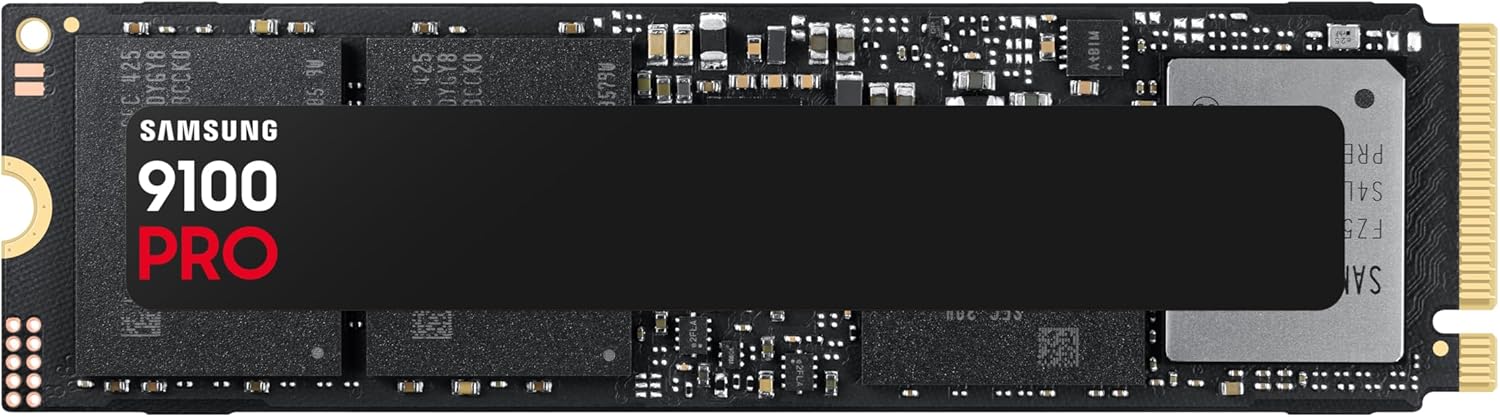
Samsung SSD 9100 PRO 1TB, PCIe 5.0x4 M.2 2280, Up to 14,700MB/s
Equipped with a physical LPDDR4/DDR4 chip on the drive PCB (1GB of DRAM per 1TB of NAND). Holds the entire Flash Translation Layer (FTL) mapping table in nanosecond-speed memory for sustained heavy workloads.
- FTL Cache: 1GB–2GB Dedicated LPDDR4 on PCB
- Lookup Latency: ~10–20 nanoseconds (direct memory bus)
- Heavy Random Writes: Zero latency spikes during sustained I/O
- Drive Fullness: Zero performance degradation past 90% capacity
- USB Enclosure: Retains 100% caching inside external enclosures
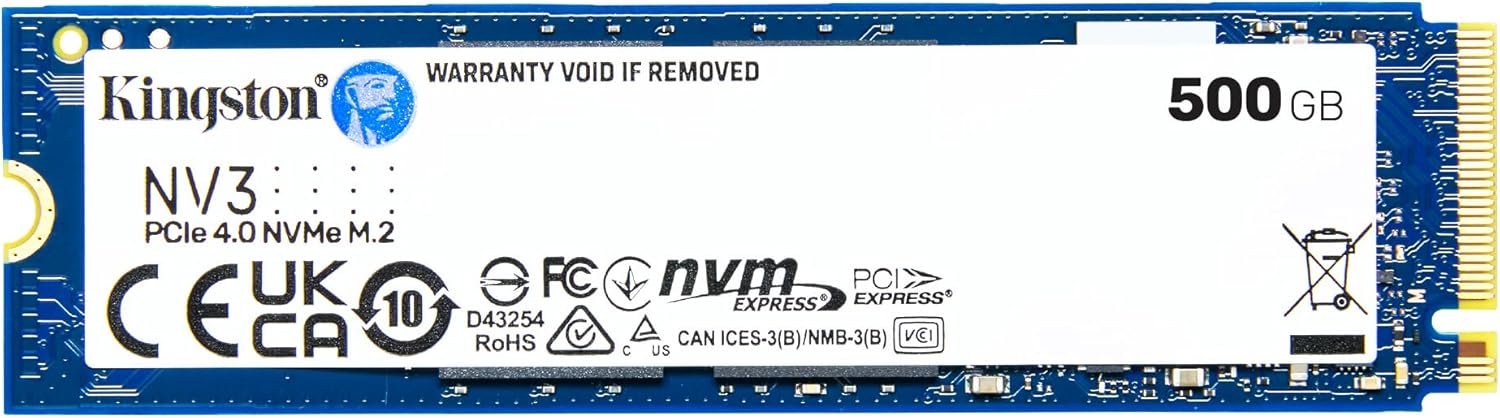
Kingston NV3 500GB M.2 2280 NVMe SSD | PCIe 4.0 Gen 4x4 | Up to 5000 MB/s | SNV3S/500G
Dispenses with dedicated on-board DRAM to reduce cost and power. Uses the NVMe 1.2+ Host Memory Buffer (HMB) feature to borrow 16MB–64MB of system RAM over PCIe for caching hot mapping tables.
- FTL Cache: 16MB–64MB borrowed via Host Memory Buffer (HMB)
- Lookup Latency: ~1.0–2.5 microseconds across PCIe DMA
- Gaming Load Times: Identical to flagship DRAM drives (<0.2s variance)
- Efficiency: 15%–30% lower power draw; runs cooler in laptops
- Price Advantage: Saves $30 to $50 per drive vs DRAM models
Side-by-Side Architectural & Performance Matrix
A granular comparison of memory architectures, lookup latency, real-world gaming load times, heavy write endurance, and everyday usability.
| Architectural Metric / Test | Dedicated DRAM NVMe | DRAM-Less NVMe (HMB) | Practical Impact & Verdict |
|---|---|---|---|
| FTL Cache Location | Dedicated LPDDR4/DDR4 chip on SSD PCB | Host PC System RAM (via PCIe DMA) | DRAM drives have physically dedicated memory soldered to the drive. |
| Cache Size Allocation | 1GB per 1TB (1,024MB on 1TB, 2,048MB on 2TB) | 16MB to 64MB (Capped at 128MB max) | Dedicated DRAM holds 100% of the mapping table; HMB holds only hot entries. |
| FTL Table Access Latency | ~10 – 20 nanoseconds | ~1,000 – 2,500 nanoseconds (~1.0–2.5µs) | Dedicated DRAM is 100x faster, but HMB is still 50x faster than raw NAND flash. |
| PC Game Loading Times (DirectStorage) | 1.45s – 1.80s (Forspoken / Rift Apart) | 1.50s – 1.85s (Identical within run variance) | Zero difference for gaming: Reads are sequential; HMB is 100% sufficient. |
| Sustained Heavy Random 4K Writes | Rock-solid 1,200,000+ IOPS (0.05ms latency) | Drops significantly; latency spikes to 15–50ms | Crucial difference: Heavy database/VM writes exhaust HMB cache. |
| Performance at 90%+ Drive Fullness | Maintains peak responsiveness | Noticeable stutter during background garbage collection | Dedicated DRAM allows instant re-indexing of fragmented blocks when nearly full. |
| Continuous 200GB+ File Transfers | Higher post-SLC write floor (~1,500 MB/s) | Dips to ~450–600 MB/s post-SLC cache | Dedicated DRAM manages concurrent block folding without stalling I/O. |
| Power Consumption & Thermals | Draws 4.5W–8.5W; runs 5°C–10°C hotter | Draws 2.8W–5.5W (15%–30% lower power) | DRAM-less wins for laptops: Runs cooler and preserves battery life. |
| External USB Enclosure Support | 100% Functional (DRAM is local to PCB) | HMB disabled! (Reverts to 0MB cache) | USB bridge chips cannot pass PCIe DMA; DRAM-less drives crawl over USB. |
| PlayStation 5 Console Compatibility | Fully optimized (Peak performance) | Fully supported (PS5 allocates HMB) | Both work great in PS5, provided sequential read speed exceeds 5,000 MB/s. |
| Typical 1TB / 2TB Street Price (2026) | $99 – $125 / $160 – $199 | $55 – $75 / $105 – $125 | DRAM-less saves $35–$70: Huge budget win for non-pro setups. |
1. Demystifying the FTL: What SSD DRAM Actually Does (and Doesn’t Do)
One of the most persistent misunderstandings in PC building is the assumption that SSD DRAM operates like a RAM disk or high-speed file cache. Many buyers believe that having 2GB of DRAM on an SSD means their games or applications are temporarily stored in fast RAM before being saved to NAND flash.
That is entirely incorrect. DRAM on an SSD does not store user files. Instead, it stores the Flash Translation Layer (FTL) mapping table.
When an SSD has dedicated on-board DRAM, the entire 1GB–2GB address book resides in physical high-speed LPDDR4 memory soldered next to the controller. The controller can query address locations in 10 to 20 nanoseconds.
2. How Host Memory Buffer (HMB) Revolutionized Budget NVMe
In the legacy SATA SSD era, buying a "DRAM-less" drive was notoriously disastrous. Without on-board DRAM, the controller had to keep its mapping table on the raw NAND flash chips themselves. Reading the FTL from slow NAND took 50 to 100 microseconds, causing devastating system lockups, mouse cursor freezes, and random write speeds dropping below old mechanical hard drives.
The NVMe 1.2 specification permanently solved this nightmare by introducing Host Memory Buffer (HMB).
Instead of paying for expensive dedicated DRAM on the PCB, a DRAM-less NVMe drive uses Direct Memory Access (DMA) over the PCIe bus to borrow a tiny sliver—typically 16MB to 64MB—of your PC’s main system RAM (DDR4 or DDR5). While 64MB cannot store the entire 1TB or 2TB mapping table, it comfortably holds the most frequently accessed mapping entries (a Translation Lookaside Buffer).
3. PC Gaming Benchmarks: Why Gamers Don’t Need On-Board DRAM
If you are purchasing an NVMe SSD primarily for gaming, dedicated DRAM makes virtually zero measurable difference.
Why? Game loading and in-game asset streaming are overwhelmingly read-heavy and sequential. When launching Cyberpunk 2077, Baldur’s Gate 3, or a DirectStorage title like Ratchet & Clank: Rift Apart:
- The game engine reads large contiguous archives (PAK/bundle files) into system RAM and VRAM.
- Because the address ranges are sequential, the SSD controller only needs to look up the FTL table once for massive data blocks, easily fitting within the 64MB HMB cache.
- There are almost no random 4K write operations taking place that would force the SSD to constantly modify and re-index the FTL table.
In direct head-to-head testing between a $150 DRAM-equipped flagship (Samsung 990 PRO) and a $110 DRAM-less HMB drive (WD Blue SN580 or Lexar NM790), game loading times differ by less than 0.2 seconds—well within run-to-run test variance. Spending $40 extra on DRAM purely for a gaming PC yields zero extra frames per second and zero perceptible load-time reduction.
4. When DRAM Is Mandatory: Heavy Sustained Writes, VMs & Drive Fullness
So who actually needs dedicated on-board DRAM? Professional creators, software developers, and power users running specific high-concurrency workloads:
1. Heavy Random 4K Write Saturation
Virtual machines (VMware/VirtualBox), active Docker containers, SQL/PostgreSQL databases, and compiling massive codebases (Linux kernel, Chromium) constantly modify thousands of small files at once. This chaotic random write flood exhausts the 64MB HMB cache instantly, forcing constant NAND lookups and causing write latency to spike up to 15ms–50ms on DRAM-less drives. Dedicated DRAM maintains steady 0.05ms latencies.
2. 90%+ Drive Fullness & Garbage Collection
When an SSD fills past 85%–90% capacity, free NAND blocks become heavily fragmented. The drive controller must perform continuous background garbage collection (reading valid data, erasing dirty blocks, and rewriting consolidated blocks). Dedicated DRAM allows the drive to shuffle and re-index fragmented blocks without freezing user I/O. DRAM-less drives can stutter noticeably when nearly full.
5. The External USB Enclosure Trap & Laptop Thermals
There are two crucial platform-specific nuances that every buyer must understand before choosing:
The Laptop Advantage (Thermals & Battery Life): Conversely, for thin-and-light gaming laptops and ultrabooks, DRAM-less NVMe SSDs are actually the superior choice. An on-board DRAM chip is power-hungry; it continuously pulls 0.5W to 1.0W just keeping memory cells refreshed, generating extra heat inside cramped laptop chassis. DRAM-less drives consume 15% to 30% less active and idle power, running 5°C to 10°C cooler and extending battery life.
The Verdict: When Does On-Board DRAM Actually Matter?
⚡ Buy Dedicated DRAM (Flagship Tier) If:
- It is your primary workstation OS boot drive: Especially for heavy multitasking, video rendering, and power users.
- You run heavy developer workloads: Compiling large multi-gigabyte codebases, running Docker clusters, or managing active local SQL databases.
- You routinely transfer hundreds of gigabytes: Moving massive raw 4K/8K video footage, database dumps, or uncompressed project archives.
- You run your SSD near full capacity (90%+): Dedicated DRAM ensures background garbage collection won’t cause micro-stutters.
- You are building an external portable USB SSD: HMB does not function over USB bridge chips; on-board DRAM is essential.
🎮 Save Money with DRAM-Less HMB If:
- Your PC is primarily for gaming: Game loading, asset streaming, and level transitions perform identically to $160 DRAM drives.
- It is a secondary game library drive: Perfect for a 2TB or 4TB second M.2 slot dedicated to holding your Steam library.
- You are upgrading a laptop: DRAM-less SSDs consume 15%–30% less battery power and generate substantially less heat.
- You are on a budget: Saves $35 to $70 per drive, allowing you to invest that money into a better GPU or CPU.
- Everyday office and general computing: Web browsing, streaming, and productivity are 100% snappy and responsive.
Live Storage & SSD Deals From Our Catalog
Real-time verified pricing across top retailers updated daily by our deal hunter algorithms.
WD 6TB Elements Portable External Hard Drive for Windows, USB 3.2 Gen 1/USB 3.0 for PC & Mac, Plug and Play Ready - WDBHJS0060BBK-WESN
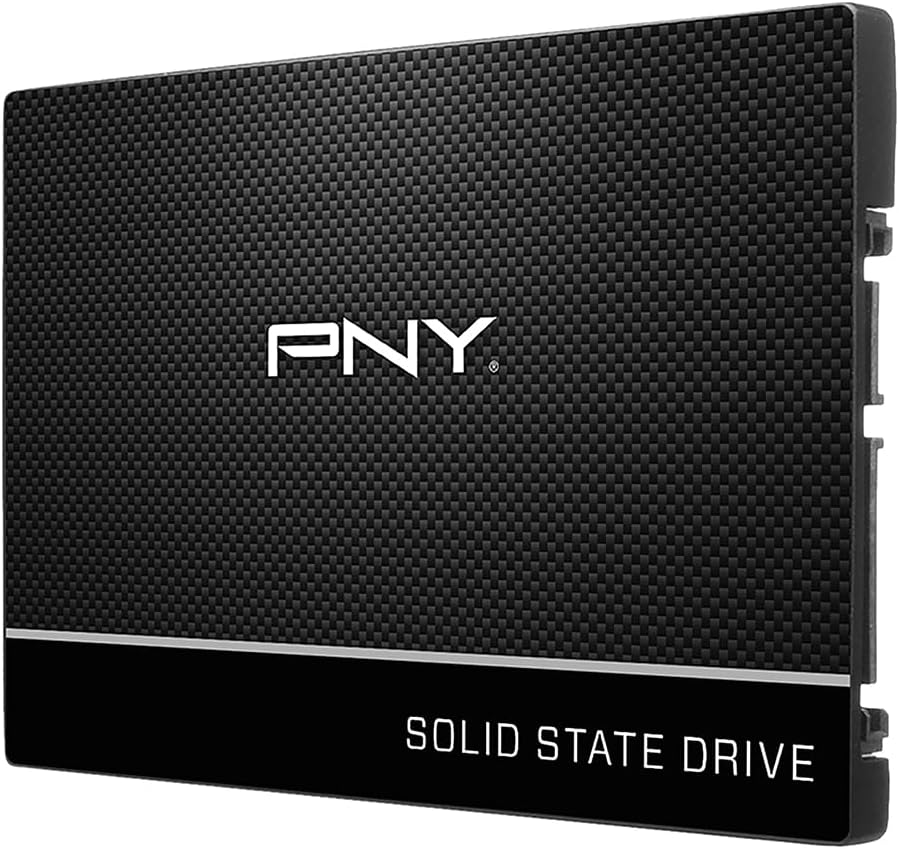
PNY CS900 250GB 2.5" SATA III Internal SSD
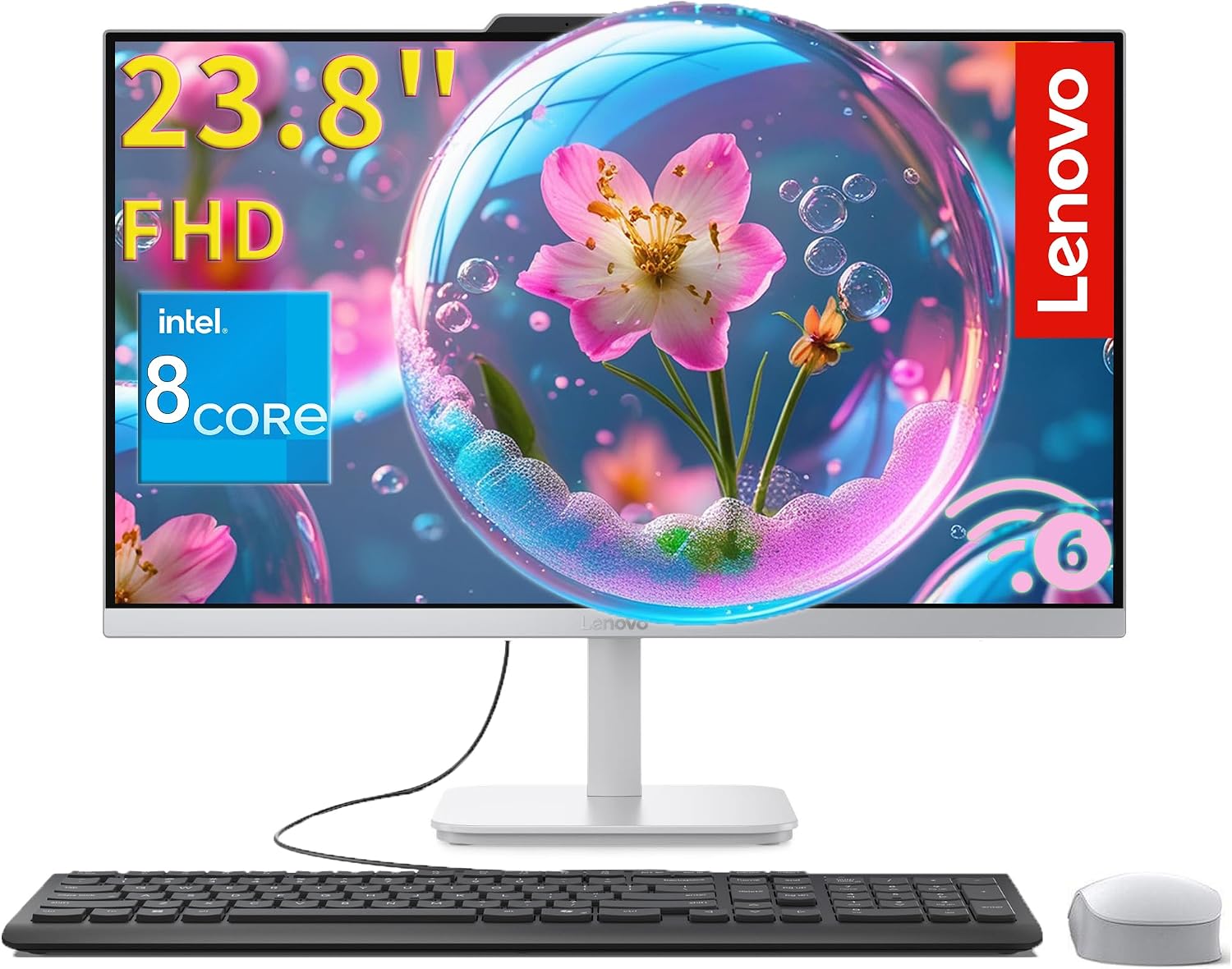
Lenovo IdeaCentre 24" Business All-in-One Desktop, 16GB RAM 512GB SSD