ASUS ROG Zephyrus G14 vs. Lenovo Legion Slim 5: Best Compact Gaming Laptop?
Choosing between the ASUS ROG Zephyrus G14 (2024) and the Lenovo Legion Slim 5 14 represents the pinnacle 14-inch OLED gaming laptop battle. We compare CNC-machined unibody portability (3.3 lbs vs. 3.86 lbs), 90W vs. 105W TGP graphics power, 6-speaker spatial sound, dual M.2 SSD upgradeability, thermals, and live pricing across Best Buy, Amazon, and Newegg.
ASUS ROG Zephyrus G14 Wins on Luxury CNC Craftsmanship & Audio; Lenovo Legion Slim 5 14 Wins on Raw Gaming Value & Dual SSD Slots
The 14-inch compact gaming laptop crown comes down to a clear philosophical divide between premium ultrabook engineering and pure gaming utility. The ASUS ROG Zephyrus G14 (2024) is the undisputed "MacBook of Windows Gaming". Milled from a single block of aircraft-grade aluminum, it weighs just 3.31 lbs, measures an ultra-thin 15.9mm, boasts a jaw-dropping 6-speaker spatial audio system, and sports an exquisite 14.0-inch 3K 120Hz ROG Nebula OLED display. If you want a luxury machine that transitions seamlessly from executive boardrooms and university lectures to high-FPS gaming, the G14 justifies its $1,399–$1,599 price tag.
However, the Lenovo Legion Slim 5 14 is the far better pure gaming value at $1,049–$1,199. It delivers higher gaming frame rates thanks to a punchier 105W GPU power budget (vs. 90W on the G14), features two full-size M.2 PCIe 4.0 SSD slots (the G14 only gives you one), keeps desktop clutter clean with rear-facing I/O ports, and offers Lenovo's legendary TrueStrike keyboard. For gamers who prioritize frame rates and storage upgrades over ultra-slim luxury, the Legion Slim 5 saves you $250 to $350 while performing identically or better in demanding AAA games.
Live Price Face-Off: Today’s Verified Retailer Deals
Our pricing engine compares inventory and real-time discounts across Best Buy, Amazon, and Newegg every morning. Below are today's lowest verified prices for both compact 14-inch powerhouses:
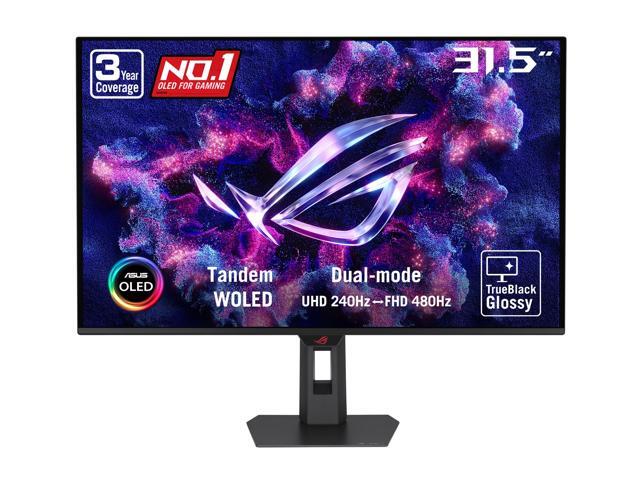
ASUS ROG Strix OLED 32" 4K TrueBlack Glossy Tandem WOLED Gaming Monitor (XG32UQWMS) - Dual Mode (4K@240Hz, FHD@480Hz), 0.03ms, G-SYNC Compatible
Precision CNC-machined unibody chassis equipped with a 14.0-inch 3K 120Hz ROG Nebula OLED display, Slash Lighting lid bar, glass trackpad, and class-defining 6-speaker spatial audio.
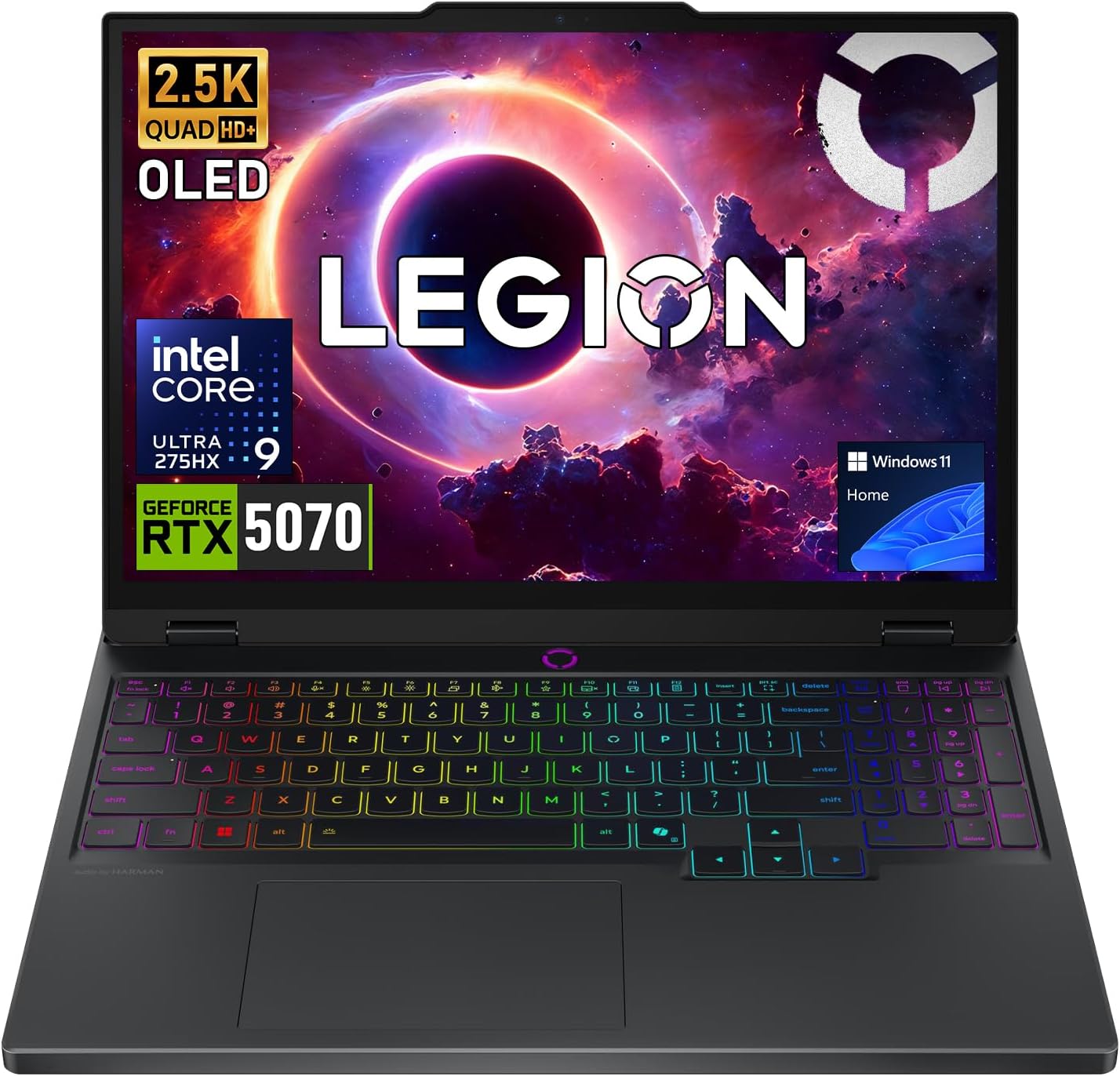
Lenovo Legion 5 QHD+ OLED Intel Ultra 9 275HX RTX 5070 Gaming Laptop
High-value performance compact gamer featuring a gorgeous 14.5-inch 2.8K 120Hz OLED screen, uncapped 105W RTX 4060 graphics, dual M.2 SSD slots, and TrueStrike keyboard.
⚡ Quick Verdict: Which 14-Inch Gaming Laptop Should You Buy?
You want the sleekest, lightest (3.31 lbs), and most luxurious compact gaming laptop on the market. Its unibody CNC aluminum chassis, glass trackpad, incredible 6-speaker spatial audio, and understated professional look make it ideal for university students, mobile creatives, and executives.
You want maximum frame rates per dollar and hate compromise on storage. It costs $250–$350 less, pushes a higher 105W GPU wattage for 5%–10% extra gaming FPS, gives you two M.2 SSD slots to install cheap extra storage, and keeps desk cords out of your way with rear ports.
1. Chassis Engineering & Portability: 3.3 lb CNC Unibody vs. 3.86 lb Hybrid Plastic/Alloy
When you hold both laptops in hand, the difference in design philosophy is immediately obvious:
- ASUS ROG Zephyrus G14 (2024 Redesign): ASUS completely re-engineered the G14 for 2024, moving away from the previous magnesium-alloy and dot-matrix chassis to a CNC-milled unibody aluminum enclosure sculpted from a single slab of metal. It feels rigid, cool to the touch, and premium—drawing immediate comparisons to Apple's MacBook Pro 14. At just 3.31 lbs (1.50 kg) and 15.9mm thin, it slips into any standard backpack or briefcase effortlessly. The customizable "Slash Lighting" diagonal LED strip on the lid adds subtle personality without looking obnoxious in coffee shops.
- Lenovo Legion Slim 5 14: Lenovo uses a hybrid construction: an anodized aluminum display lid combined with a glass-fiber-reinforced plastic (polycarbonate) bottom deck and palm rest. While the chassis feels sturdy with minimal keyboard flex, it has a more utilitarian, gamer-centric aesthetic. It weighs 3.86 lbs (1.75 kg) and measures 21.0mm thick, featuring a chunkier thermal exhaust shelf that extends behind the screen hinge.
Portability Verdict: If you commute daily on public transit or carry your laptop across a college campus all day, the G14's half-pound weight savings and ultra-thin profile make a noticeable difference.
2. OLED Display Face-Off: ROG Nebula 3K vs. PureSight 2.8K
Both laptops feature breathtaking, color-accurate OLED panels with 120Hz refresh rates, true 0.2ms pixel response times, and infinite contrast ratios. Once you game or watch HDR content on either display, going back to a standard IPS gaming monitor feels like a downgrade:
OLED Panel Comparison
- ASUS ROG Zephyrus G14: 14.0-inch ROG Nebula OLED · 2880 x 1800 (16:10) · 120Hz · 0.2ms response · 500 nits peak HDR · 100% DCI-P3 · VESA DisplayHDR True Black 500 · NVIDIA G-SYNC · Glossy glass with premium anti-reflective coating.
- Lenovo Legion Slim 5 14: 14.5-inch PureSight OLED · 2880 x 1800 (16:10) · 120Hz · 400 nits SDR / 500 nits HDR · 100% DCI-P3 · Dolby Vision certified · NVIDIA G-SYNC · Glossy finish · Extra 0.5 inches of diagonal screen real estate.
Display Verdict: Both panels deliver ink-like blacks, flawless HDR highlights in titles like Cyberpunk 2077, and zero ghosting in fast-paced shooters like Apex Legends and Counter-Strike 2. The G14 has slightly better anti-glare reflection mitigation in brightly lit rooms, while the Legion gives you a marginally larger 14.5-inch viewing area. This category is essentially a tie.
3. GPU Power Budgets & Real Gaming FPS: 90W vs. 105W TGP
Because both laptops utilize the NVIDIA GeForce RTX 4060 Laptop GPU (8GB GDDR6), the determining performance factor is the Total Graphics Power (TGP) allocated by the cooling system:
- Lenovo Legion Slim 5 14 (105W TGP): Thanks to its thicker chassis and dedicated rear cooling vents, Lenovo pumps up to 105W of power (85W base + 20W Dynamic Boost) into the RTX 4060.
- ASUS ROG Zephyrus G14 (90W TGP): To keep temperatures manageable in its razor-thin 15.9mm unibody chassis, ASUS caps the RTX 4060 / 4070 at 90W (65W base + 25W Dynamic Boost).
Real-World Benchmark Comparisons (1080p / 1440p Native):
- Cyberpunk 2077 (1440p Ultra, DLSS Quality): Legion Slim 5 averages 68 FPS; Zephyrus G14 averages 63 FPS (~8% Legion advantage).
- Shadow of the Tomb Raider (1440p Highest): Legion Slim 5 averages 89 FPS; Zephyrus G14 averages 82 FPS (~8.5% Legion advantage).
- Forza Horizon 5 (1440p Extreme): Legion Slim 5 averages 78 FPS; Zephyrus G14 averages 73 FPS (~7% Legion advantage).
While the RTX 40-series mobile architecture experiences diminishing returns beyond 100W, the Legion's extra 15W ensures you stay comfortably above 60 FPS in graphically demanding modern releases.
4. Storage & Memory Upgradeability: The Deciding Factor
This is where prospective buyers need to pay close attention. A compact laptop is an investment you want to keep for 3 to 5 years:
Internal Expandability Breakdown
- ASUS ROG Zephyrus G14 (2024): Memory is 100% soldered LPDDR5X-6400 RAM. If you buy the 16GB model, you can never upgrade to 32GB. More critically, the 2024 G14 features only ONE M.2 2280 NVMe SSD slot. If your 1TB drive fills up with modern 100GB+ games, you must buy a larger SSD, clone your Windows OS drive using an external enclosure, and physically replace the primary drive.
- Lenovo Legion Slim 5 14: While the RAM is also soldered LPDDR5X on the 14-inch model, Lenovo managed to engineer TWO full-size M.2 2280 PCIe 4.0 SSD slots inside the chassis! You can purchase a cheap 2TB or 4TB drive (like a WD Black SN850X or Crucial T500), unscrew the bottom panel, pop it into the second slot, and instantly have a massive secondary game library without touching your primary OS install.
For avid gamers who keep dozens of titles installed simultaneously, the Legion's dual M.2 SSD slots are a massive practical advantage.
5. Audio, Keyboard & Ergonomics: Class Lead vs. Great Practicality
- Speaker Quality (Huge G14 Victory): The Zephyrus G14 features a 6-speaker sound system with dual force-canceling woofers, 2 tweeters, and Dolby Atmos. It is widely considered the best-sounding speaker setup on any Windows laptop in existence—delivering deep bass, rich vocals, and clear spatial separation that rivals the MacBook Pro 14. In contrast, the Legion Slim 5 has standard dual 2W downward-firing speakers that sound tinny and lack low-end punch; you will definitely want headphones for gaming on the Legion.
- Keyboards Compared: Both keyboards are top-tier. Lenovo's TrueStrike keyboard features dished, ergonomic keycaps with 1.5mm travel and full-sized inverted-T arrow keys that gamers love. The G14 features 1.7mm key travel with larger keycaps, dedicated volume/mic hotkeys, and single-zone RGB backlighting.
- Trackpads: The G14 features a massive 16:10 glass trackpad that is silky smooth and exceptionally responsive. The Legion uses a smaller Mylar trackpad that is good, but noticeably less spacious.
- Port Selection & Rear I/O: Lenovo smartly places the power connector, HDMI 2.1 port, and two high-speed USB-A ports on the rear of the laptop. This keeps thick power bricks and monitor cables completely out of your right-hand mouse sweep. The G14 puts all ports on the left and right sides.
6. Battery Longevity & Thermal Management
- Everyday Battery Life: Both machines pack identical ~73Wh batteries (73Wh on G14, 73.6Wh on Legion). Paired with energy-efficient AMD Ryzen 7 7840HS / Ryzen 9 8945HS processors, both laptops achieve an impressive 8 to 10 hours of light office work, web browsing, and video streaming on battery with the 60Hz/Eco GPU profile enabled.
- USB-C Power Delivery: Both laptops support up to 100W–140W USB-C PD charging, meaning you can leave their heavy gaming charging bricks at home and charge them with a compact GaN travel charger on trips.
- Deck Temperatures & Acoustics: Under heavy gaming, the G14's all-aluminum unibody acts as a natural heatsink; while internal components remain safe (CPU ~84°C, GPU ~76°C), the top center of the aluminum keyboard deck gets quite warm to the touch. The Legion Slim 5's plastic lower chassis and dedicated rear vents keep the palm rest and WASD keys noticeably cooler.
Detailed Side-by-Side Spec Comparison
Here is how the ASUS ROG Zephyrus G14 and Lenovo Legion Slim 5 14 compare across every technical metric:
| Specification | ASUS ROG Zephyrus G14 (2024) | Lenovo Legion Slim 5 14 (Gen 8/9) |
|---|---|---|
| Chassis Construction | CNC-Machined Aluminum Unibody | Aluminum Lid + Polycarbonate/ABS Base |
| Weight & Thickness | 3.31 lbs (1.50 kg) · 15.9mm | 3.86 lbs (1.75 kg) · 21.0mm |
| Display Panel | 14.0" 3K (2880x1800) OLED 120Hz (0.2ms) | 14.5" 2.8K (2880x1800) OLED 120Hz |
| Color Gamut & HDR | 100% DCI-P3 · 500 nits HDR · DisplayHDR 500 | 100% DCI-P3 · 400 nits SDR / 500 nits HDR · Dolby Vision |
| Processor (CPU) | AMD Ryzen 9 8945HS (8C/16T, up to 5.2 GHz) | AMD Ryzen 7 7840HS / 8845HS (8C/16T) |
| Dedicated GPU Options | NVIDIA RTX 4060 (8GB) or RTX 4070 (8GB) | NVIDIA RTX 4060 (8GB) |
| GPU Power Budget (TGP) | 90W (65W + 25W Dynamic Boost) | 105W (85W + 20W Dynamic Boost) |
| Memory (RAM) | 16GB or 32GB LPDDR5X-6400 (Soldered) | 16GB or 32GB LPDDR5X-6400 (Soldered) |
| Internal Storage Slots | 1x M.2 2280 PCIe 4.0 SSD Slot Only | 2x M.2 2280 PCIe 4.0 SSD Slots (Dual Slots) |
| Built-In Audio / Speakers | 6-Speaker Array with Dual Woofers (Class Lead) | 2x 2W Downward-Firing Stereo Speakers (Basic) |
| Trackpad Surface | Extra-Large 16:10 Glass Trackpad | Standard Mylar Multi-Touch Trackpad |
| Rear-Facing Cable Ports | None (All ports on sides) | Yes (Power, HDMI 2.1, 2x USB-A on Rear) |
| Battery Size | 73 Wh (Up to 9-10h office use) | 73.6 Wh (Up to 8.5-9.5h office use) |
| USB-C Fast Charging | Yes (Up to 100W USB-PD) | Yes (Up to 140W USB-PD) |
| Typical Sale Price | $1,349 – $1,599 (RTX 4060) | $1,049 – $1,199 (Save $250–$350) |
🏆 Buy the ASUS ROG Zephyrus G14 if:
- You want the lightest (3.3 lbs) and most portable 14-inch gaming laptop available.
- You value luxury CNC unibody craftsmanship, glass trackpad feel, and subtle Slash Lighting design.
- You listen to music or watch movies without headphones (the 6-speaker array is unmatched).
- You want a laptop that looks equally appropriate in a business meeting, classroom, or LAN party.
🚀 Buy the Lenovo Legion Slim 5 14 if:
- You want the absolute highest FPS per dollar ($250 to $350 less than the G14).
- You need two internal M.2 SSD slots to cheaply expand your game library up to 4TB+.
- You want a higher 105W GPU wattage for 5%–10% higher sustained gaming frame rates.
- You dock your laptop to an external monitor and love clean rear-facing cable management.
Frequently Asked Questions
Is OLED burn-in an issue on these gaming laptops?
Modern laptop OLED panels feature advanced pixel-refresh routines, subtle pixel shifting, and taskbar dimming algorithms to prevent image retention. ASUS includes its "OLED Care" suite in Armoury Crate, and Lenovo has built-in panel protection in Vantage. Under ordinary gaming, streaming, and work tasks, burn-in risk is minimal. To maximize panel longevity, enable dark mode in Windows and allow your screen to turn off after 5 minutes of idle time.
Can you upgrade the RAM on either laptop?
No. Both the 2024 ASUS ROG Zephyrus G14 and the Lenovo Legion Slim 5 14 feature soldered LPDDR5X-6400 memory to achieve high bandwidth and an ultra-thin form factor. Neither laptop has SODIMM slots. We strongly advise purchasing a 16GB model for pure gaming or stepping up to a 32GB configuration if you plan to do heavy video editing, 3D rendering, or run local AI models.
Can I game while charging via USB-C Power Delivery?
Yes for light or indie games, but not for maximum AAA performance. USB-C 100W PD charging delivers enough power for web browsing, office tasks, and battery recharging. However, under full CPU and GPU load, both laptops draw between 140W and 180W. To game at uncapped frame rates and maximum TGP without battery drain, you must plug in the included proprietary power bricks.
More Verified Gaming Laptop Deals Checked This Morning
Our pricing engine monitors live laptop discounts continuously across major retailers. Here are other top values available today: